Observation Possible cause Recommended action
Signatures required
(displayed only if SAE mode is
enabled on the instrument)
Signature requirements are not
met.
Sign the required objects. See “Signing during
an automated barcode run” on page 249.
(Plate alert)
A consumable will expire
during the run.
For information only. No action.
Run history troubleshooting
Observation Possible cause Recommended action
The View button is inactive
No plate or injection is
selected.
Select a plate or injection.
More than one plate or
injection is selected.
Tap Deselect all, then select one plate or
injection.
Run queue troubleshooting
Observation Possible cause Recommended action
The Edit & inject button is inactive in the Run
Queue screen
More than one injection is
selected.
Select one injection.
A spectral calibration or
install run plate is selected.
Re-injection is not allowed for
a spectral calibration or install
run plate.
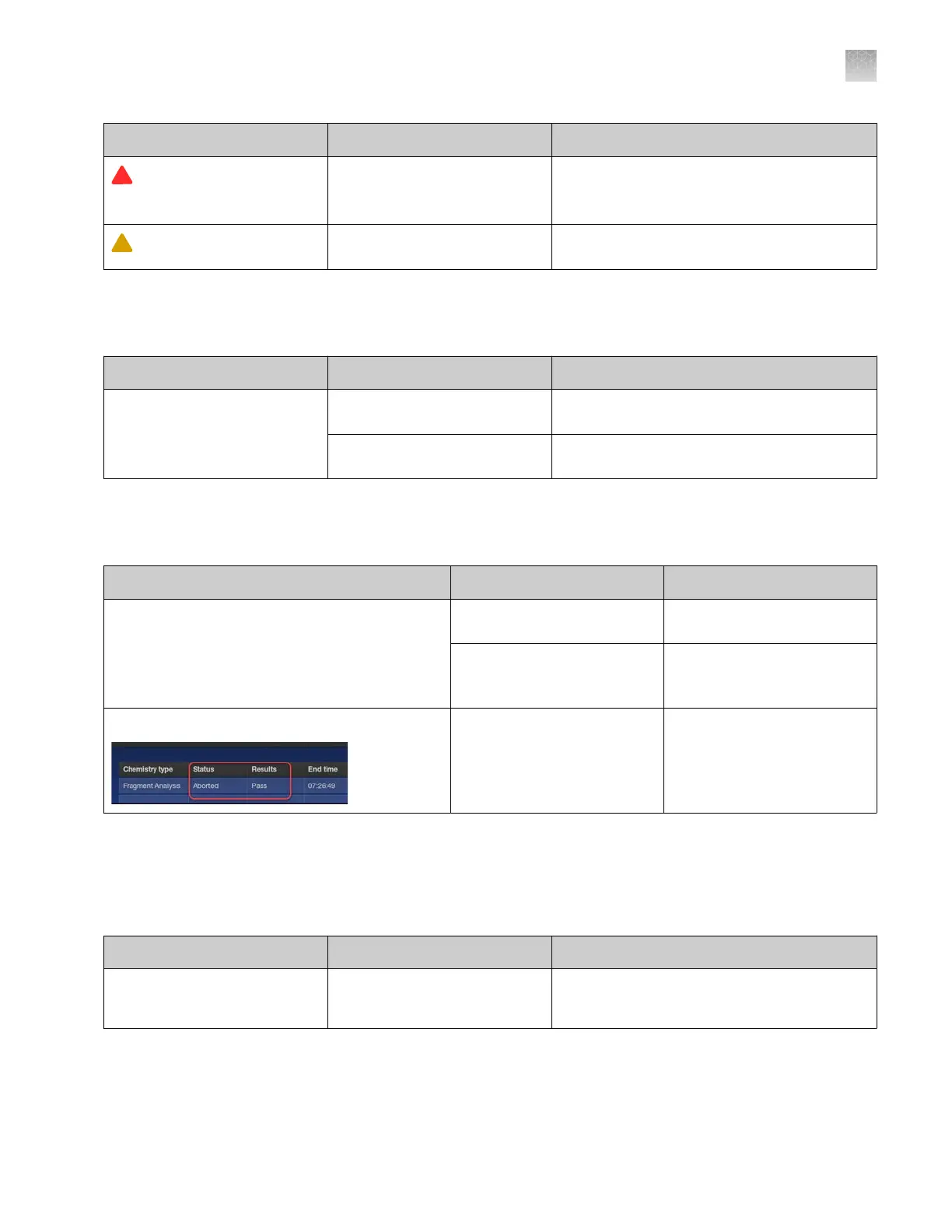
Run status is Aborted but result status is Passed
The injection was canceled
but sucient data was
collected to analyze and
generate a result.
No action. Normal
occurrence.
SAE troubleshooting
See also “SAE err
or messages and actions” on page 251.
Observation Possible cause Recommended action
The SAE butt
on is not
displayed in the Instrument
Settings screen
SAE has not been enabled by a
service representative.
Contact Technical Support.
Appendix A Troubleshooting
Run history troubleshooting
A
SeqStudio
™
Flex Series Genetic Analyzer with Instrument Software v1.0 User Guide
511













 To Next Page