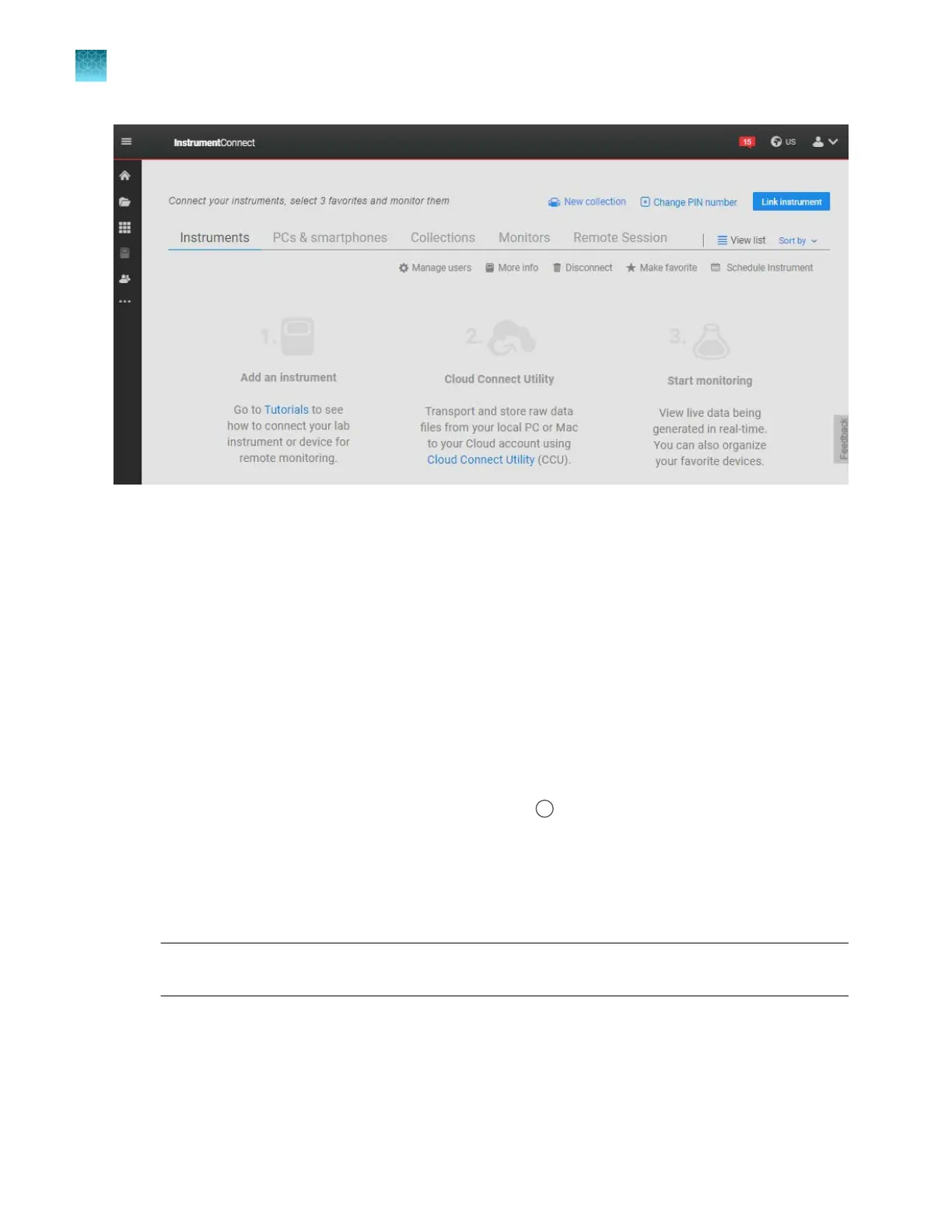
Link a local pr
ofile to your Thermofisher.com account (one
time)
Follow this procedure if you have a local profile on the instrument.
This is typically a one-time procedure. However, you may need to re-link if an administrator removes
you from an instrument in the InstrumentConnect software or disconnects the instrument from the
InstrumentConnect software.
If you do not have a local profile, see “(Recommended) Link directly to your Thermofisher.com account”
on page 217.
1.
Sign in to the instrument (see “Sign in” on page 31).
2.
In the home screen, tap your profile icon (for example
, for Example User).
3.
T
ap Edit, then enter your PIN.
4.
In the Edit My Profile screen, tap Connect profile.
5.
Tap a connection option.
Note: This function links the instrument to your Thermofisher.com account, not to a specific
mobile device or PC.
Chapter 9 Use the instrument with Thermo Fisher
™
Connect
Link a local profile to your Thermofisher.com account (one time)
9
220
SeqStudio
™
Flex Series Genetic Analyzer with Instrument Software v1.0 User Guide













 To Next Page