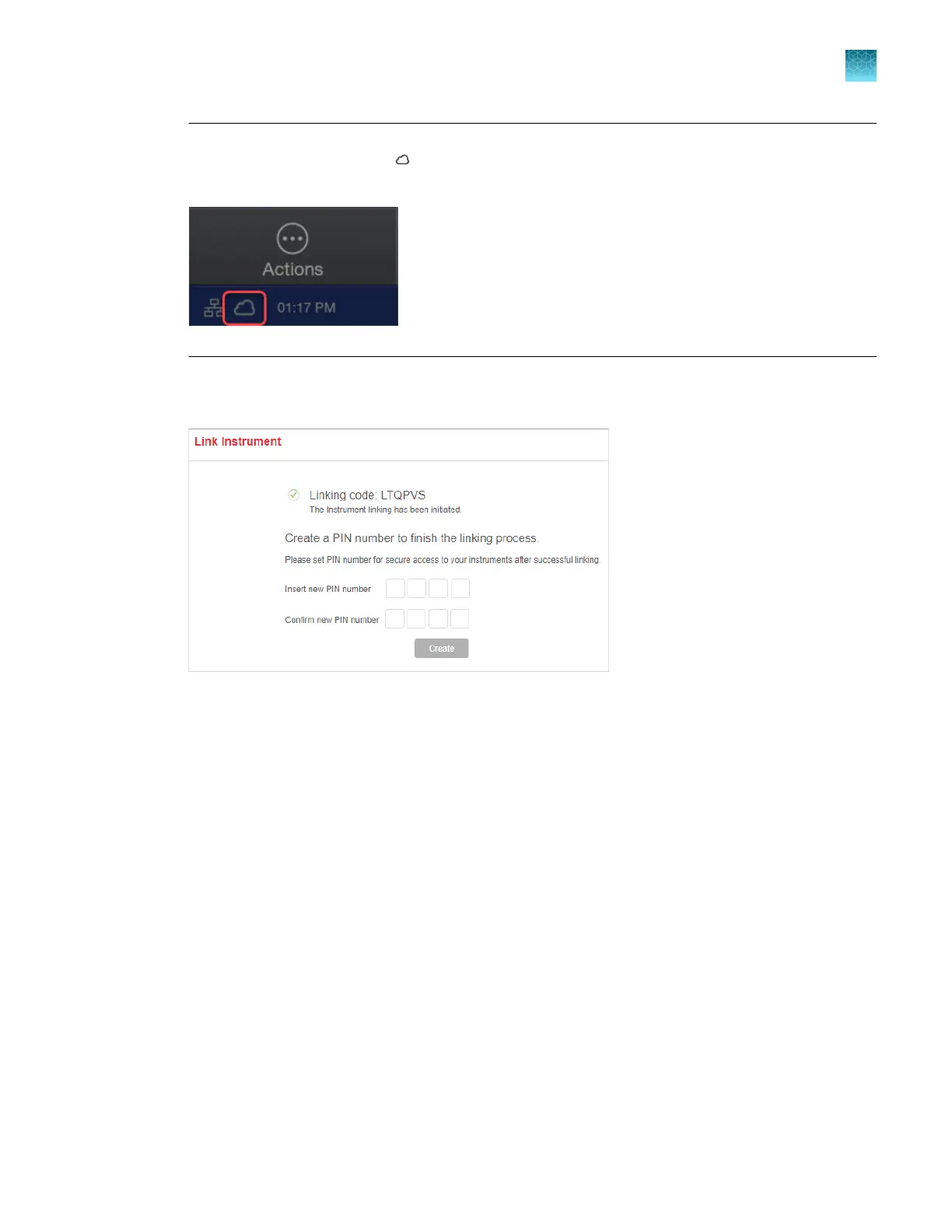
Note: If a time-out error is displayed after you tap a connection option, check the home screen on
the instrument to ensure that (cloud) is displayed. If it is not displayed, contact the instrument
administrator.
5.
If this is the first time you connect, you ar
e prompted to create a PIN. You can use this PIN with
your cloud profile to access any instrument that is listed in the InstrumentConnect screen.
If this is the first time you link, your cloud pr
ofile is created. For more information, see “Local profile and
cloud profile: when to use, user name, and user initials” on page 213.
The InstrumentConnect screen is displayed when the instrument is linked.
Chapter 9 Use the instrument with Thermo Fisher
™
Connect
(Recommended) Link dir
ectly to your Thermofisher.com account
9
SeqStudio
™
Flex Series Genetic Analyzer with Instrument Software v1.0 User Guide
219













 To Next Page