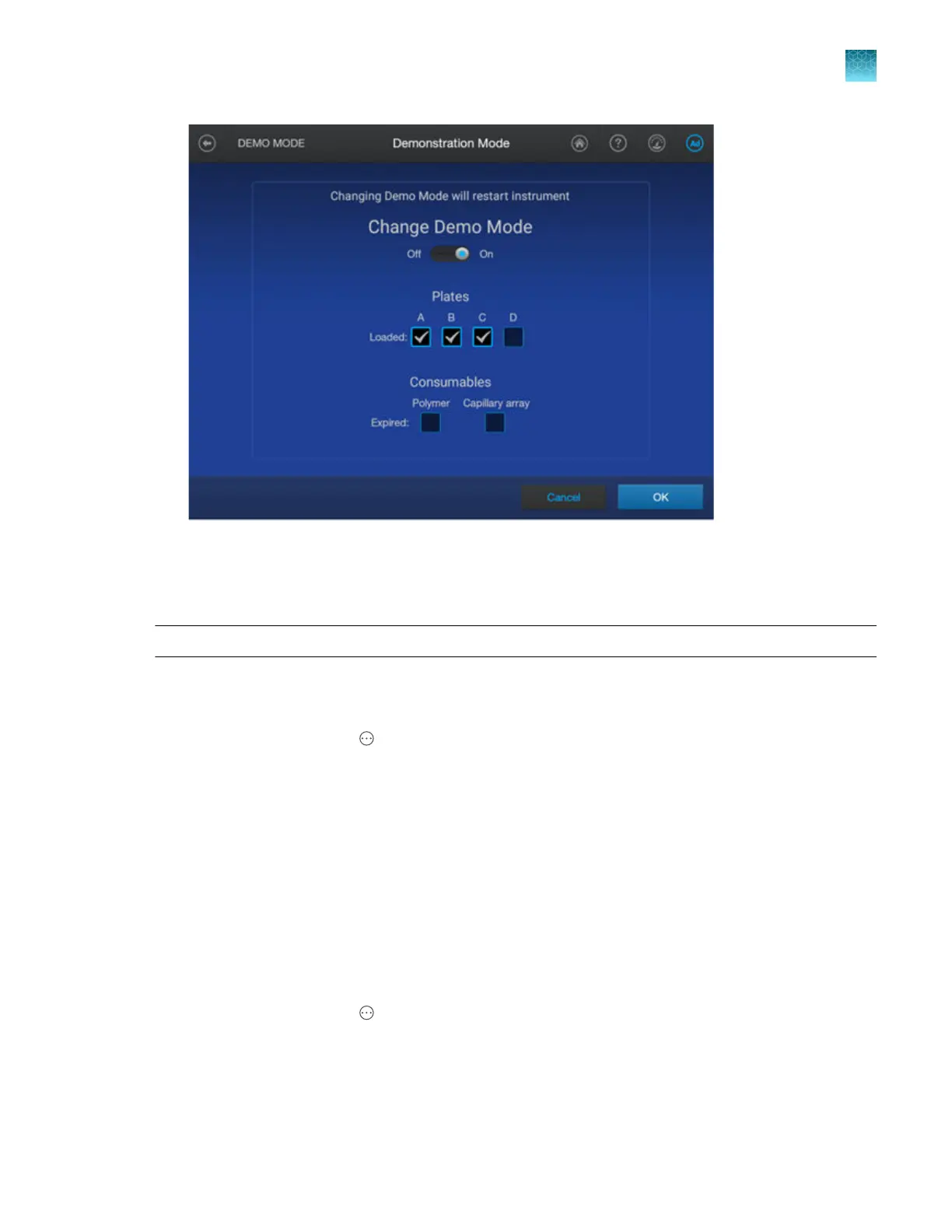
7.
T
ap OK.
Enable/disable the internal barcode reader (administrator only)
IMPORTANT! Before changing this setting, make sure no plate files are linked in the home screen.
Enable the internal barcode reader if you want to use the automated barcode workflow
. See “Run plates
with the automated barcode workflow” on page 147.
1.
In the home screen, tap
4Actions4Settings4Bar
code reader.
2.
Tap Enable, then tap Done.
Set the power save duration (administrator only)
This setting determines when the instrument enters power save mode. The duration you specify starts
aft
er the latest completed run.
In power save mode, the following components are turned o: laser, oven heater, and detection cell
heater.
The instrument screens are displayed while the instrument is in power save mode. Starting a run
removes turns o power save mode.
1.
In the home screen, tap
4Actions4Settings4P
ower save.
2.
Tap a duration, then tap Done.
Chapter 14 Manage the softwar
e (instrument)
Manage settings
14
SeqStudio
™
Flex Series Genetic Analyzer with Instrument Software v1.0 User Guide
459













 To Next Page