3.
Press-drag the slider to On, then tap OK.
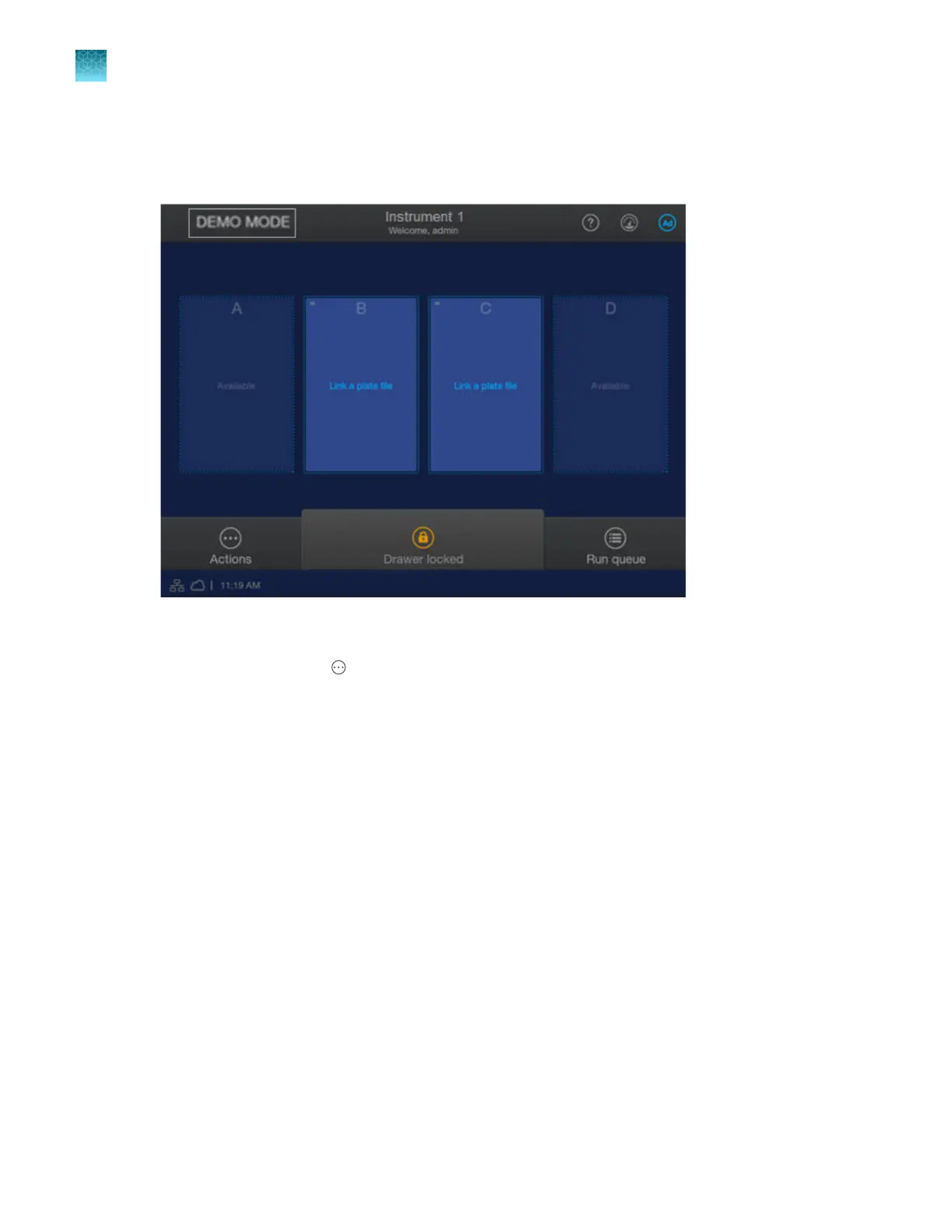
The instrument automatically restarts in Demo mode.
The home screen displays DEMO MODE in the top left of the screen.
4.
Sign in t
o the instrument.
5.
In the home screen, tap
Actions4 Settings4Demo mode.
6.
Select the plat
e positions to enable linking to a plate file, and specify expiration for polymer and
capillary array as needed.
Positions that are not enabled for linking display Available.
Chapter 14 Manage the softwar
e (instrument)
Manage settings
14
458
SeqStudio
™
Flex Series Genetic Analyzer with Instrument Software v1.0 User Guide













 To Next Page