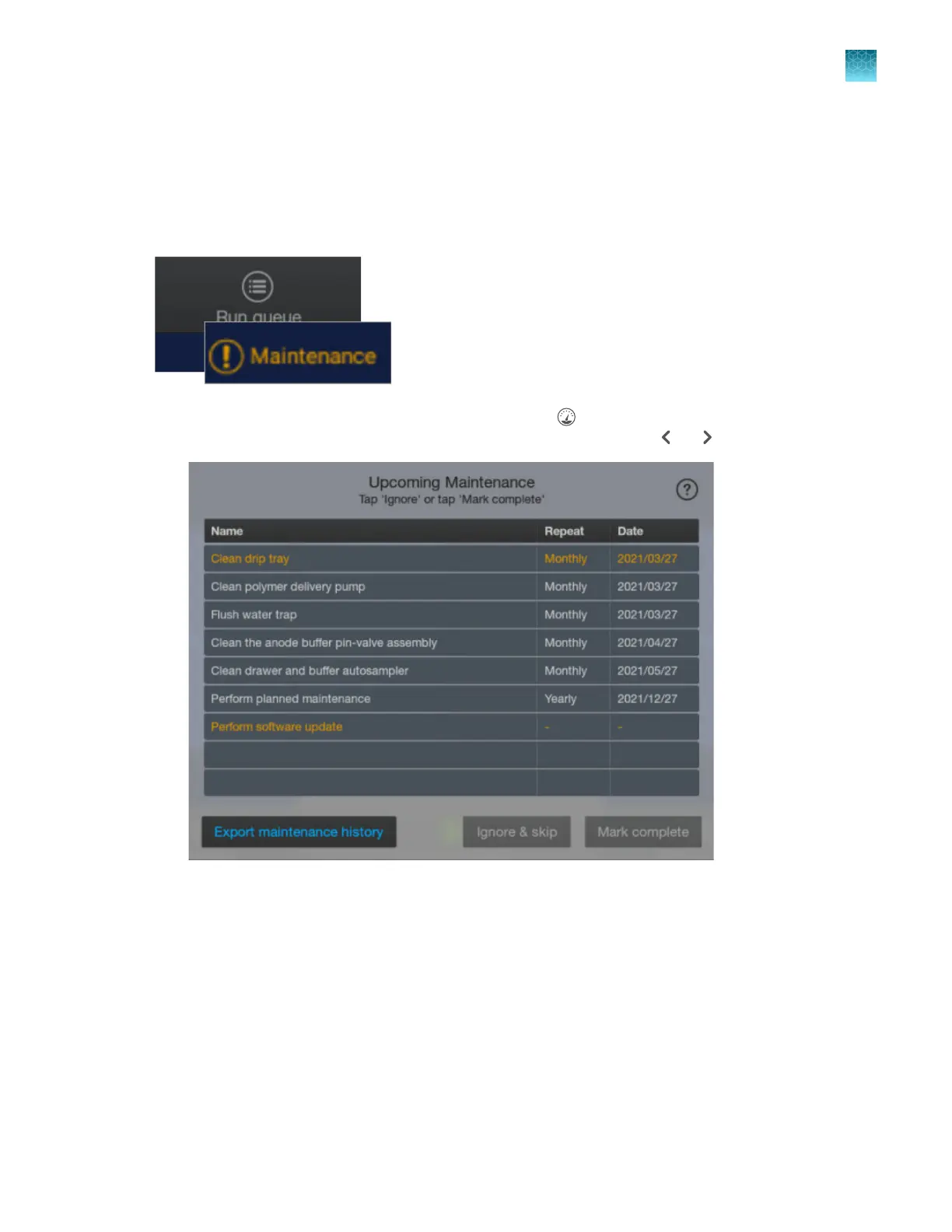
Review upcoming maintenance
Review the upcoming maintenance task list daily, perform the scheduled tasks, then mark the tasks
as complete. In addition to the upcoming maintenance list, the home screen displays an alert when
a task is due to be performed. For information on maintenance tasks, see Chapter 13, “Maintain the
Instrument”.
1.
Display the upcoming maint
enance tasks by tapping
(Dashboard) at the t
op right of the home
screen. If the Upcoming Maintenance screen is not displayed, tap
or .
Tasks are displayed. Note the following:
•
Overdue tasks are displayed in orange.
• The software update reminder is displayed only if a software update is available on Thermo
Fisher
™
Connect or on a USB drive. For more information, see “Update the software
(administrator only)” on page 462.
• The yearly planned maintenance task can be updated by a service representative only.
Chapter 13 Maintain the Instrument
Maint
enance schedule
13
SeqStudio
™
Flex Series Genetic Analyzer with Instrument Software v1.0 User Guide
355













 To Next Page