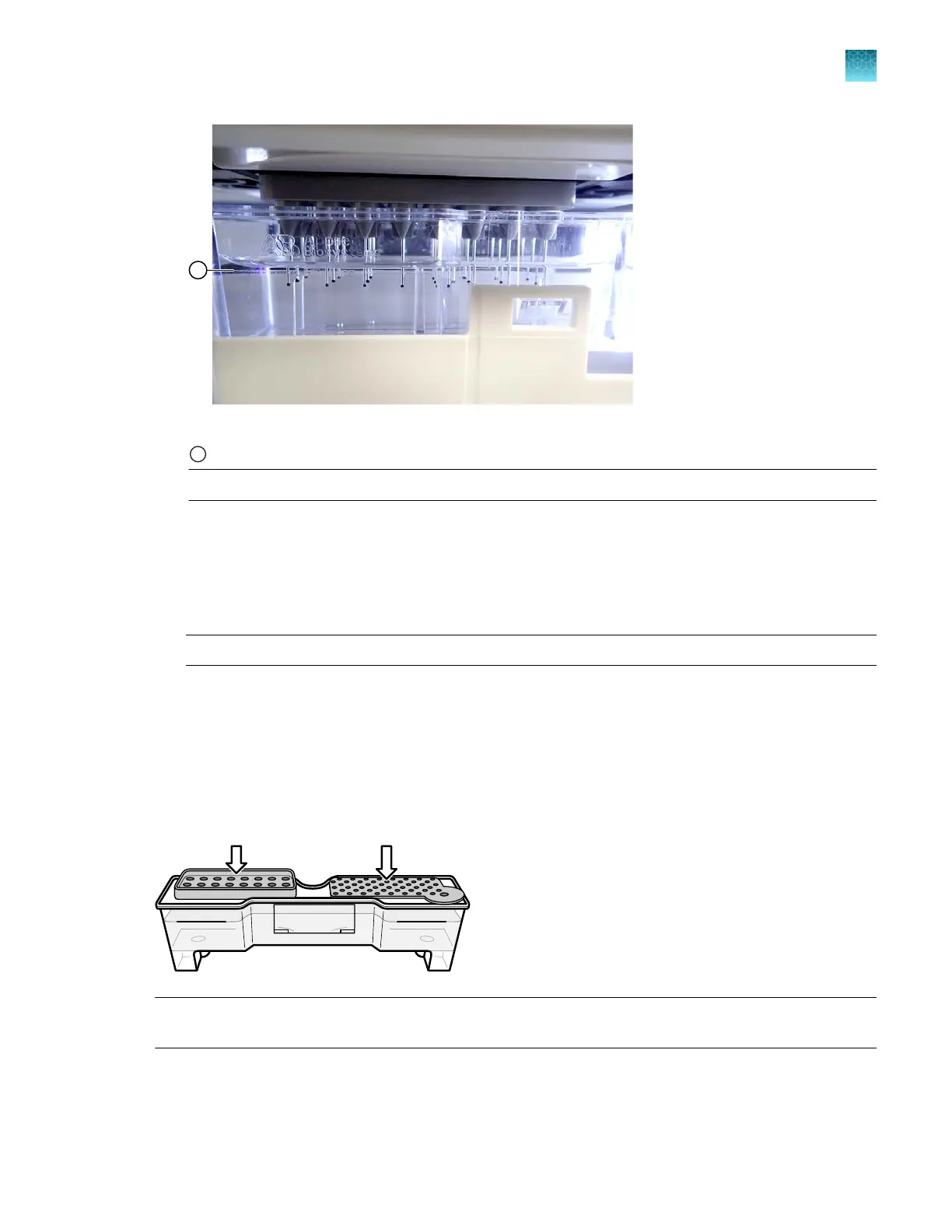
Figure 8 CBC fill line
1
CBC fill line
IMPORTANT! Replace the buer if the level is below the fill line.
Replenish consumables
If a consumable is expired or if the buer fill level is below the fill line, r
eplenish the consumables as
described in the following topics:
• “Replenish polymer or change polymer type (wizard)” on page 370
IMPORTANT! Wear gloves while handling polymer, the capillary array, septa, ABC, or CBC.
• “Install the anode buer container (ABC)” on page 364
•
“Install the cathode buer container (CBC)” on page 367
• “Change and store a capillary array (wizards)” on page 371
Ensure proper installation of CBC septa
When you install the CBC buer septa, press firmly to seat the septa.
IMPORTANT! L
ook at the CBC from the side and ensure that there is no gap between the container
and the lip of the septum.
For information about installing the septa, see “Install the cathode buer container (CBC)” on page 367.
Chapter 2 Get started
Prepare the instrument
2
SeqStudio
™
Flex Series Genetic Analyzer with Instrument Software v1.0 User Guide
71













 To Next Page