After a user relinks to the Thermo Fisher
™
Connect, the Thermo Fisher
™
Connect cloud profile is
displayed on the home screen and the instrument is listed in InstrumentConnect.
Create a local profile (one time only)
A profile that you create on the instrument is referred to as a local profile.
Note: If you will use the instrument with Thermo Fisher
™
Connect, skip this step and connect the
instrument to your Thermo Fisher
™
Connect account. See Chapter 9, “Use the instrument with Thermo
Fisher
™
Connect”.
1.
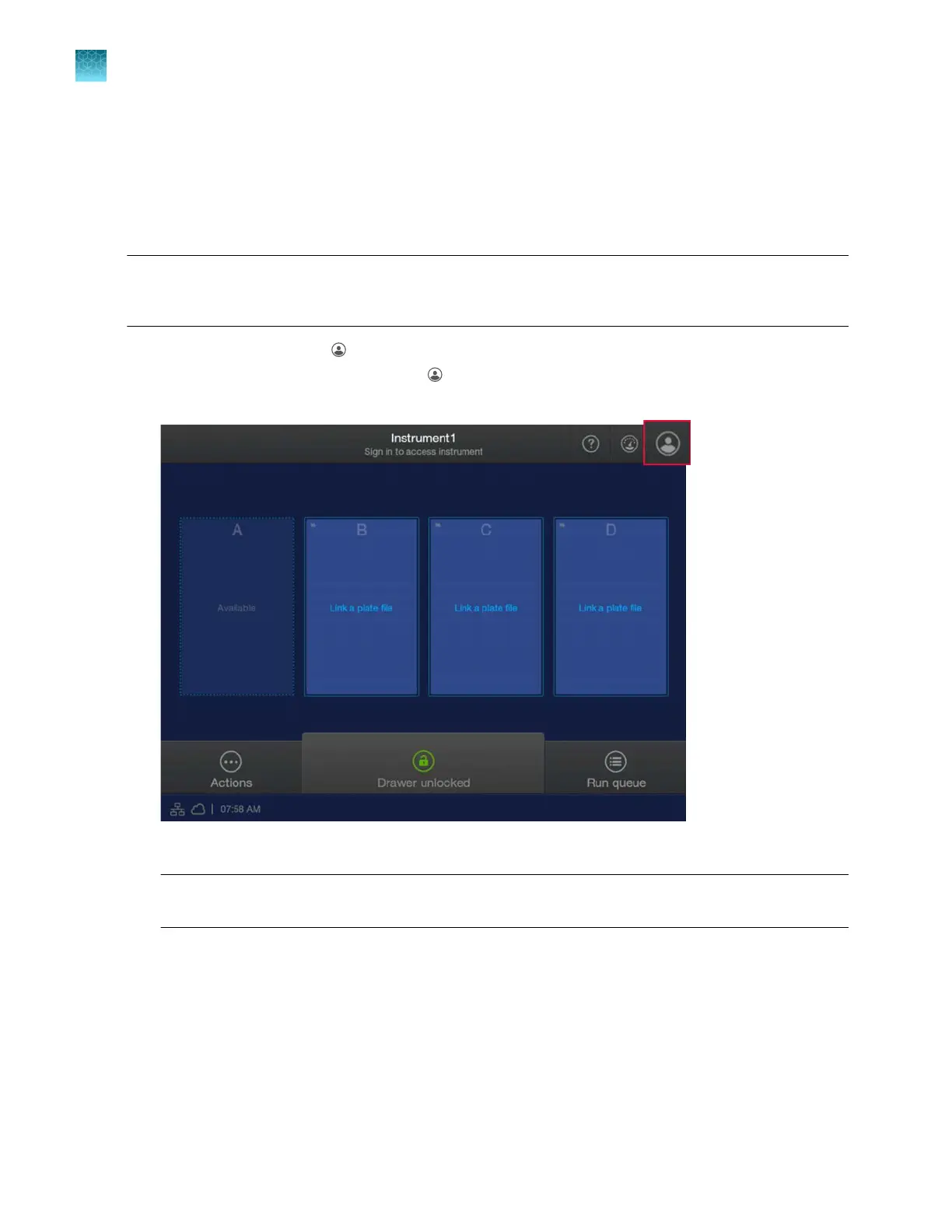
In the home screen, tap (Profile).
If user initials are displayed instead of (Profile), see “Sign in (if another user is signed in)” on
page 34.
2.
In the User P
rofile screen, tap Get Started.
Note: If SAE Sign in is displayed instead of Sign in, see “Sign in to the instrument with SAE
enabled” on page 244.
Chapter 14 Manage the software (instrument)
Manage sign-in profiles
14
448
SeqStudio
™
Flex Series Genetic Analyzer with Instrument Software v1.0 User Guide













 To Next Page