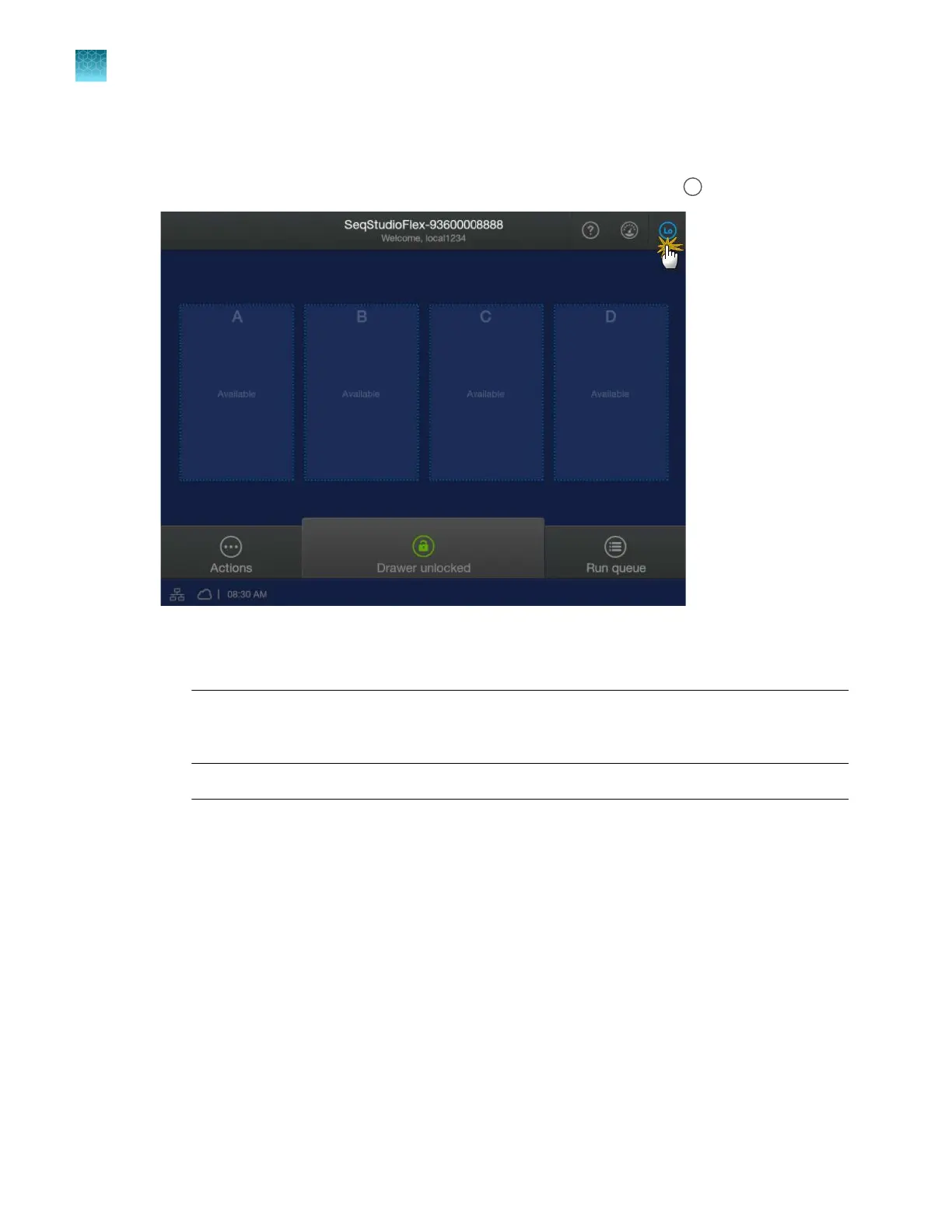
Sign in (if another user is signed in)
1.
In the home screen, tap the profile icon for the signed-in user (for example,
).
2.
In the My P
rofile screen, tap either of the following buttons:
•
Switch user—Tap to sign in without signing the current user out.
Note: This option is not available if SAE mode is enabled. For more information, see
Chapter 10, “Use the instrument with the Security, Auditing, and E‑signature (SAE) v2.1
module”.
•
Sign out—T
ap to sign out.
Note: If SAE mode is enabled on the instrument, your system administrator may have set
the Automatic screen locking feature to automatically sign out after a specified time. For
information on the screen locking function, see SAE Administrator Console v2.1 User Guide
(Pub. No. MAN0017468).
Chapter 1 Product information
About the SeqStudio
™
Flex Series Instrument Software v1.0
1
34
SeqStudio
™
Flex Series Genetic Analyzer with Instrument Software v1.0 User Guide













 To Next Page