Manage the software (instrument)
■
Connect the instrument to a computer or network (hardware connections) .................. 439
■
Connect the software to a network drive (software settings) ............................... 443
■
Manage sign-in profiles .............................................................. 446
■
Manage settings .................................................................... 452
■
Manage instrument settings .......................................................... 461
■
Configure, check status, and cancel background exports and backups .................... 465
■
Set the default save location for results ................................................ 468
■
Manage storage space ............................................................... 468
Connect the instrument to a computer or network
(hardware connections)
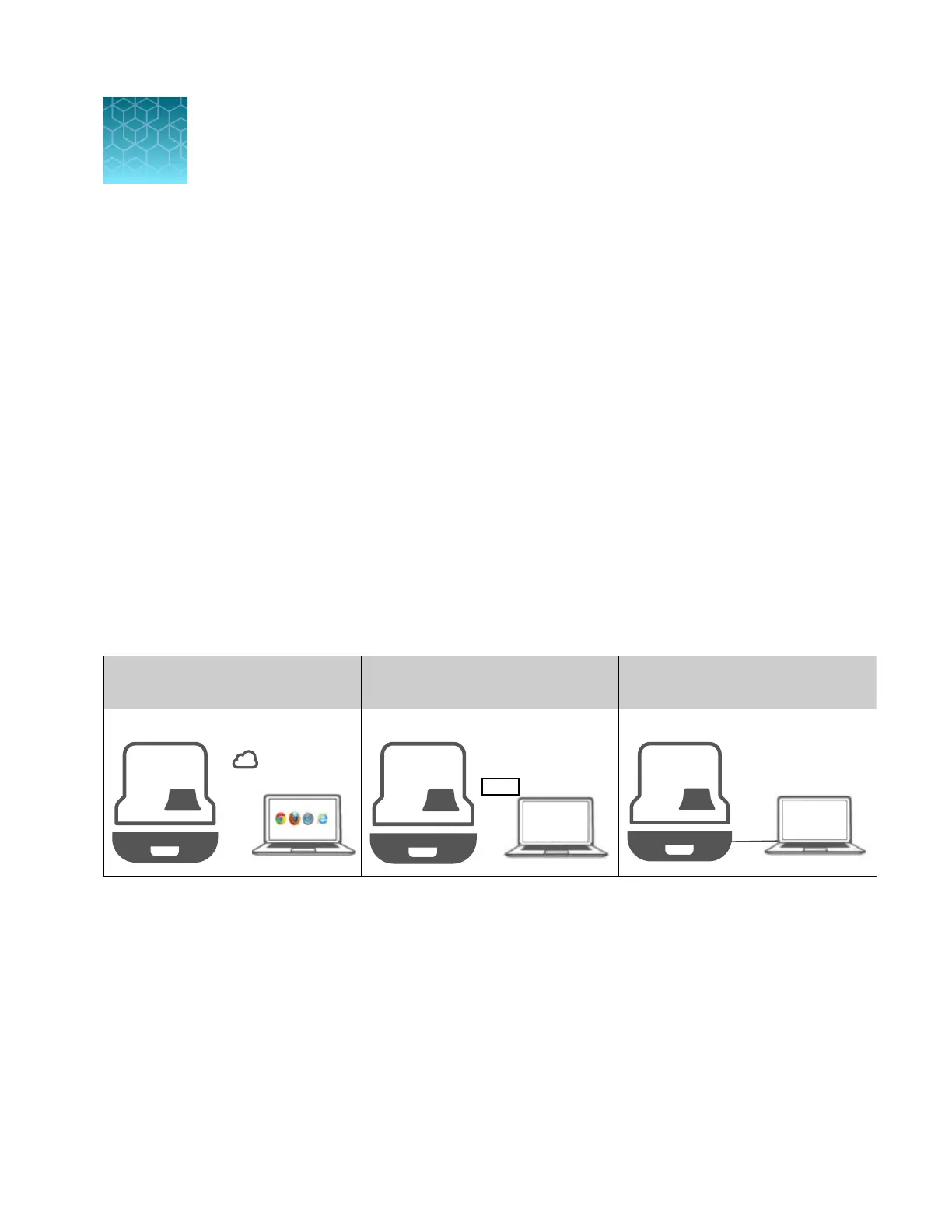
Wired and wireless network options
Thermo Fisher
™
Connect
connection
Local area network (LAN)
connection
Direct connection
Wired or wireless Wired or wireless
Wired
14
SeqStudio
™
Flex Series Genetic Analyzer with Instrument Software v1.0 User Guide
439













 To Next Page