1
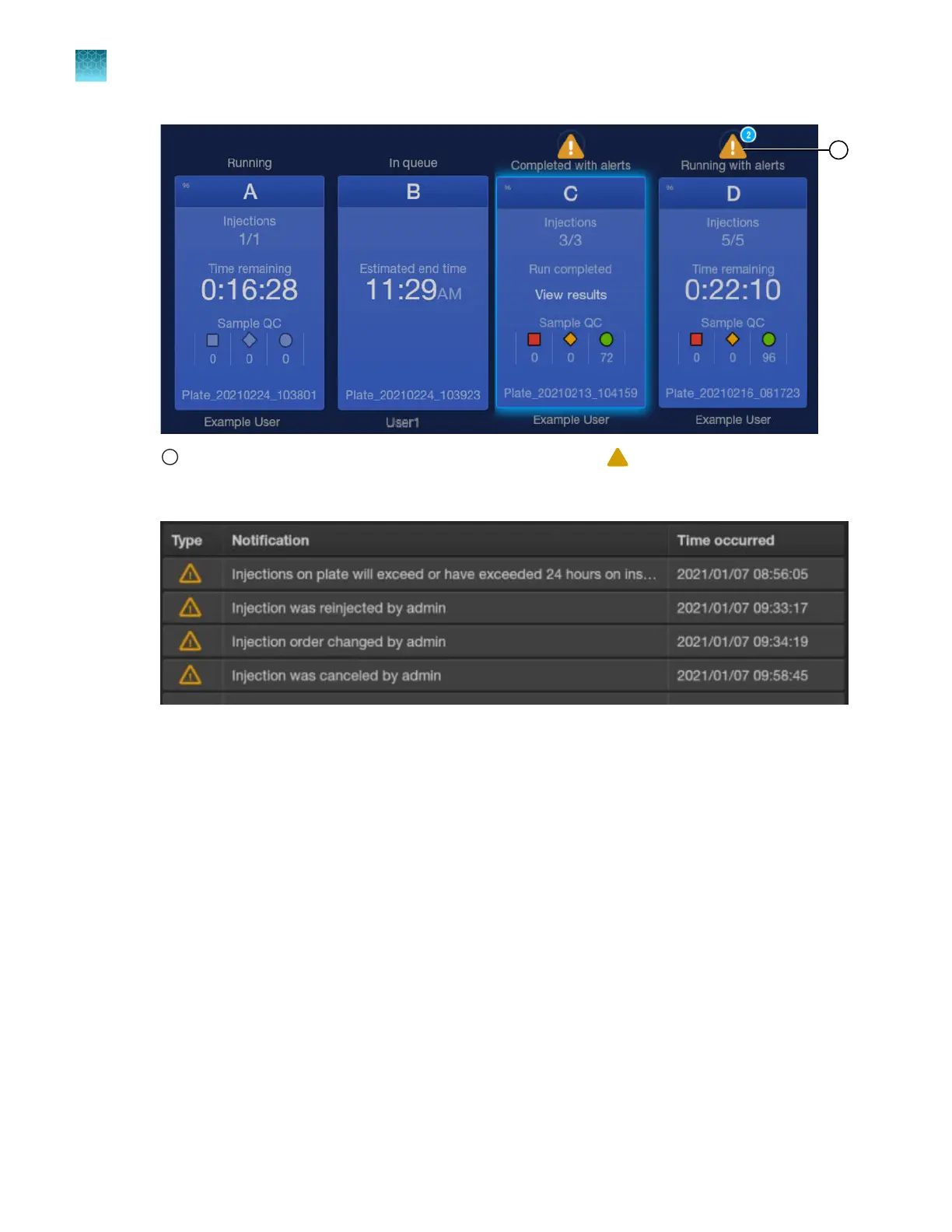
Tap an alert to display the Notifications scr
een. The number above the
symbol indicates the number of
notifications for the plat
e.
Examples of plate alerts are displayed below.
2.
T
ap OK to return to the home screen.
Auto-spectral calibration during an injection
Auto-spectral calibration overview
During data collection, the instrument detects the signal of fluorescent dyes that are attached to DNA
amplicons. Although each dye emits its maximum fluorescence at a dierent wavelength, there is
some overlap in the emission spectra between the dyes. A spectral calibration creates a reference
deconvolution matrix (also referred to as a dye matrix) that corrects for the overlapping fluorescence
emission spectra of the dyes. A deconvolution matrix is created for each capillary in a capillary array.
A dye matrix is created when you run the manual spectral calibration function. The dye matrix is then
optimized and updated by the auto-spectral calibration function, which is performed automatically for
each capillary during each injection.
In the auto-spectral calibration process, the instrument uses spectral data from the samples to optimize
and update the dye matrix from the manual calibration, which generates an auto-spectral dye matrix.
This feature optimally reduces pull‑up (false secondary peaks under a true peak) that can be caused by
Chapter 6 S
tart and monitor a run
Auto-spectral calibration during an injection
6
150
SeqStudio
™
Flex Series Genetic Analyzer with Instrument Software v1.0 User Guide













 To Next Page