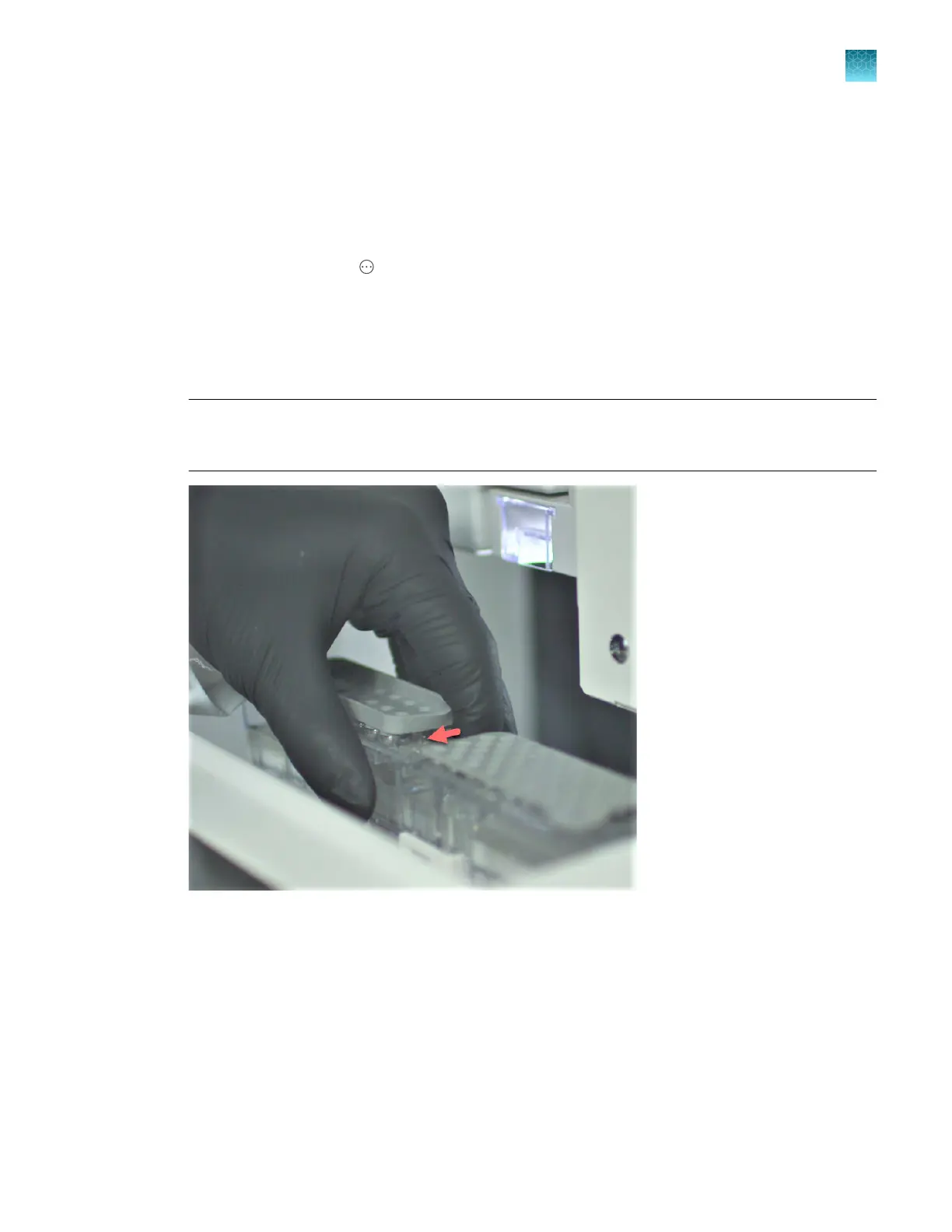
Install the cathode buer container (CBC)
1.
Check the expiration date on the CBC label to ensure that it is not expired and will not expire
during use.
2.
Allow refrigerated CBC to equilibrate to room temperature (15–30°C).
3.
In the home screen, tap
Actions4Maint
enance4Maintenance wizards4Replenish buers.
4.
Follow the wizard instructions. See “Replenish Buers maintenance wizard” on page 413. When
instructed to install the CBC, refer to this procedure.
5.
Remove the installed CBC by gripping the center of the container and squeezing the clip at the
front, then lift the container from the instrument. Set aside for disposal.
IMPORTANT! If an aut
osampler error or a "power save" message is displayed, or if the CBC is
not in the forward, home position when you need to install the CBC, see “Check the position of the
cathode buer container (CBC)” on page 483.
6.
W
ipe away condensation on the new CBC exterior with a lint-free tissue. Condensation can cause
arcing and termination of the run.
Chapter 13 Maintain the Instrument
Install buers (wizar
d)
13
SeqStudio
™
Flex Series Genetic Analyzer with Instrument Software v1.0 User Guide
367













 To Next Page