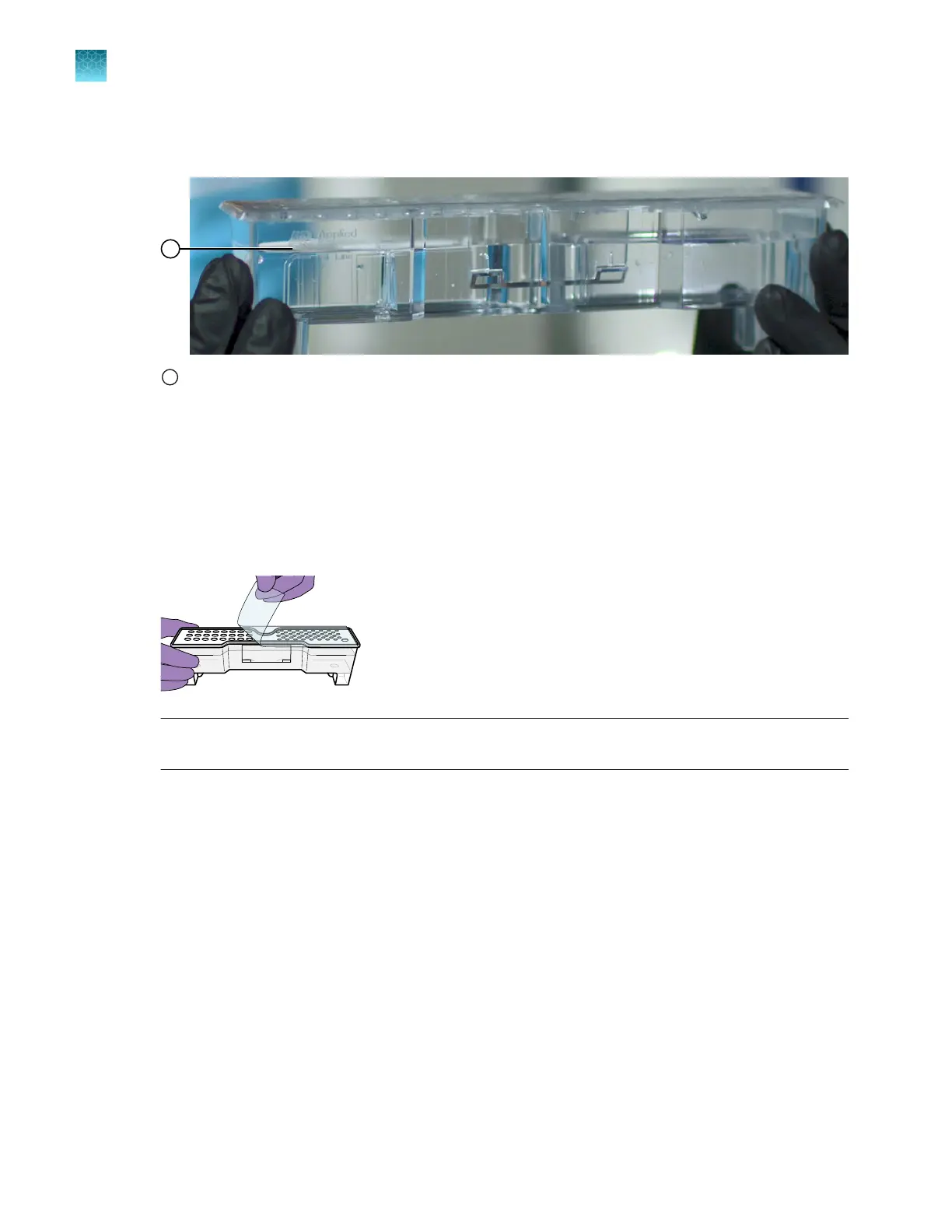
7.
Check that the seal is intact. Do not use if the buer level is too low or the seal has been
compromised. A fill tolerance of ±0.5 mm is acceptable.
1
Fill line
8.
T
ilt the CBC back and forth gently and carefully to ensure that the buer is evenly distributed
across the top of the baes. If you do not tilt the CBC back and forth, the buer sticks to the
baes because of surface tension.
9.
Verify that the buer is at or above the fill line.
10.
When ready to install the CBC, place the container on a flat surface (such as a lab bench) and peel
o the seal.
IMPORTANT! Mak
e sure that all pieces of the seal are removed. Remnants of the seal can block
holes in the CBC.
11.
W
ipe o any buer on top of the CBC with a lint-free tissue. Ensure that the top of the container is
dry. Moisture can cause arcing and termination of a run.
12.
Place the appropriate septum on each side of the CBC:
a.
Align the buer septum (the part that is symmetrical) over the 24 holes of the CBC.
b.
Push the septum lightly into the holes to start, then push firmly to seat it.
c.
Align the capillary washing septum over the other chamber of the CBC.
Position the rounded starter tab of the septum over the larger orientation hole on the washing
chamber then press down. Press down on the remaining holes in the septum.
Chapter 13 Maintain the Instrument
Install buers (wizar
d)
13
368
SeqStudio
™
Flex Series Genetic Analyzer with Instrument Software v1.0 User Guide













 To Next Page