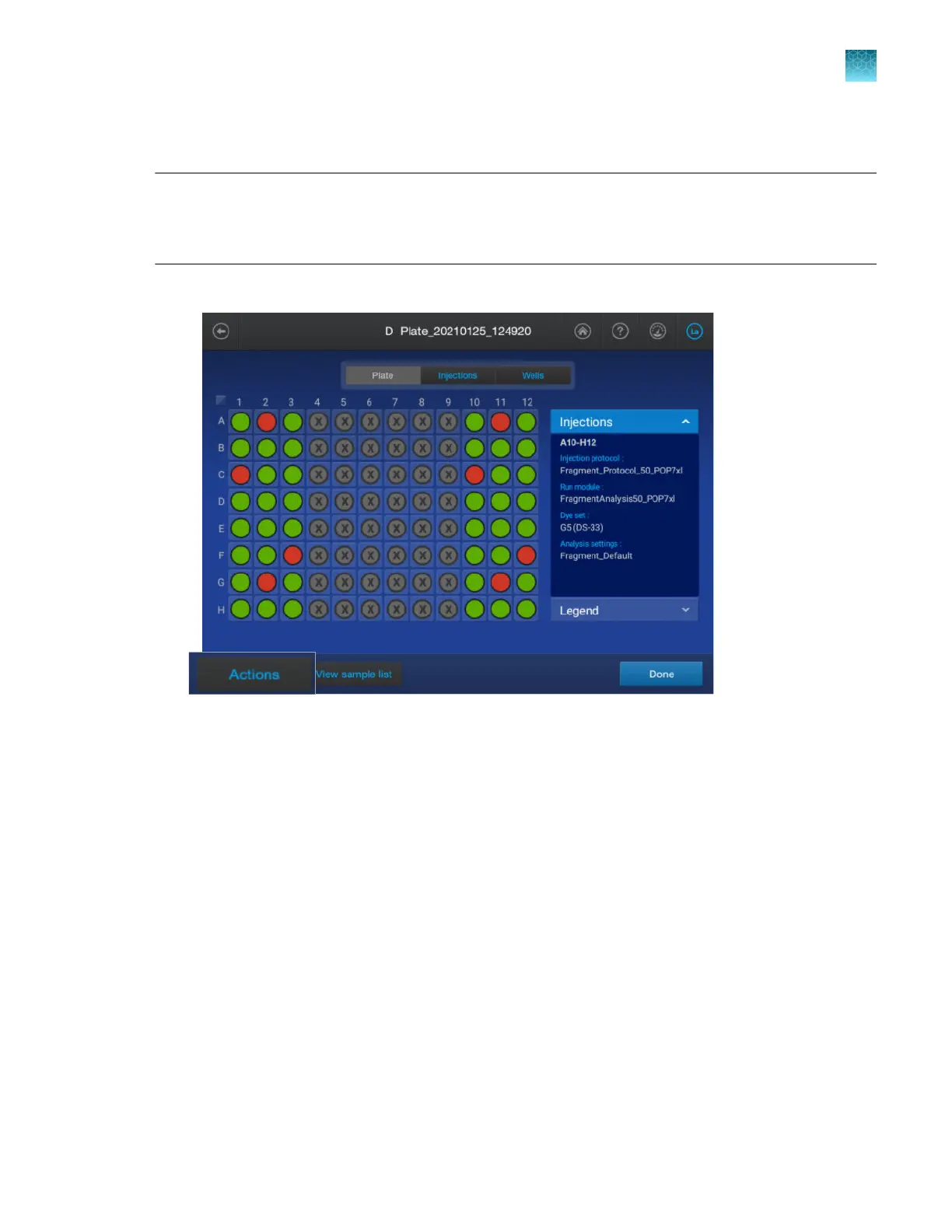
Pause the instrument in the home screen
Note: You can also pause the run in the run queue (see “Pause the instrument in the Run Queue
screen” on page 166), in instrument status (see “Check instrument status” on page 67), and in the
Remote Monitoring software (see “Pause the instrument from the Remote Monitoring screen, resume
from the instrument home screen” on page 193).
1.
In the Plate tab or Injections tab, tap Actions4Pause instrument.
Chapter 6 Start and monitor a run
Pause the instrument in the home screen
6
SeqStudio
™
Flex Series Genetic Analyzer with Instrument Software v1.0 User Guide
157













 To Next Page