6.
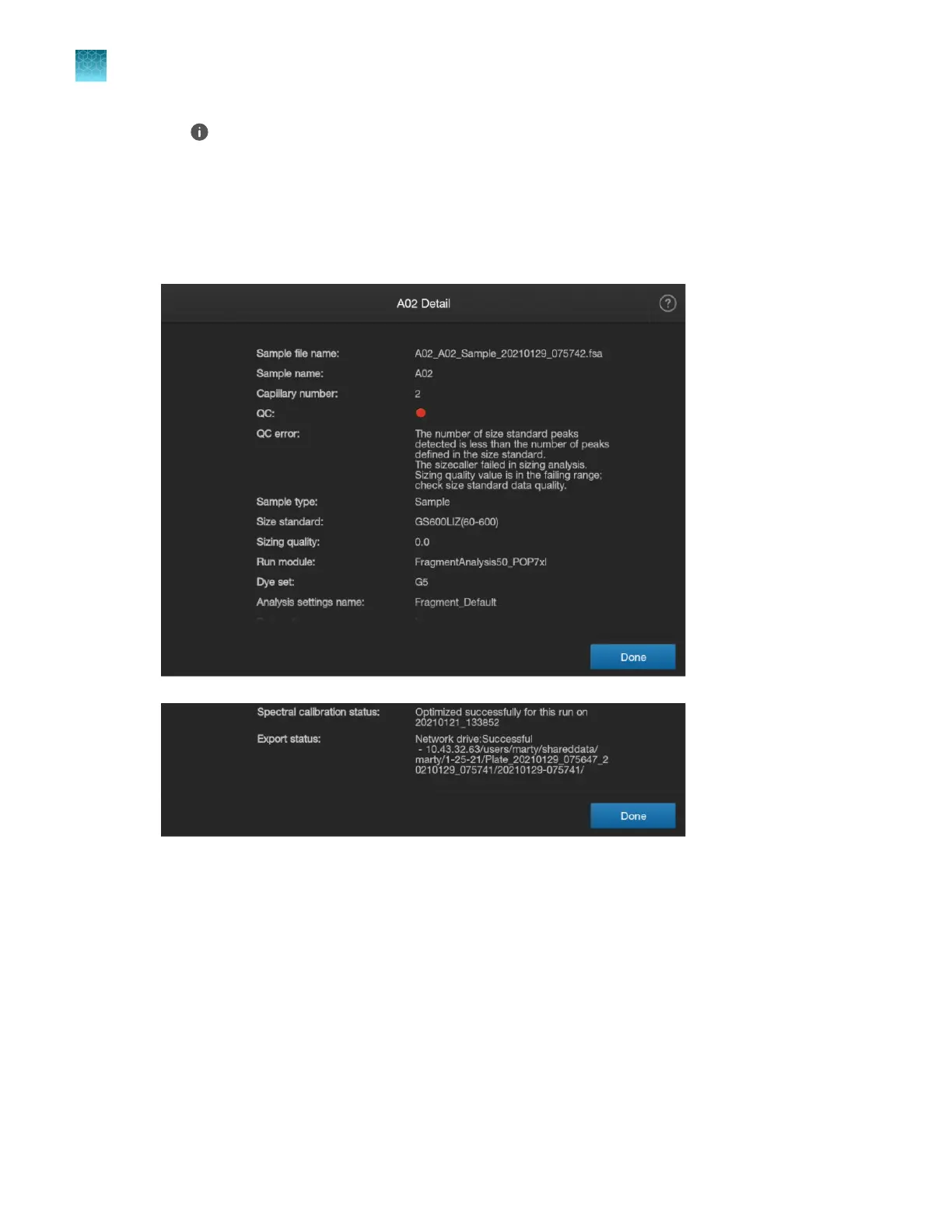
Tap (Information) to display the details for the well.
If needed, swipe up to view all wells.
For more information, see:
•
“Sample QC and quality alerts” on page 172
•
“Sequence analysis results” on page 175
•
“Fragment analysis results” on page 179
Chapter 6 Start and monitor a run
View real-time results in the home screen
6
156
SeqStudio
™
Flex Series Genetic Analyzer with Instrument Software v1.0 User Guide













 To Next Page