3.
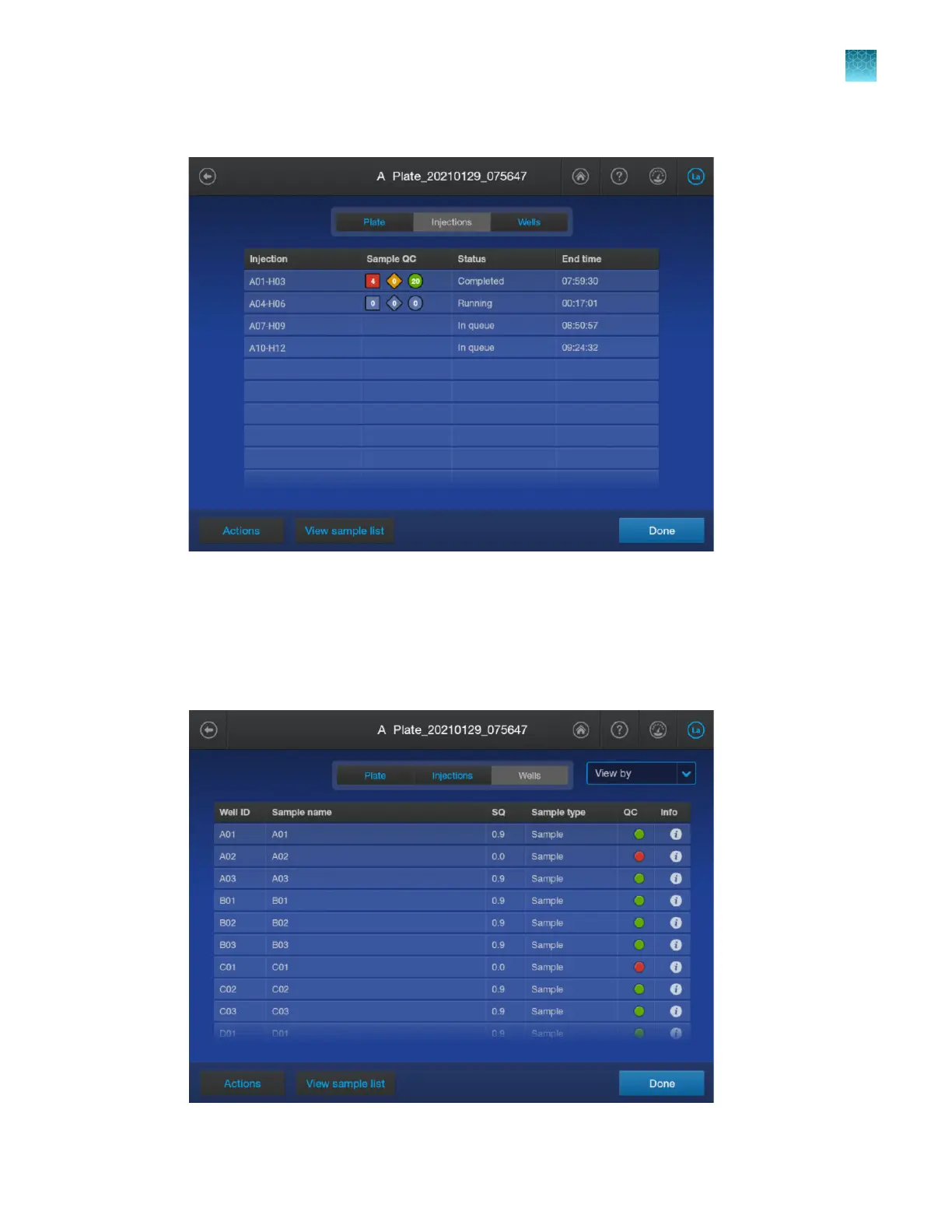
(Optional) Tap the Injections tab.
4.
T
ap an injection to display the electropherogram screen. For information see, “Use the
electropherogram screen” on page 173.
5.
Tap Done in the electropherogram screen, then tap the Wells tab.
If needed, swipe up to view all wells.
Chapter 6 Start and monitor a run
View real-time results in the home screen
6
SeqStudio
™
Flex Series Genetic Analyzer with Instrument Software v1.0 User Guide
155













 To Next Page