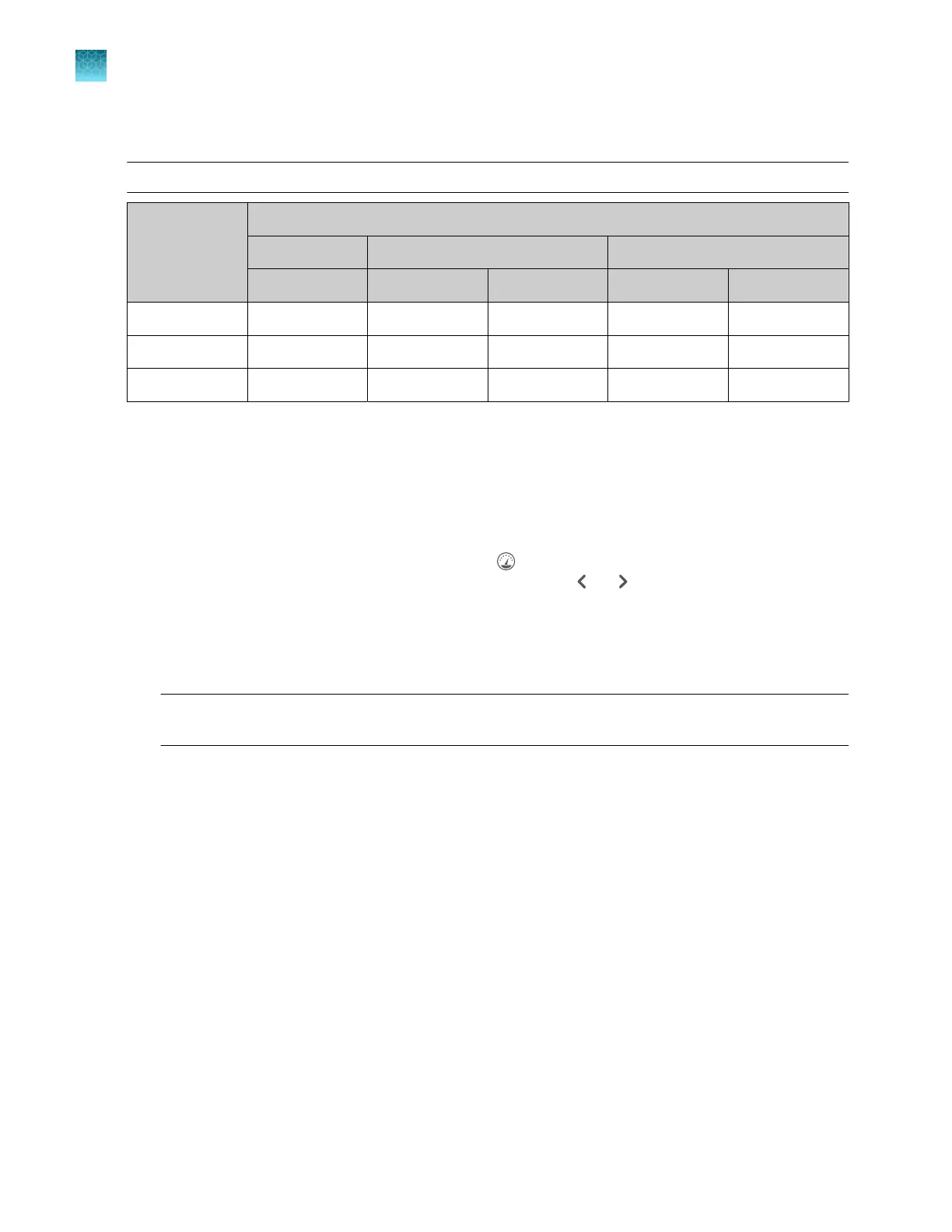
Estimated install run times
Note: The run times listed below do not include the time for the oven to preheat.
Install standard
Polymer-capillary length configuration
POP-4
™
POP-6
™
POP-7
™
36 cm
[1]
36 cm 50 cm 36 cm 50 cm
BDT v1.1 Not available 66 minutes 135 minutes ~40 minutes 125 minutes
BDT v3.1 Not supported 66 minutes 90 minutes ~40 minutes 40 minutes
Fragment 60 minutes Not supported Not supported ~40 minutes 40 minutes
[1]
A
50-cm configuration is not supported.
The number of capillaries on the instrument does not aect run time.
Prepare for the install run
Prepare the instrument
1.
Display the consumables dashboar
d by tapping (Dashboard) at the top right of the home
screen (if the consumables dashboard is not displayed, tap or ).
2.
Check consumables status (see “Check consumables status” on page 66). Ensure that:
•
Consumables are not expired
•
Adequate injections remain for consumables
IMPORTANT! F
or install runs, use polymer that has been on the instrument ≤3 days. Slight peak
shifts can occur with polymer that has been on the instrument >3 days.
3.
Ensur
e that buer levels are at the fill lines (see “Check buer fill levels” on page 70).
4.
Check the oven and detection cell temperature to ensure they are at the correct temperature (see
“Preheat the instrument oven and the detection cell” on page 68).
5.
Check the pump assembly for bubbles and run the Remove Bubble wizard if needed (see
“Remove bubbles from the polymer pump (wizard)” on page 377).
Chapter 12 Run calibr
ations and install checks
Perform an install run
12
330
SeqStudio
™
Flex Series Genetic Analyzer with Instrument Software v1.0 User Guide













 To Next Page