9.
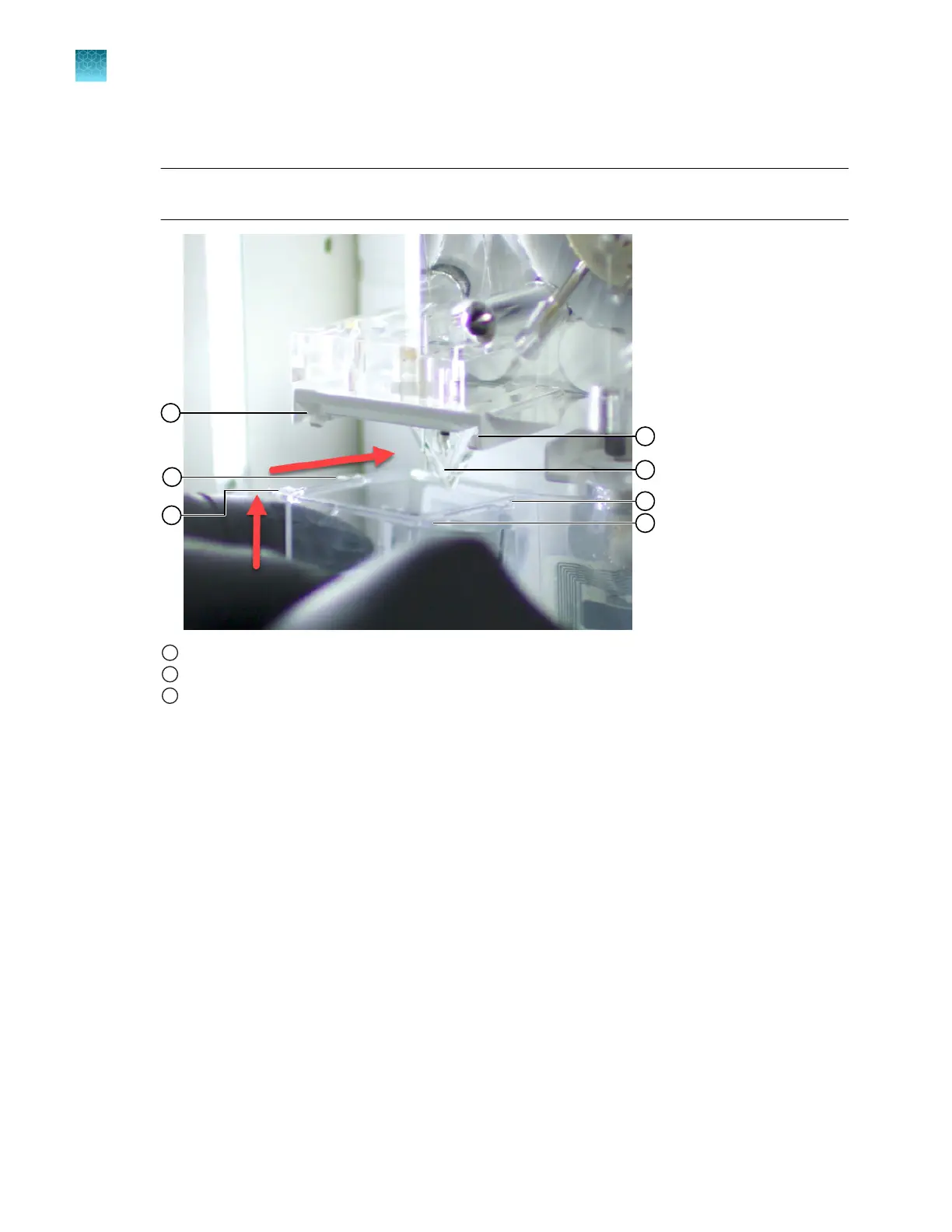
With the RFID label facing toward the instrument, position the anode in the large chamber of the
ABC.
IMPORTANT! The RFID label must be facing the instrument (away from you) to ensure that the
RFID information is read accurately by the instrument.
1
Channels in ABC holder
2
Tabs on container
3
Anode
10.
Align the tabs at the end of the ABC with the channels in the holder, then slide the ABC into the
holder.
Be careful not to damage the exposed anode tip or the channels in the holder.
11.
Ensure that the ABC is pushed all the way back, and that the container is not tilted.
If the container or the fluid level is tilted, remove the ABC. Re-install it and make sure that all tabs
on the container are properly positioned inside the notches in the holder.
12.
Follow the instructions in the wizard to finish the procedure.
Chapter 13 Maintain the Instrument
Install buers (wizar
d)
13
366
SeqStudio
™
Flex Series Genetic Analyzer with Instrument Software v1.0 User Guide













 To Next Page