Use the instrument
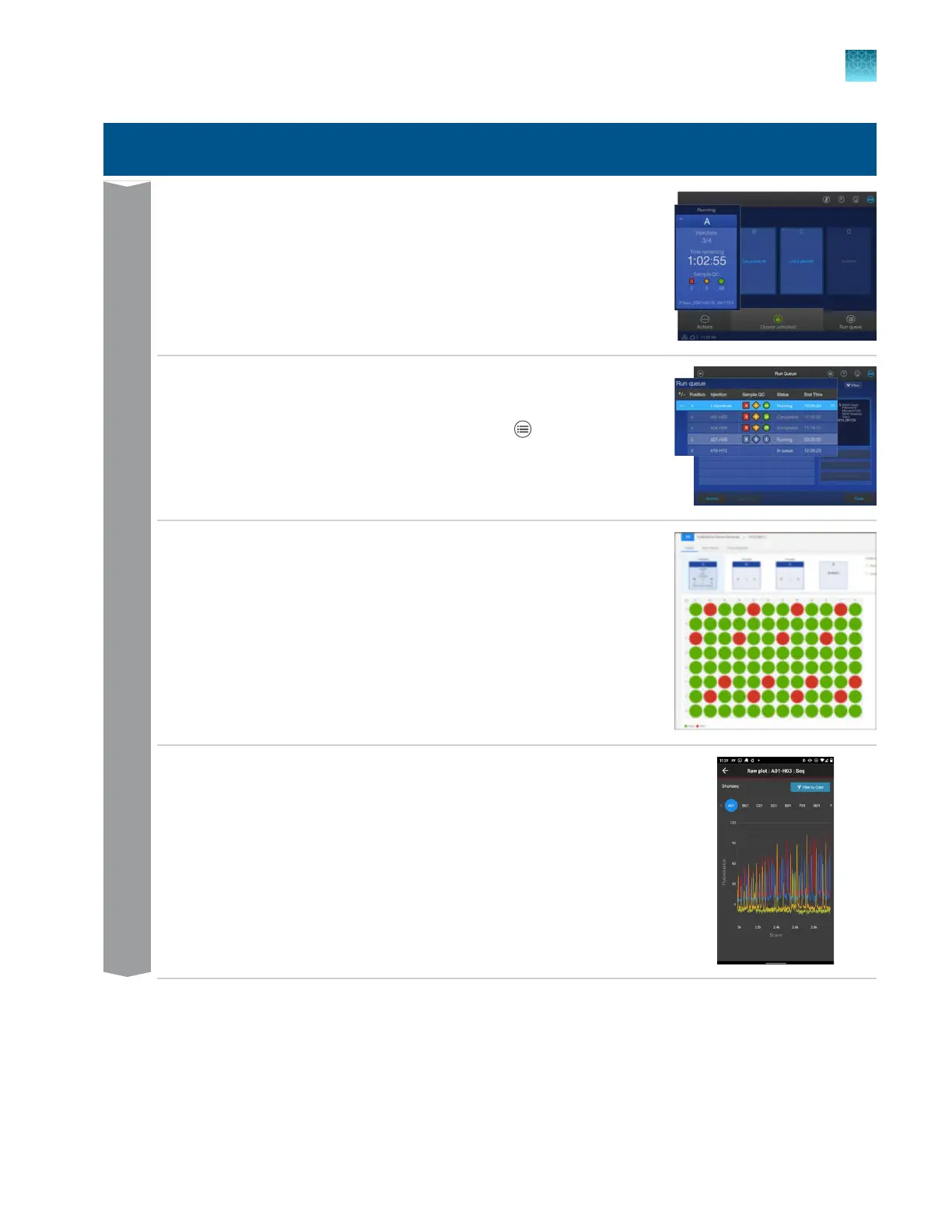
Monitor the run in the home screen by viewing the information for a plate
position, or by tapping a plat
e position to view the plate layout and run
progress.
Monitor
Monitor the run in the Run Queue screen by tapping
Run queue in the
home scr
een.
Monitor the run in the Remote Monitoring software by opening the
InstrumentConnect softwar
e, then selecting an instrument.
Monitor the run from a mobile device by launching the InstrumentConnect
app, selecting an instrument, then tapping a plat
e position.
Chapter 2 Get started
Workflow: Create a plate, start and monitor a run, then view results
2
SeqStudio
™
Flex Series Genetic Analyzer with Instrument Software v1.0 User Guide
63













 To Next Page