•
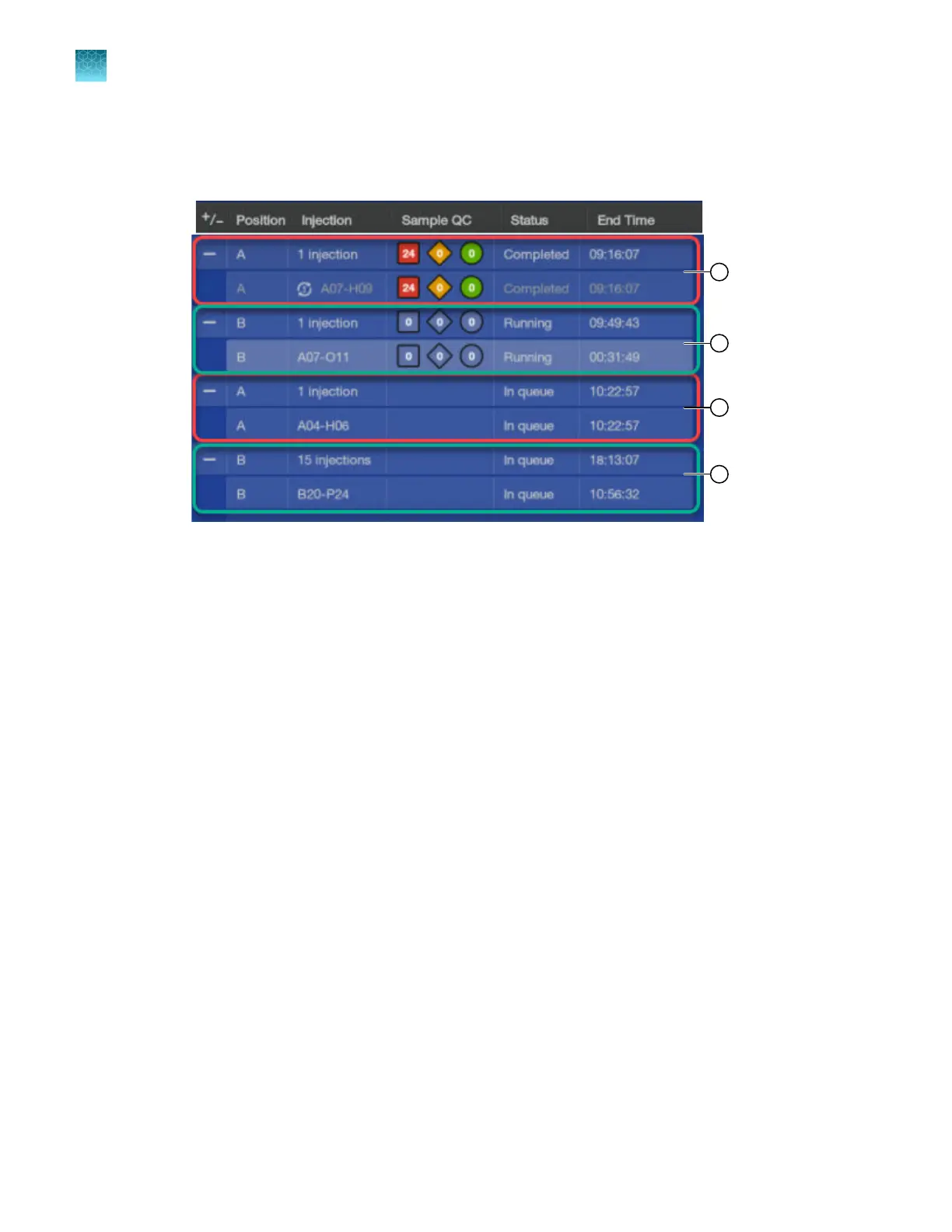
Select a plate or one or more injections, then tap Inject next.
The plate or injections is moved up to the next position in the list to be injected. An example of
using Inject next for an injection is shown below.
Position A has 2 injections, one already completed (1) and one in queue (3). Position B has 16 injections total.
One of those injections was selected to be injected next (2) thereby moving ahead of the second injection for
Position A (note the end times). The other 15 injections for Position B are still In queue (4).
Chapter 6 Start and monitor a run
Use the Run queue to monitor a run on the instrument
6
164
SeqStudio
™
Flex Series Genetic Analyzer with Instrument Software v1.0 User Guide













 To Next Page