d.
Clean the CBC holder with a moistened lint-free lab wipe, wipe o any liquid on the CBC, then
replace the CBC.
IMPORTANT! To avoid injury, do not place your hands into any empty spaces in the drawer.
If you observe liquid on any surface that you cannot wipe, contact Technical Support.
4.
Clean o any polymer crystals on the instrument, including the capillary tips, with deionized water
and lint-free tissue.
5.
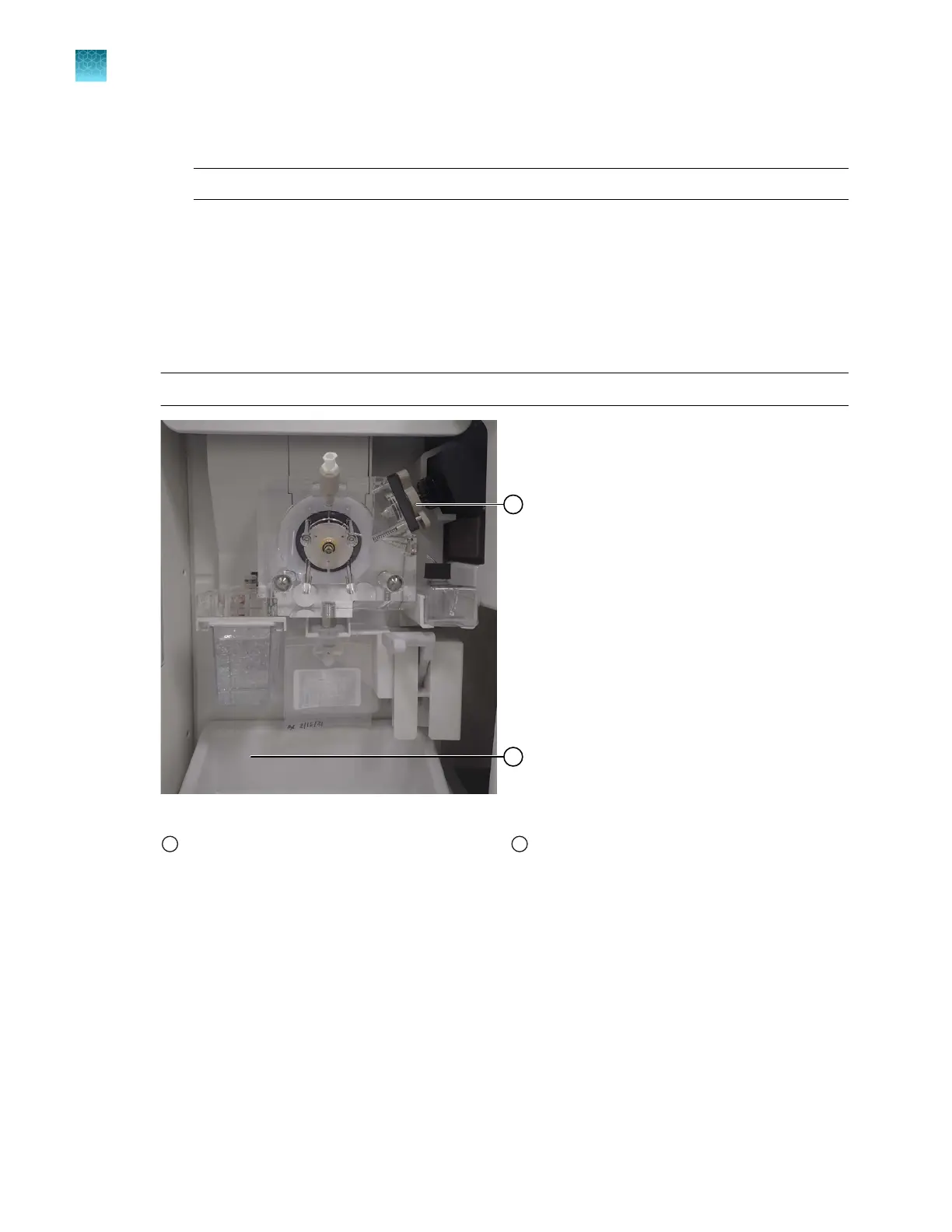
Clean the array port lock with deionized water and lint-free tissue. See Figure 18 on page 362.
6.
Clean the drip tray with deionized water and a lint-free tissue.
Note: The drip tray can be removed. See Figure 18 on page 362.
Figure 18 Array port lock and drip tray location
1
Array port lock
2
Drip tray
Chapter 13 Maintain the Instrument
Clean the instrument
13
362
SeqStudio
™
Flex Series Genetic Analyzer with Instrument Software v1.0 User Guide













 To Next Page