2.
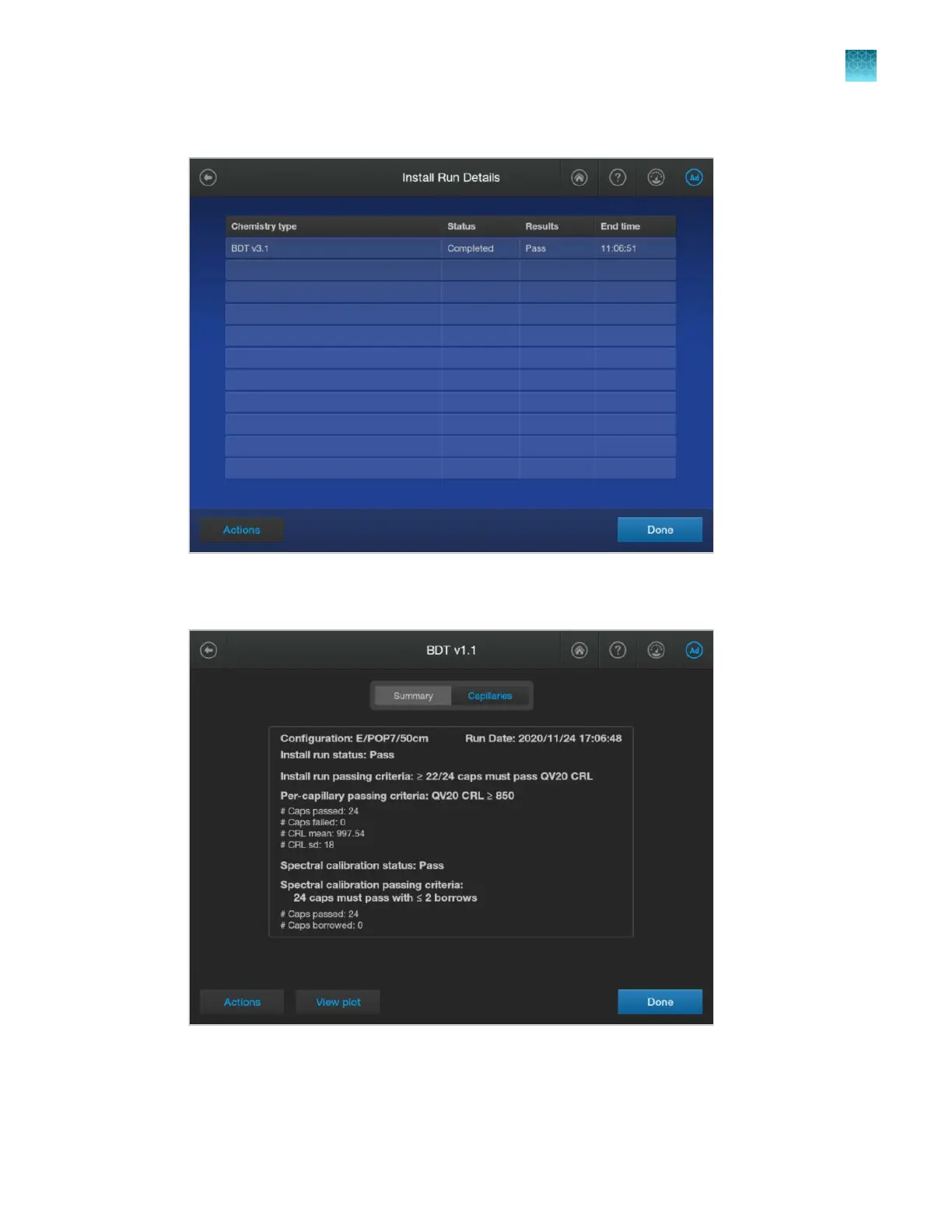
In the Run Details screen, tap the install run of interest.
The install run results screen is displayed with Summar
y tab selected (a tab is gray when it is
selected).
This screen displays the install run status and passing criteria. If you selected Use as spectr
al
calibration when you performed the sequencing install run, the spectral calibration status and
passing criteria is also displayed. For a description of the results on this screen, see “Summary
tab—sequencing install run” on page 340.
Chapter 12 Run calibr
ations and install checks
Perform an install run
12
SeqStudio
™
Flex Series Genetic Analyzer with Instrument Software v1.0 User Guide
335













 To Next Page