3.
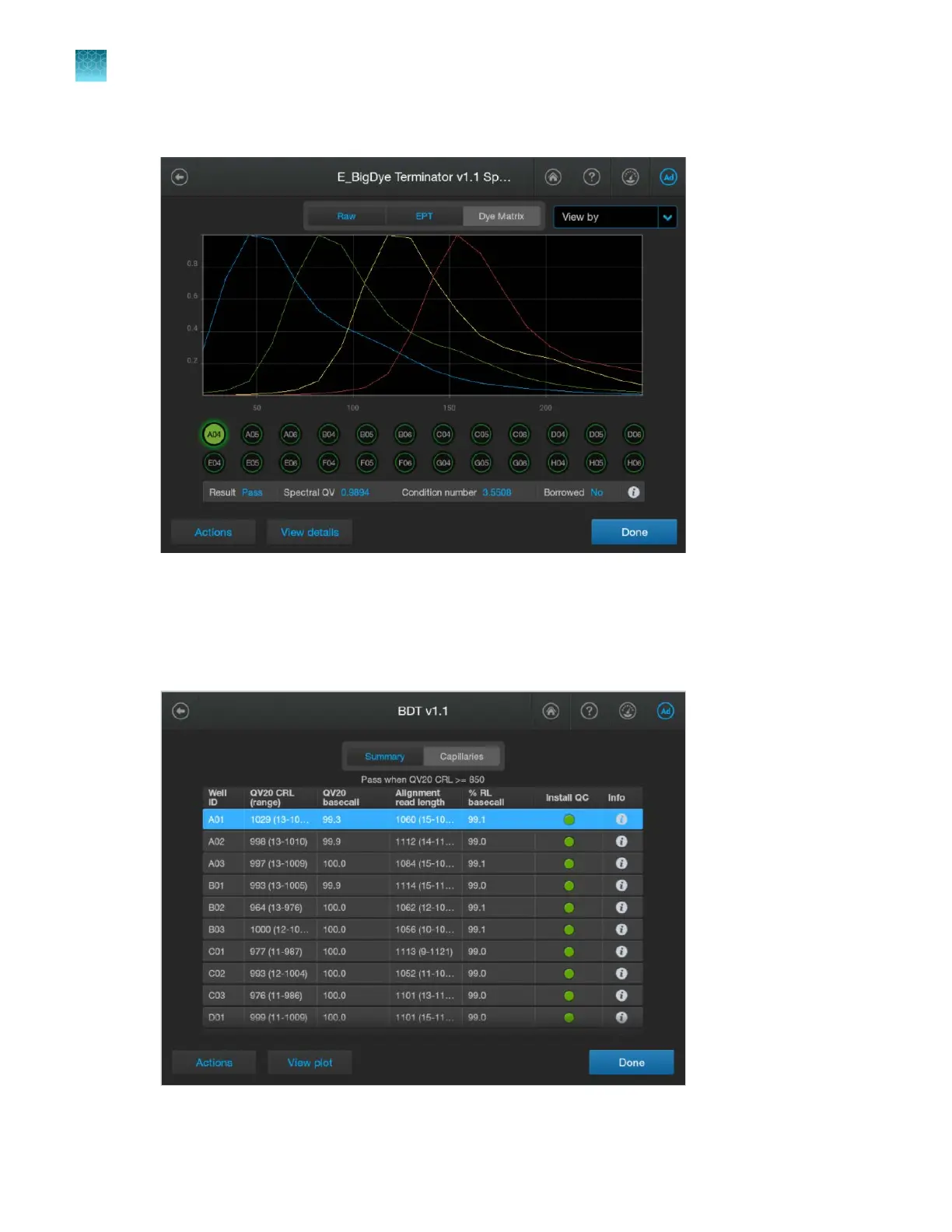
(Optional) Tap Actions4View spectral calibration, then tap Raw, EPT, or Dye matrix as needed.
For information on the results on this screen, see “Summary tab—sequencing install run” on
page 340.
4.
T
ap Done to return to the install run results screen.
5.
Tap Capillaries to display the summary results for each capillary.
Chapter 12 Run calibrations and install checks
Perform an install run
12
336
SeqStudio
™
Flex Series Genetic Analyzer with Instrument Software v1.0 User Guide













 To Next Page