7.
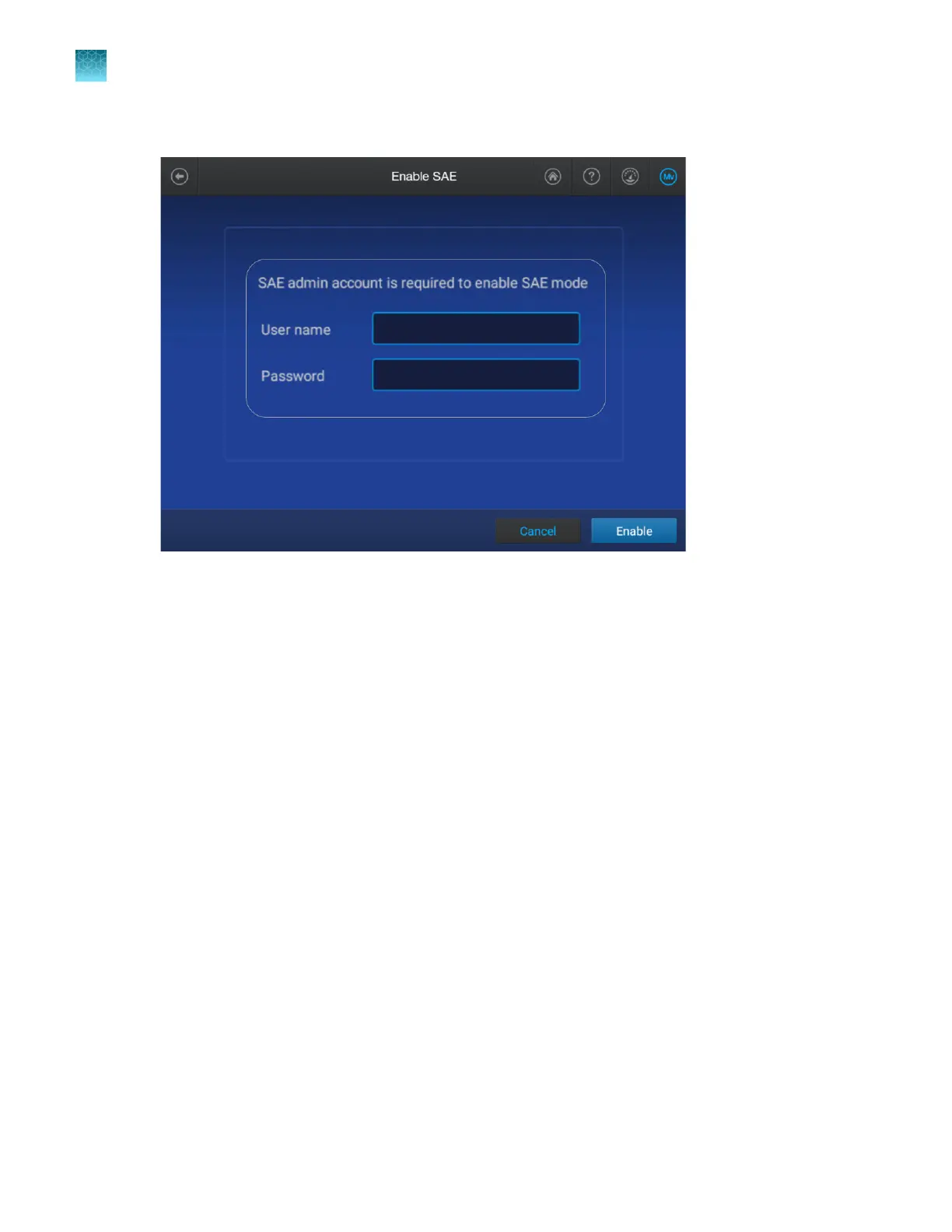
Enter your SAE administrator account user name and password, then tap Enable.
The instrument automatically restarts.
Chapter 10 Use the instrument with the Security, Auditing, and E‑signature (SAE) v2.1 module
Enable SAE mode on the instrument and specify the SAE server (administrator only)
10
242
SeqStudio
™
Flex Series Genetic Analyzer with Instrument Software v1.0 User Guide













 To Next Page