4.
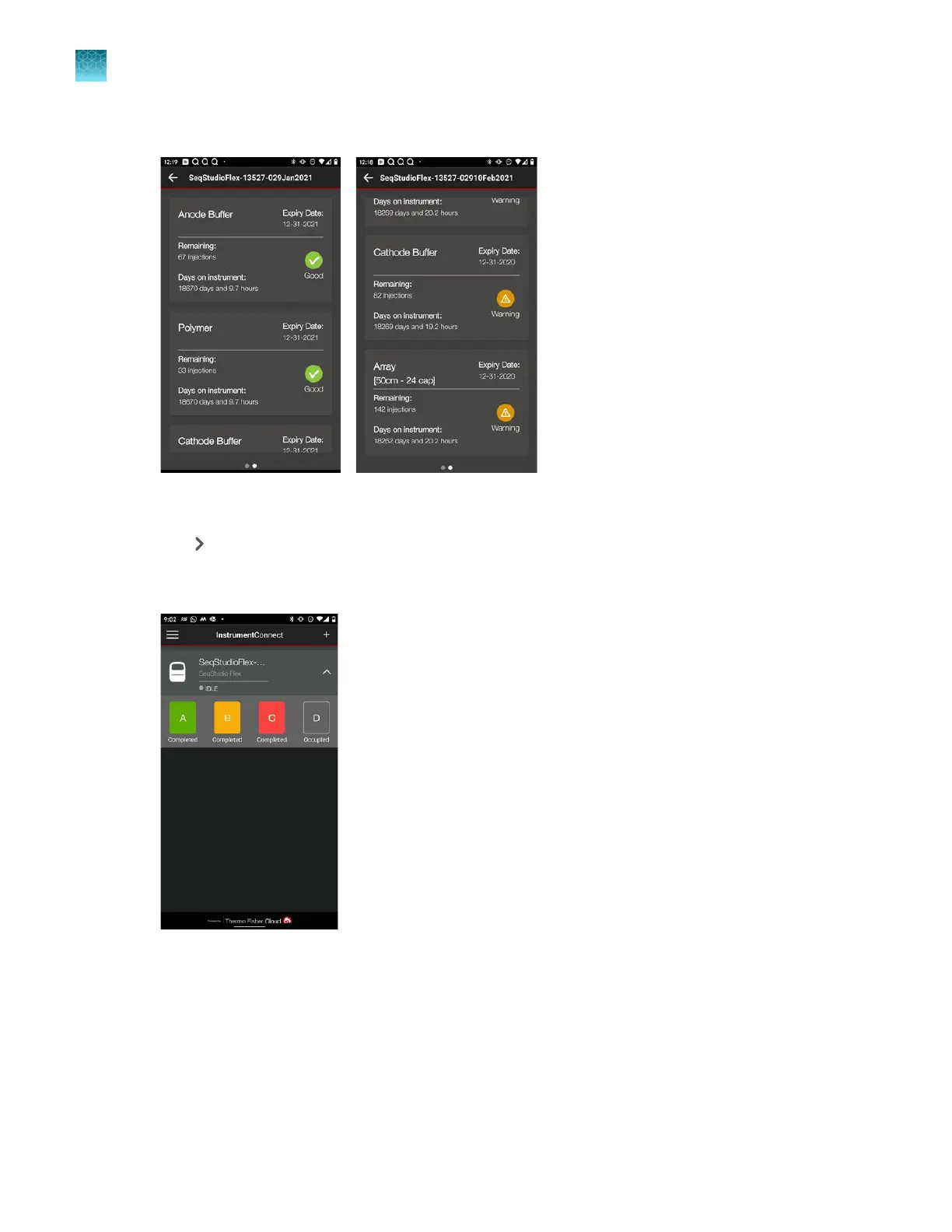
Swipe right to view consumables status.
Swipe left to return to the injection list.
5.
Tap to display the plate positions.
The plat
e run statuses are shown. Completed plates are color-coded for overall sample quality. For
information, see “Sample QC and quality alerts” on page 172.
Chapter 8 Use the Remote Monitoring software to monitor runs, view results, and use cloud analysis
Monitor a run from a mobile device
8
196
SeqStudio
™
Flex Series Genetic Analyzer with Instrument Software v1.0 User Guide













 To Next Page