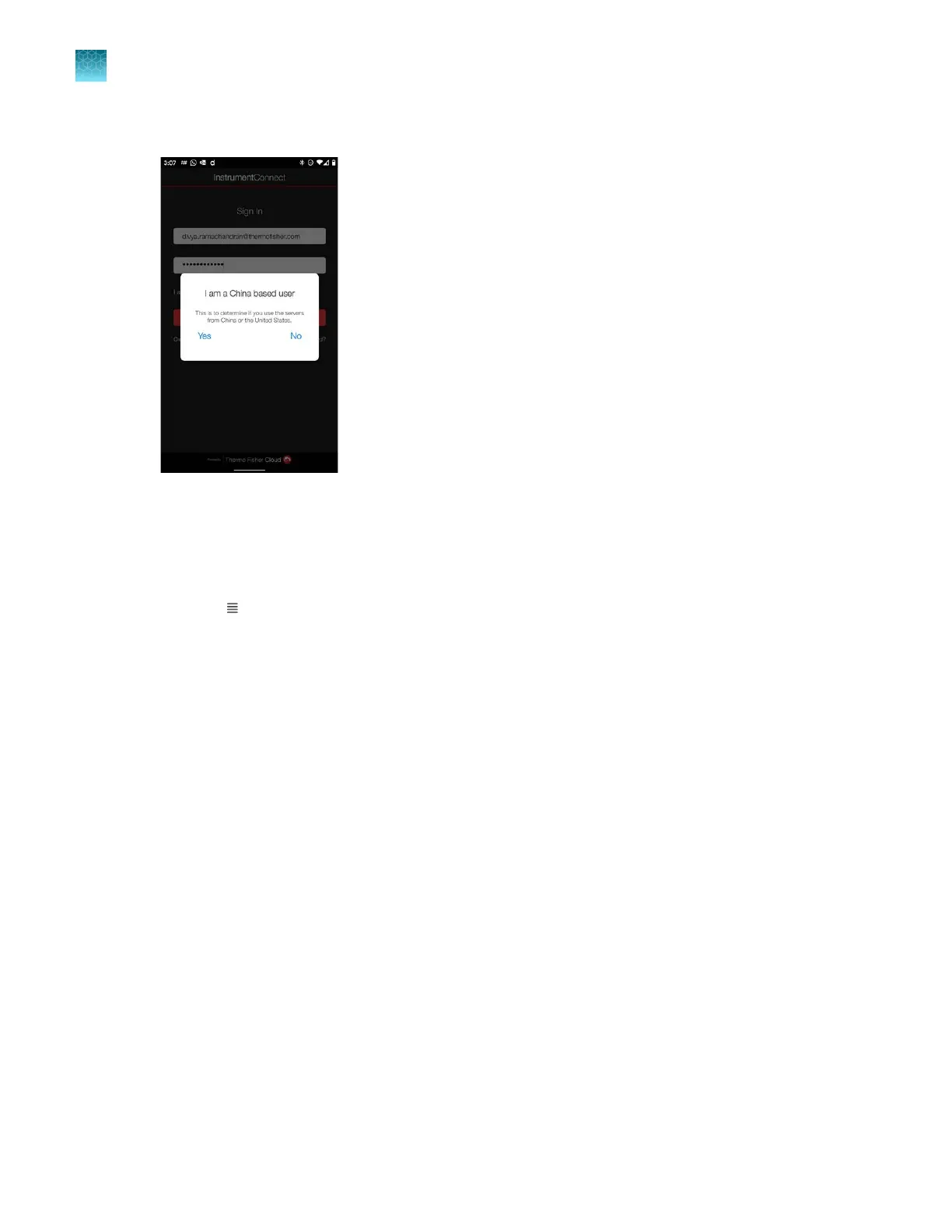
3.
Tap Yes or No to select your region.
4.
If the SeqS
tudio Flex instrument is not already listed, register the instrument to link your
Thermofisher.com account to the instrument:
a.
Follow the directions to relink your account, and select Mobile devices. See “Re-link the
instrument to your cloud profile” on page 223.
b.
Tap
(Menu), then tap Regist
er Instrument.
c.
Tap QR code.
d.
With your mobile device, scan the QR code displayed in the instrument touchscreen.
Chapter 8 Use the Remot
e Monitoring software to monitor runs, view results, and use cloud analysis
Monitor a run from a mobile device
8
194
SeqStudio
™
Flex Series Genetic Analyzer with Instrument Software v1.0 User Guide













 To Next Page