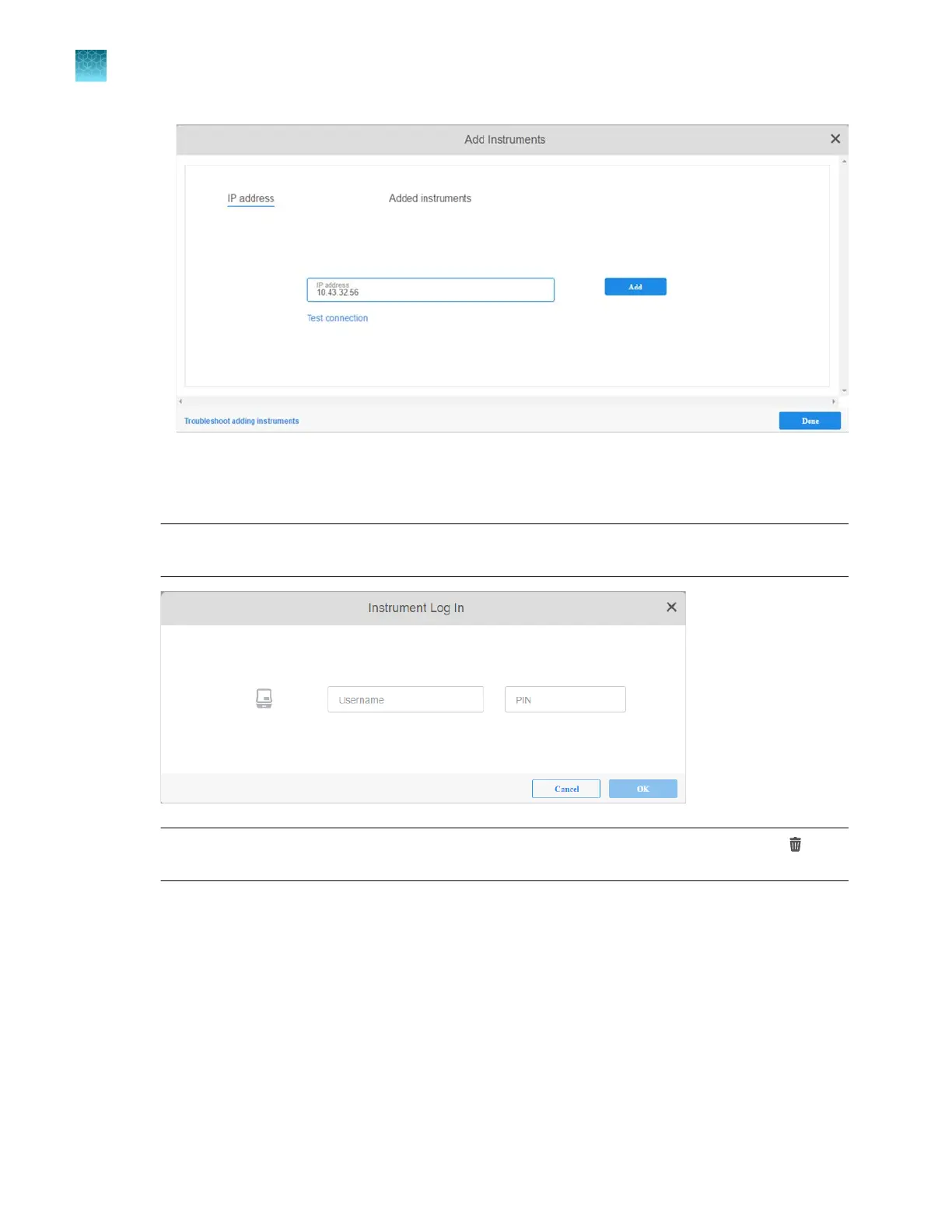
If the connection is not valid, check the address that you entered.
4.
Click Add, ent
er information in the Username and PIN for the instrument fields, then click OK.
Note: You can enter a local or a cloud profile. For information on cloud and local profiles, see
Chapter 9, “Use the instrument with Thermo Fisher
™
Connect”.
Note: T
o delete an instrument, click Added instruments, select an instrument, then click
(Delete).
Chapter 5 Create a plate file in the Plate Manager software
Get started with the Plate Manager software (desktop)
5
104
SeqStudio
™
Flex Series Genetic Analyzer with Instrument Software v1.0 User Guide













 To Next Page