•
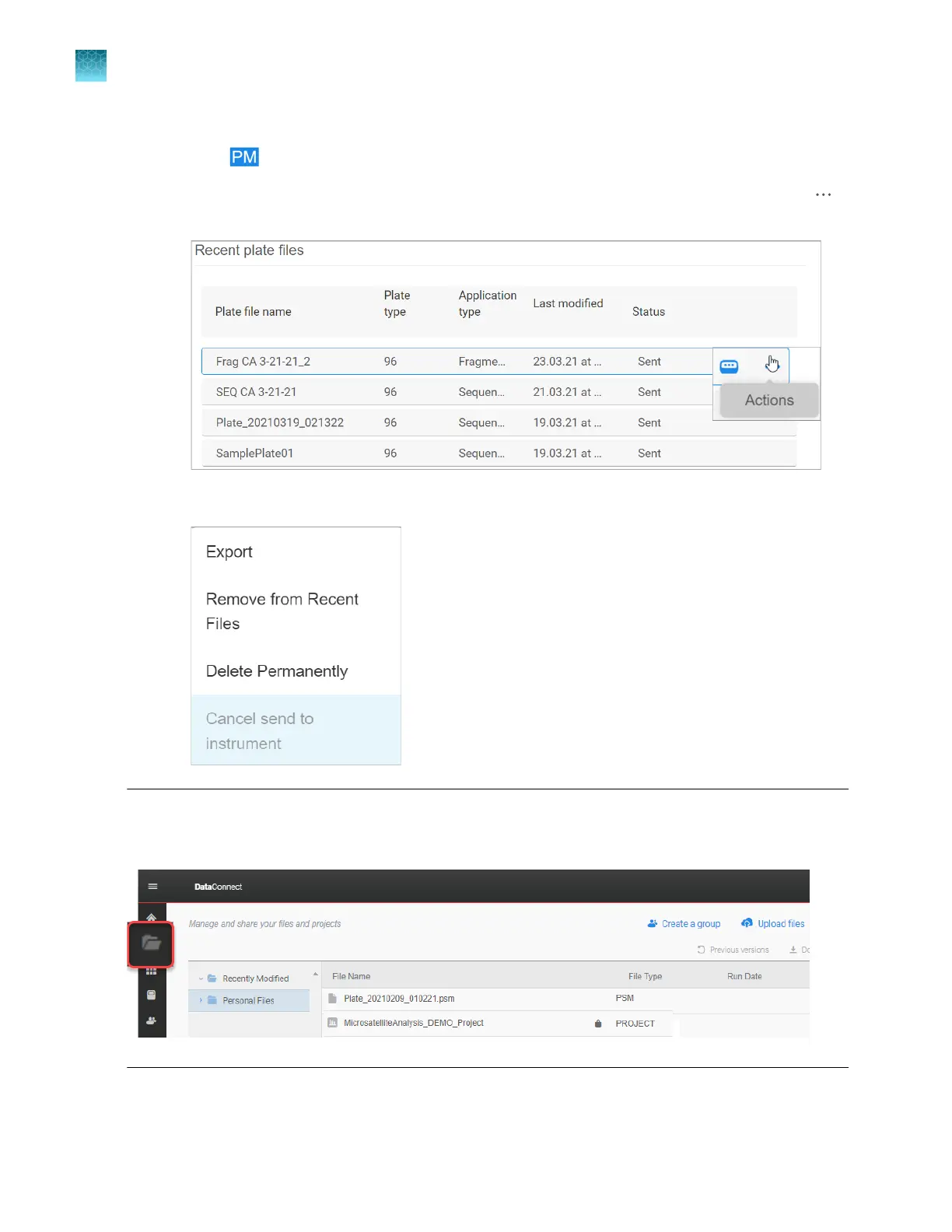
To export a PSM file from a saved plate file:
a.
Click to display the home screen of the Plate Manager software.
b.
At the far right of the Recent plate files list in the home screen, place the cursor over the
icon until the Actions menu is displayed.
c.
Right-click, then select Export.
Note: If you remove a plate file from the list, the PSM file is still accessible in DataConnect tab of the
InstrumentConnect software. If you delete a plate file from the list, it cannot be retrieved unless it has
been sent to the instrument.
Chapter 5 Create a plate file in the Plate Manager software
Additional functions in the Plate Manager software
5
130
SeqStudio
™
Flex Series Genetic Analyzer with Instrument Software v1.0 User Guide













 To Next Page