4.
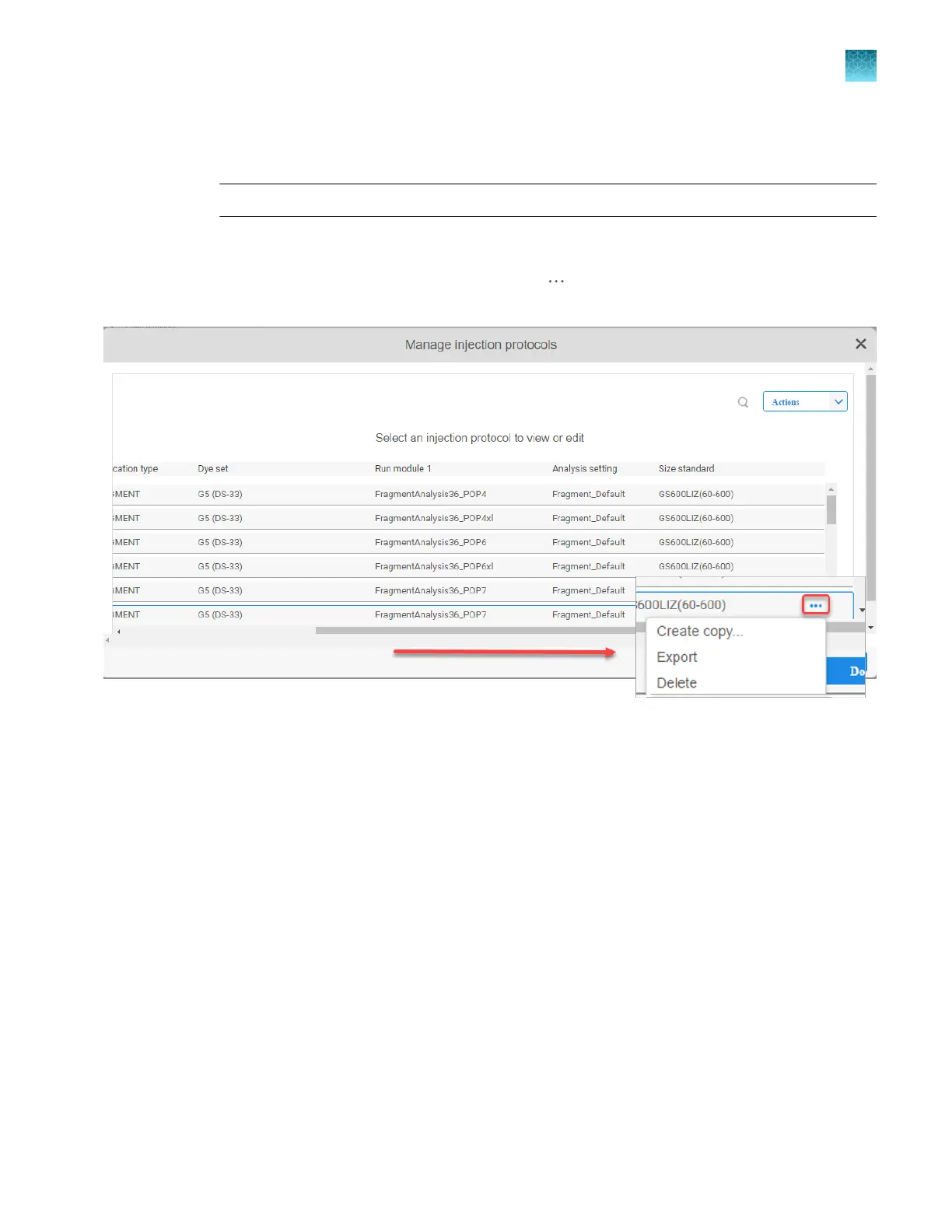
Perform any of the following actions as needed.
•
Select Actions4Import or Actions4Create new.
Note: Some libraries provide only the Import option.
If you are importing or creating a plate file, see “PSM and CSV plate files for import into the
instrument” on page 86.
•
Scroll to the far right of the library screen, click , then select Create copy, Export, or
Delete options.
Chapter 5 Create a plate file in the Plate Manager software
Additional functions in the Plate Manager software
5
SeqStudio
™
Flex Series Genetic Analyzer with Instrument Software v1.0 User Guide
135













 To Next Page