3.
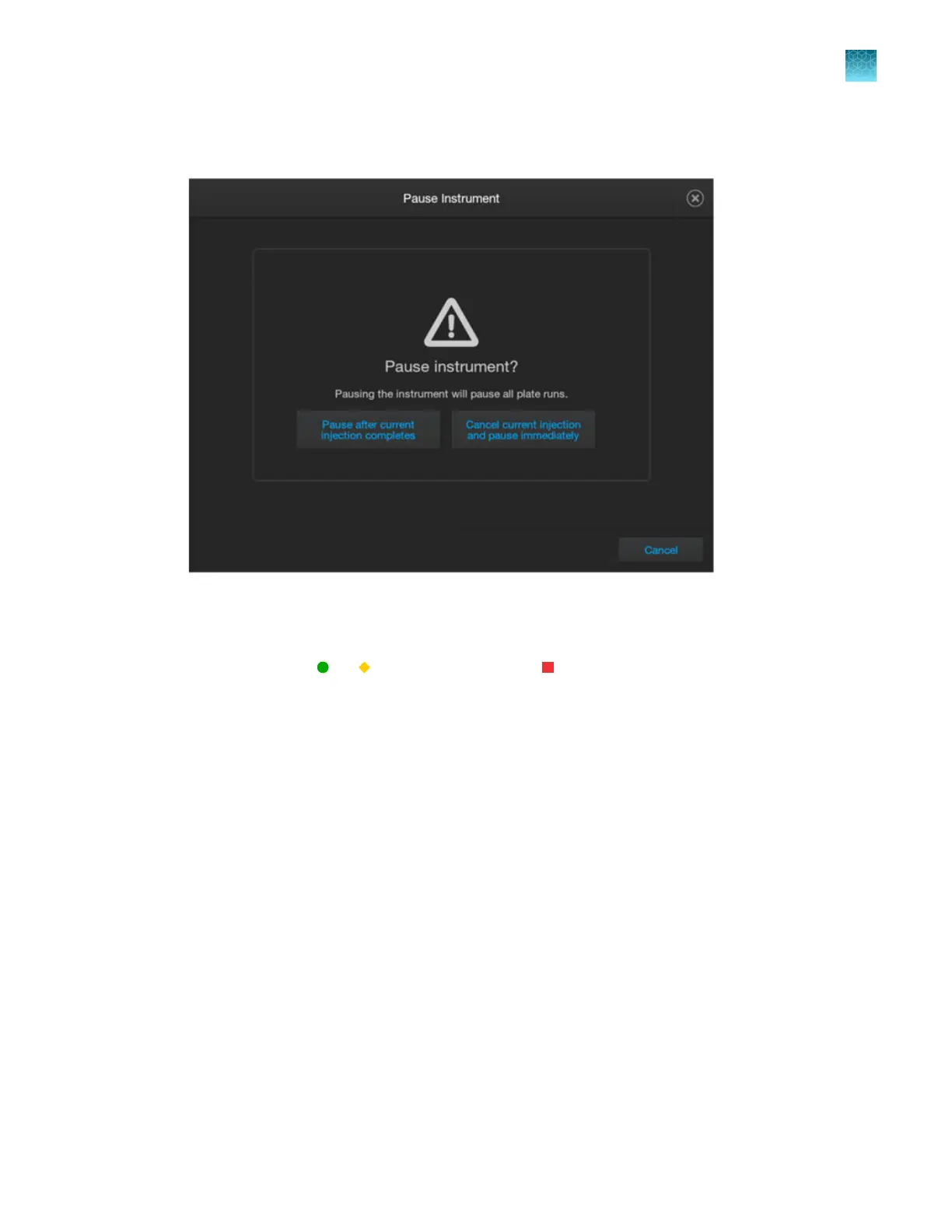
In the Pause Instrument screen, tap a pause option: Pause after current injection completes or
Cancel current injection and pause immediately.
If you select the pause immediately option, the status of the injection changes to Abor
ted and the
wells for the injection are marked X (canceled/aborted) in the plate view. If the pause occurs late in
the injection cycle, sucient data may have been collected for analysis. If sample quality is high, it
is possible to see
or Sample QC inst
ead of
for an aborted injection.
When the run is paused:
•
The Resume run butt
on is displayed at the top of the screen.
•
The plate run status is set to Paused.
•
The current injection status changes to Aborted.
•
Injections that have not started are listed as Paused.
Chapter 6 S
tart and monitor a run
Use the Run queue to monitor a run on the instrument
6
SeqStudio
™
Flex Series Genetic Analyzer with Instrument Software v1.0 User Guide
167













 To Next Page