5.
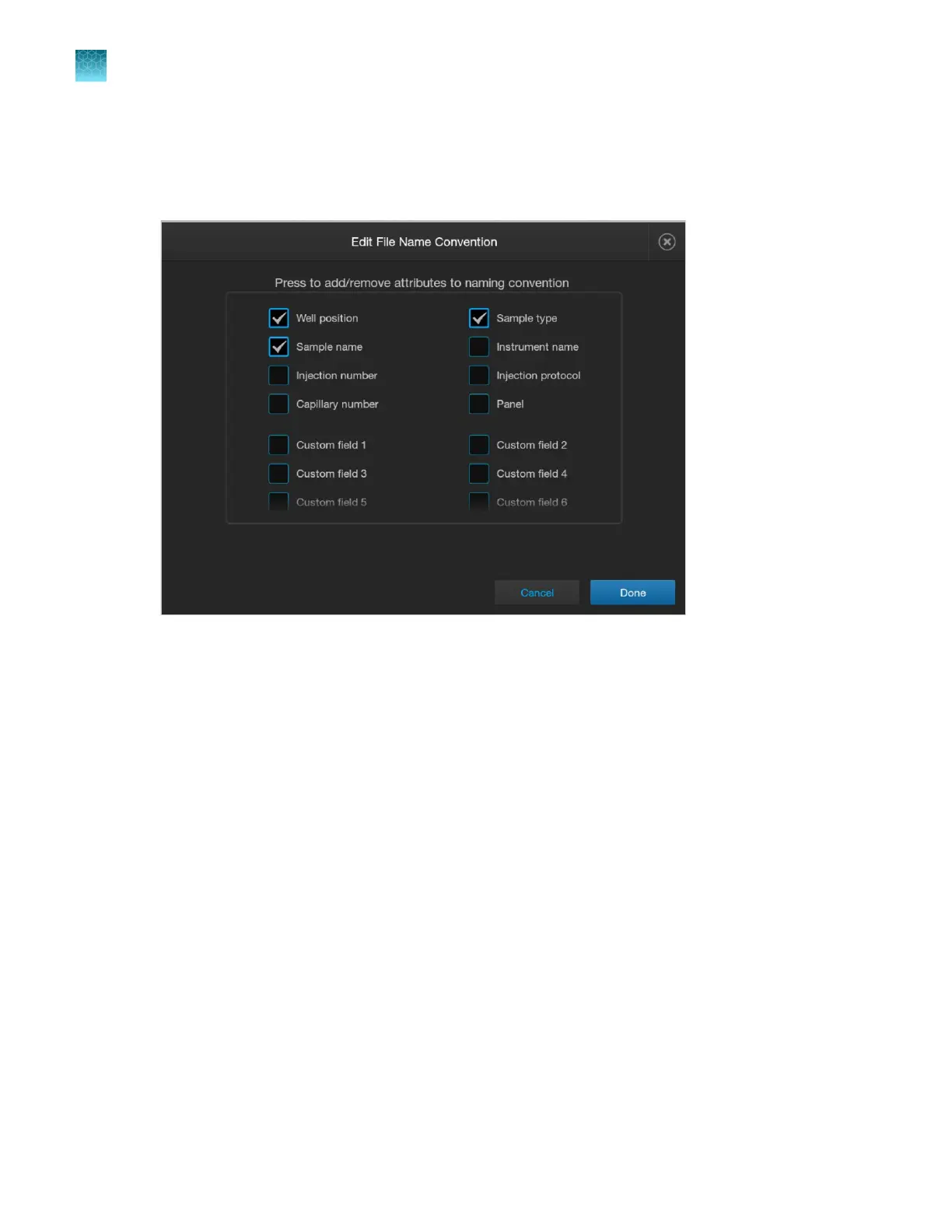
Tap Attributes.
6.
Select attributes, then tap Done.
For information on creating custom fields, see “Define custom fields” on page 262.
Chapter 11 Manage library resources on the instrument
File Name Conventions library
11
280
SeqStudio
™
Flex Series Genetic Analyzer with Instrument Software v1.0 User Guide













 To Next Page