In this procedure, you fill capillary array covers with purified water (if you will store the capillary array),
replace the anode buer container (ABC) with a waste ABC, and remove the capillary array from the
instrument.
1.
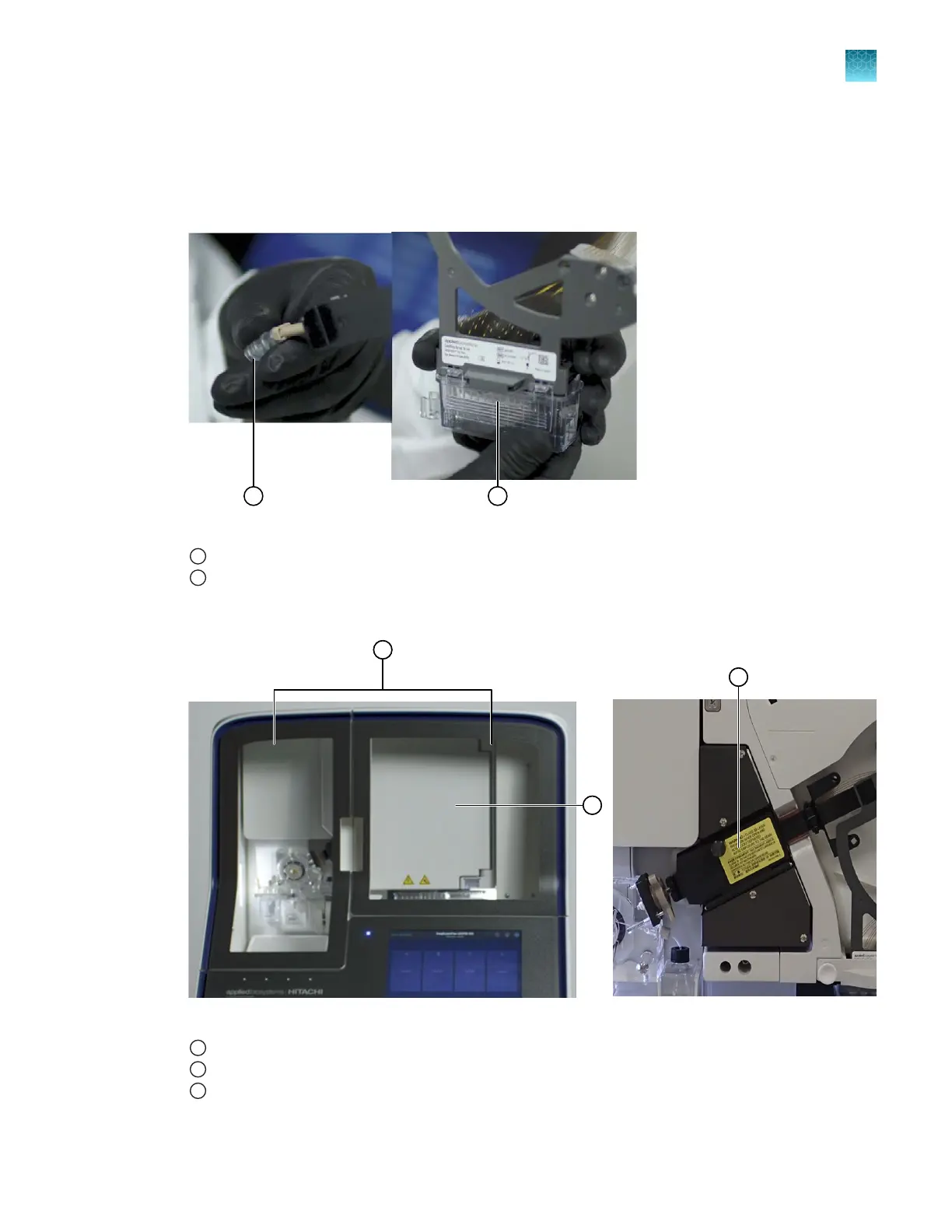
Prepare for array storage: Fill an array tip cover and array electrode cover with purified water.
Figure 40 Array tip cover and electrode cover for the stored capillary array
1
Array tip cover
2
Electrode cover
2.
Open the instrument, oven, and det
ection block doors.
Figure 41 Location of instrument, oven, and detection cell doors
1
Instrument doors
2
Oven door
3
Detection cell door (with oven door open)
Chapter 13 Maintain the Instrument
Maintenance wizard procedures
13
SeqStudio
™
Flex Series Genetic Analyzer with Instrument Software v1.0 User Guide
395













 To Next Page