7.
Tap Wash pump and channels.
IMPORTANT! After you tap Wash pump and channels you cannot cancel the procedure. The
wash procedure takes ~45 minutes to complete.
Shut Down Instrument—Clean the instrument interior
In this procedure, you empty the waste ABC and fill it with purified water, clean the instrument interior,
then manually flush the water trap. Refer to the procedures below for more information.
1.
Open the instrument doors.
2.
Remove the ABC and discard the waste.
3.
Fill the empty ABC with water, then re-install it.
Note: Check the fluid level in the ABC every 2 weeks. Refill as needed.
4.
L
eave the installed conditioning reagent pouch installed in the instrument during storage.
5.
Flush the water trap. See “Flush the water trap (pump trap)” on page 379.
6.
Clean the instrument interior. See “Clean the instrument” on page 361.
7.
Tap Next to continue.
Shut Down Instrument—Power o instrument
In this procedure, you power o the instrument.
1.
Close the instrument doors.
2.
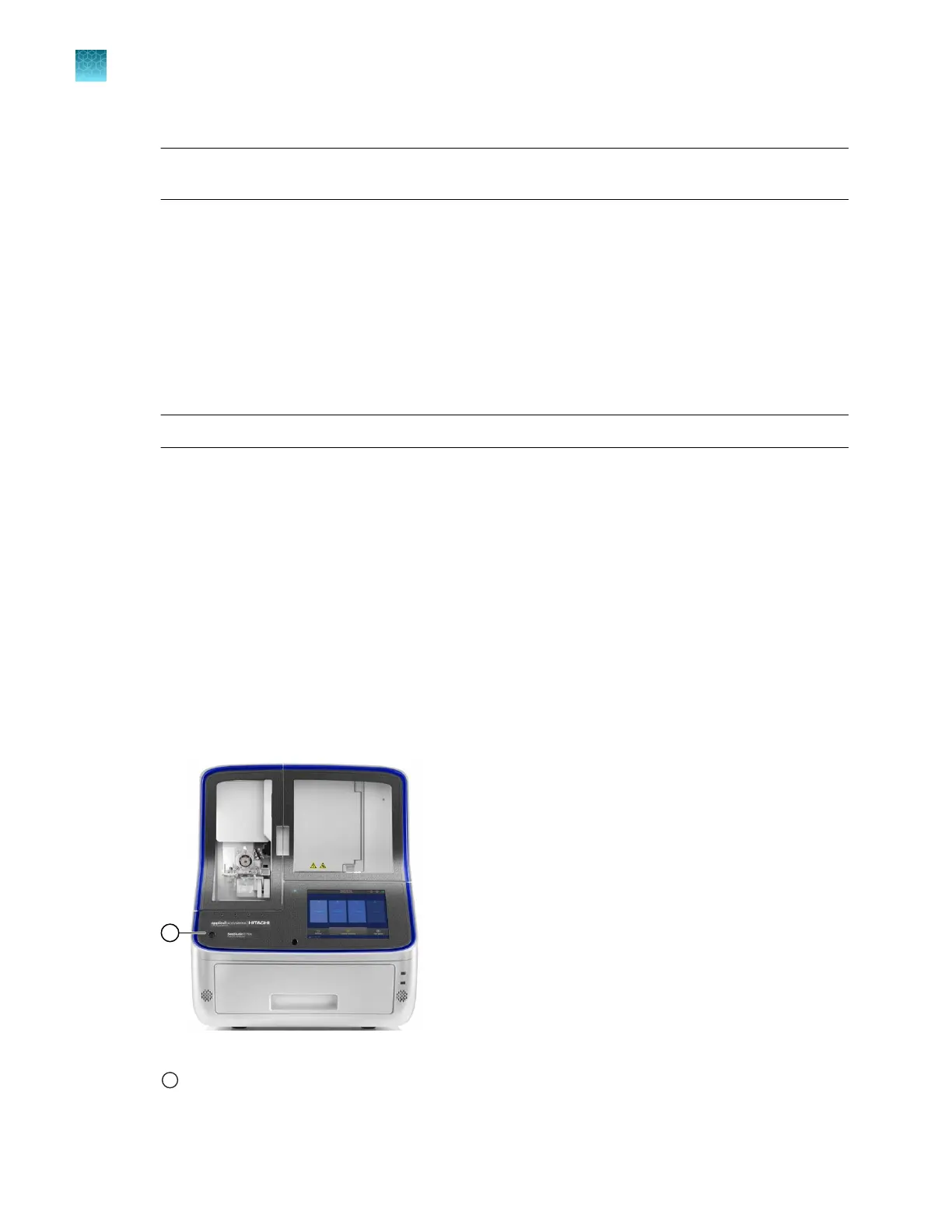
Press the On/O button on the front panel to power o the instrument.
Figure 73 Front panel of instrument
1
On/O butt
on
Chapter 13 Maintain the Instrument
Maint
enance wizard procedures
13
426
SeqStudio
™
Flex Series Genetic Analyzer with Instrument Software v1.0 User Guide













 To Next Page