2.
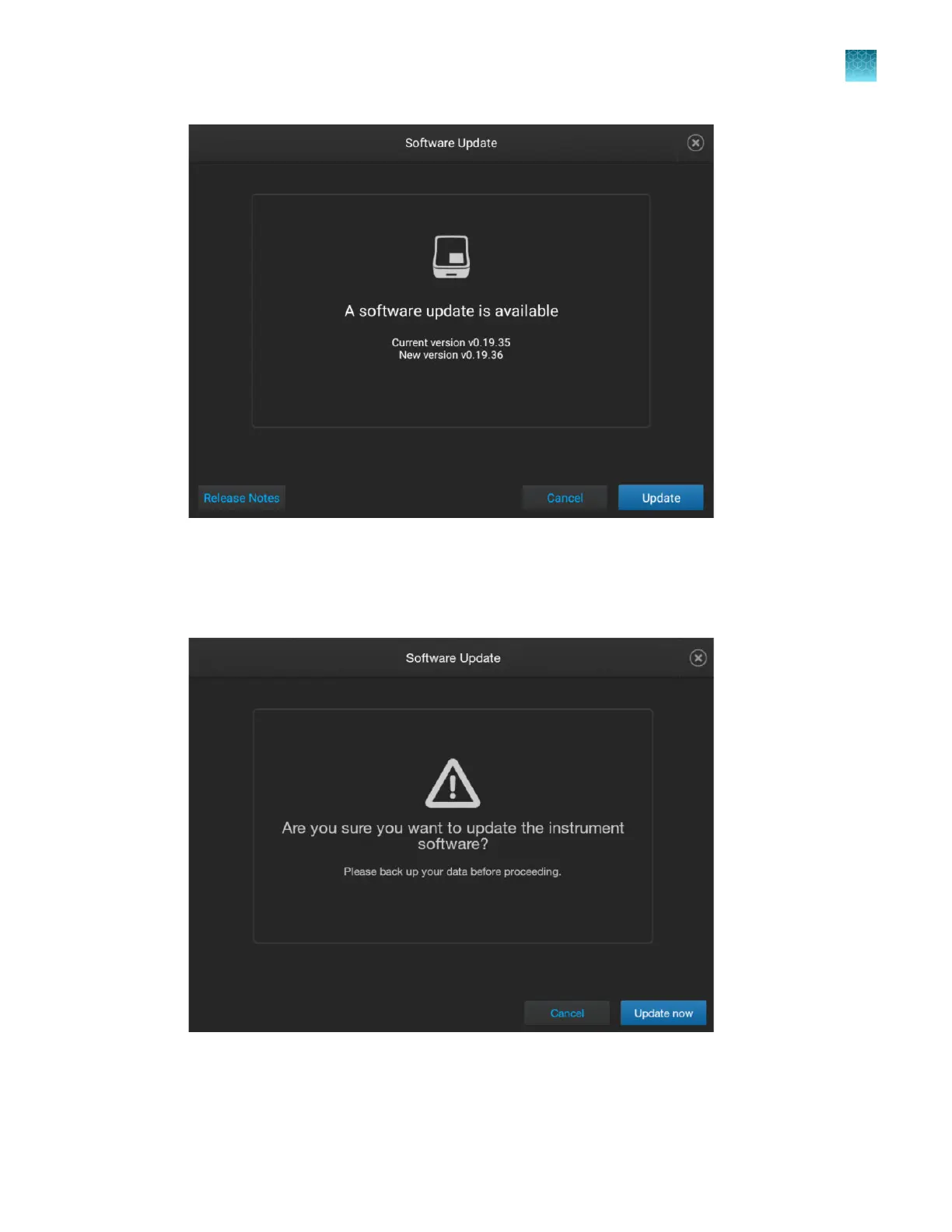
Tap Release Notes, then select a location for the export of the release notes.
Release notes list the changes included in the software update.
3.
In the Software Update screen, tap Update now.
Chapter 14 Manage the software (instrument)
Manage instrument settings
14
SeqStudio
™
Flex Series Genetic Analyzer with Instrument Software v1.0 User Guide
463













 To Next Page