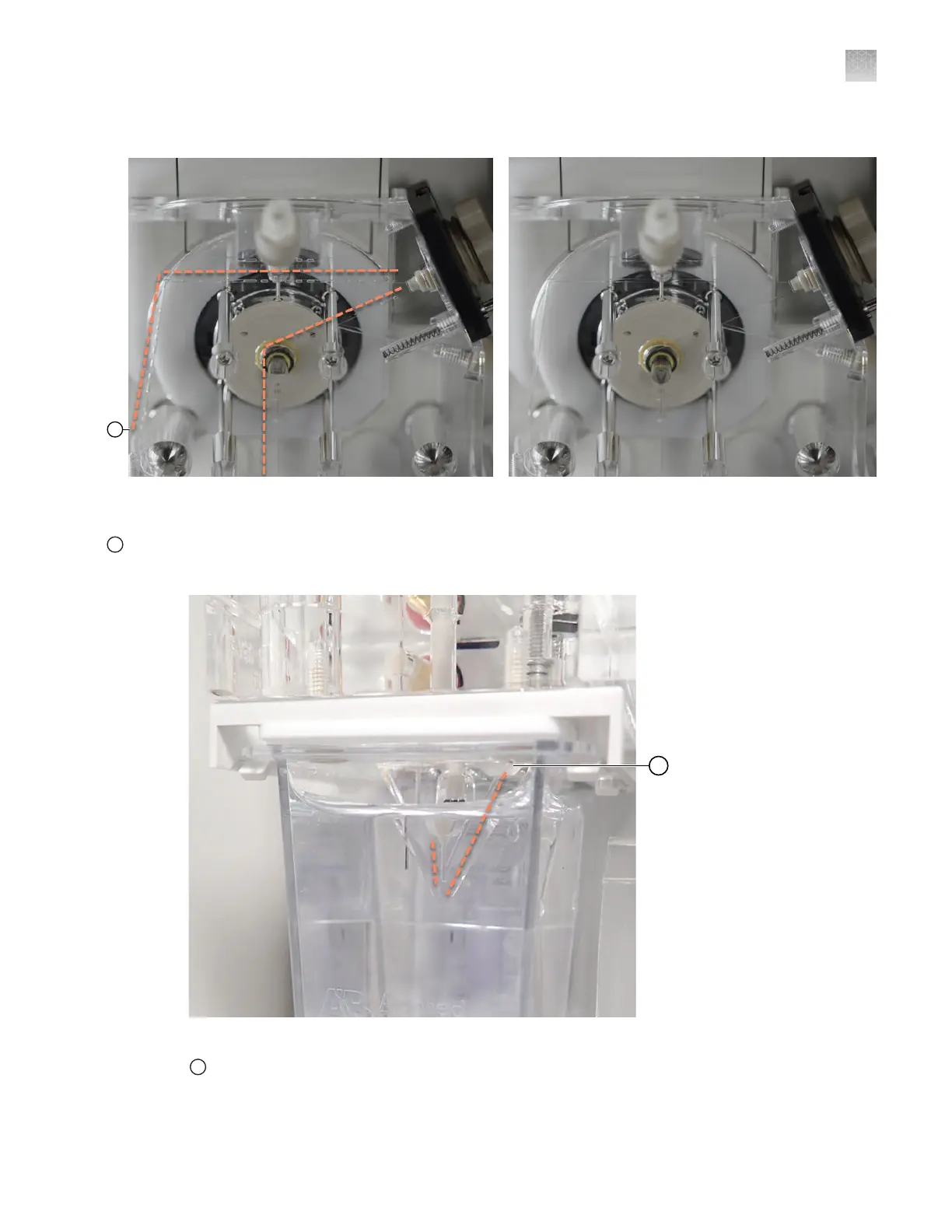
The orange dotted line in the first image below shows the fluidic pathway with bubbles.
Figure 89 Examine pump channels for bubbles (the left image includes bubbles, the right image does not
include bubbles)
1
To anode channels
Dotted lines are shown above and to the left of channels that can contain bubbles
Figure 90 Examine anode channels for bubbles
1
To pump channels
Dotted lines are shown to the left and right sides of the channels that can contain bubbles. No bubbles are shown in
the image.
Appendix A Troubleshooting
Inspect the instrument —Troubleshooting procedures
A
SeqStudio
™
Flex Series Genetic Analyzer with Instrument Software v1.0 User Guide
481













 To Next Page