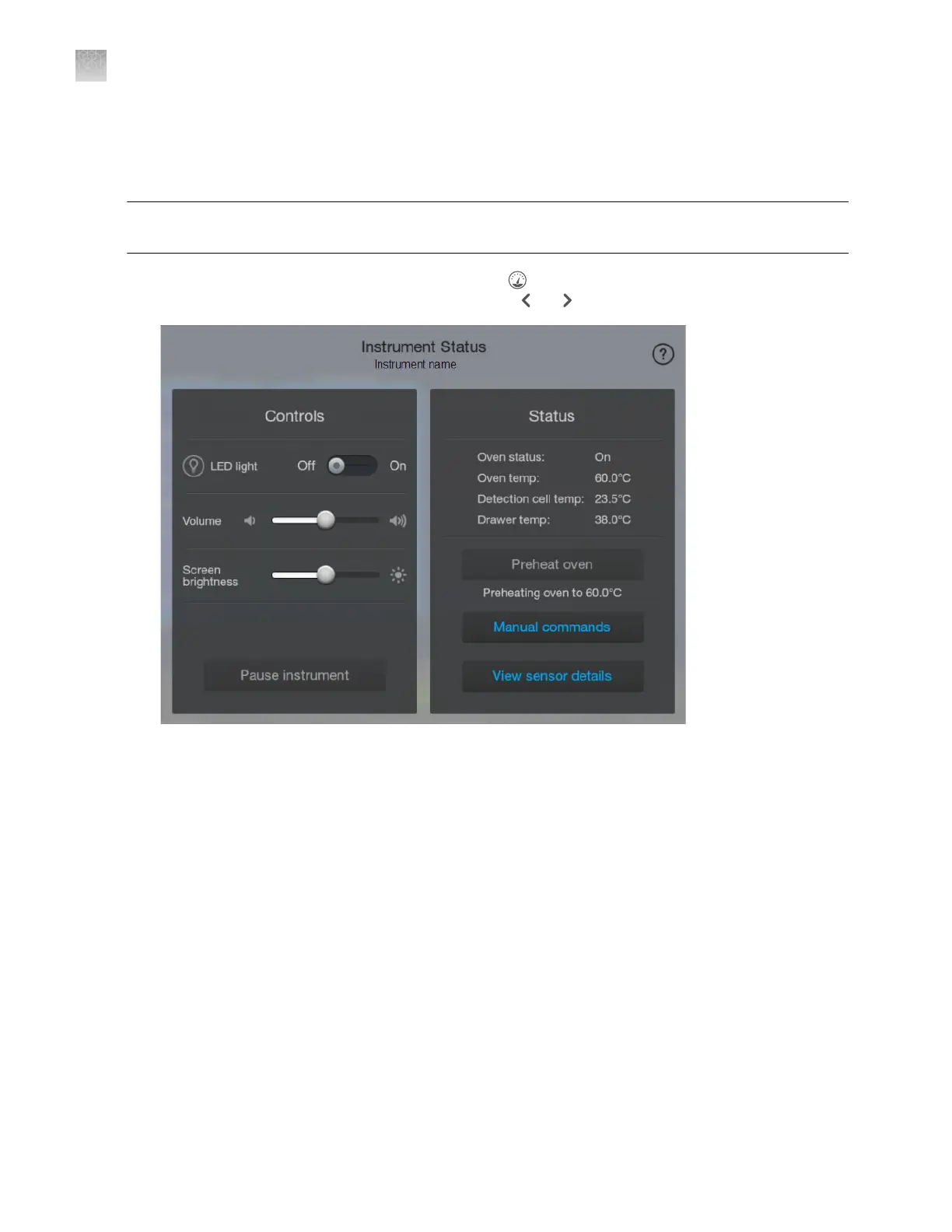
The Manual commands functions can be used for maintenance procedures and for troubleshooting.
Use these commands when instructed to do so in a maintenance procedure or by a service
representative.
IMPORTANT! Do not use manual commands when the instrument is running a plat
e or when an
initializing message is displayed.
1.
Display the Instrument S
tatus screen by tapping
(Dashboard) at the t
op right of the screen (if
the Instrument Status screen is not displayed, tap
or ).
Appendix A Troubleshooting
Additional troubleshooting procedures
A
484
SeqStudio
™
Flex Series Genetic Analyzer with Instrument Software v1.0 User Guide













 To Next Page