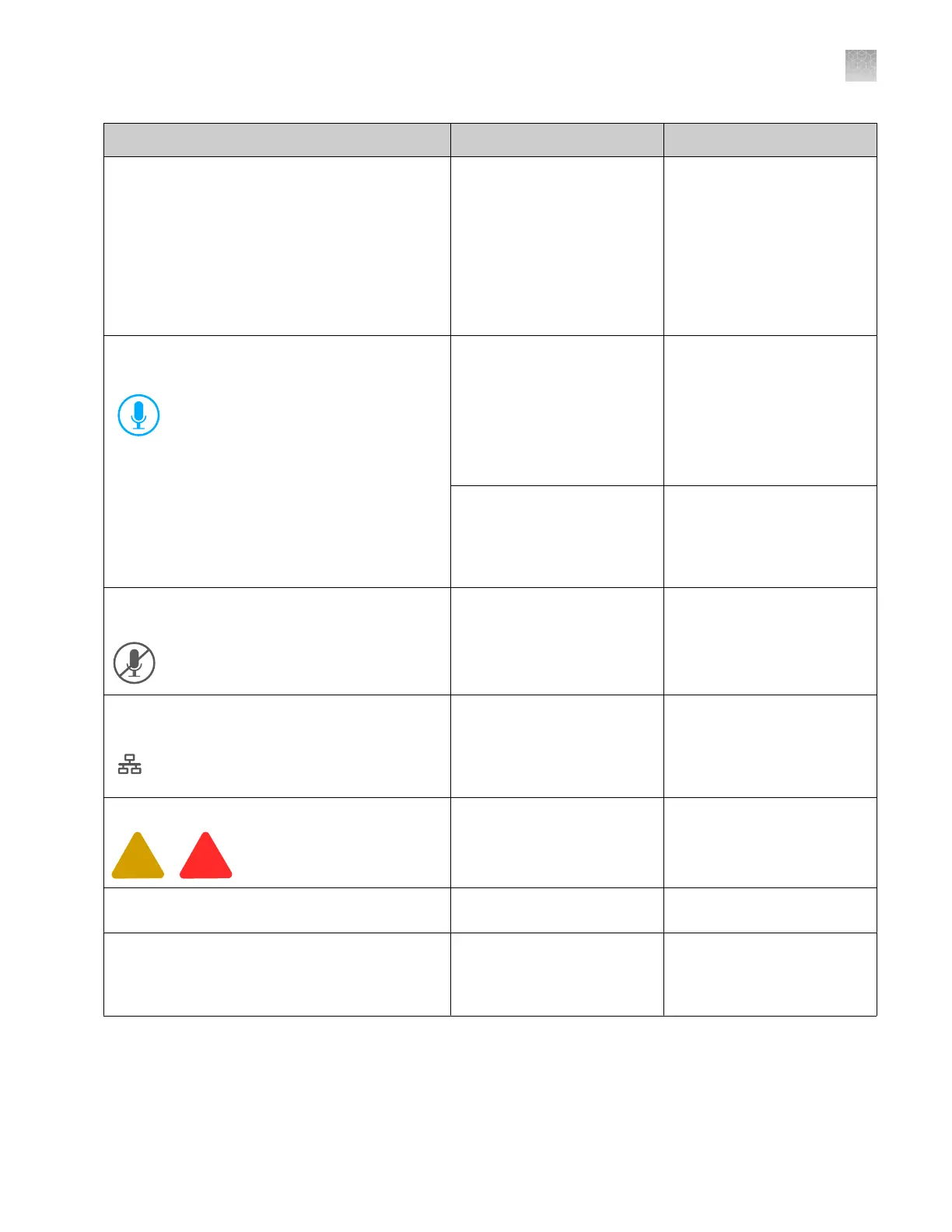
Observation Possible cause Recommended action
Buttons are inactive on the touchscreen
(continued)
If your system includes
the SAE module, you
do not have permission
to access the function.
For more information, see
Chapter 10, “Use the
instrument with the Security,
Auditing, and E‑signature
(SAE) v2.1 module”.
No action. Normal
occurrence.
The microphone icon is not displayed at the top
right of the touchscreen
You are not signed in with a
cloud profile.
Sign in with cloud profile to
use voice commands. See
“Sign in to the instrument
with a cloud profile” on
page 222.
See also “Use voice
commands” on page 231.
Thermo Fisher
™
Connect
access is not enabled on the
instrument.
Enable access. See “Enable
or disable Thermo Fisher
™
Connect access on the
instrument (administrator
only)” on page 228.
The microphone icon is disabled at the top right
of the touchscreen
Voice commands are not
registered for your cloud
profile.
See “Use voice commands”
on page 231.
The network drive icon is not displayed in the
home scr
een
The network connection has
not been configur
ed or has
been interrupted.
Configure the network
connection. See “Connect
the software to a network
drive (software settings)” on
page 443.
Plate alerts are displayed for a plate position
Various causes. See “Run troubleshooting” on
page 507.
In Demo mode, plat
e position is listed as
Available, but does not respond to tapping
The plate position is not
selected in settings.
See “Enable and set up
Demo mode” on page 457.
Unable to display the Properties tab for a linked
or running plate
Normal occurrence To view plate properties,
open the plate file in the
Plates file library. See “Plate
files library” on page 258.
Appendix A Troubleshooting
Home screen and general instrument software troubleshooting
A
SeqStudio
™
Flex Series Genetic Analyzer with Instrument Software v1.0 User Guide
497













 To Next Page