Observation Possible cause Recommended action
A project is not listed in the Cloud Analysis tab
(continued)
The plate is for a spectral
calibration or an install run.
Spectral calibration and
install run plates are not
saved in the Cloud Analysis
tab.
Loading data is displayed in the Analyzed tab
Data collection is in process. No action. Normal
occurrence.
No data available is displayed in the Analyzed
tab
The results were not saved to
Thermo Fisher
™
Connect.
In the plate file, set the Save
location to Connect.
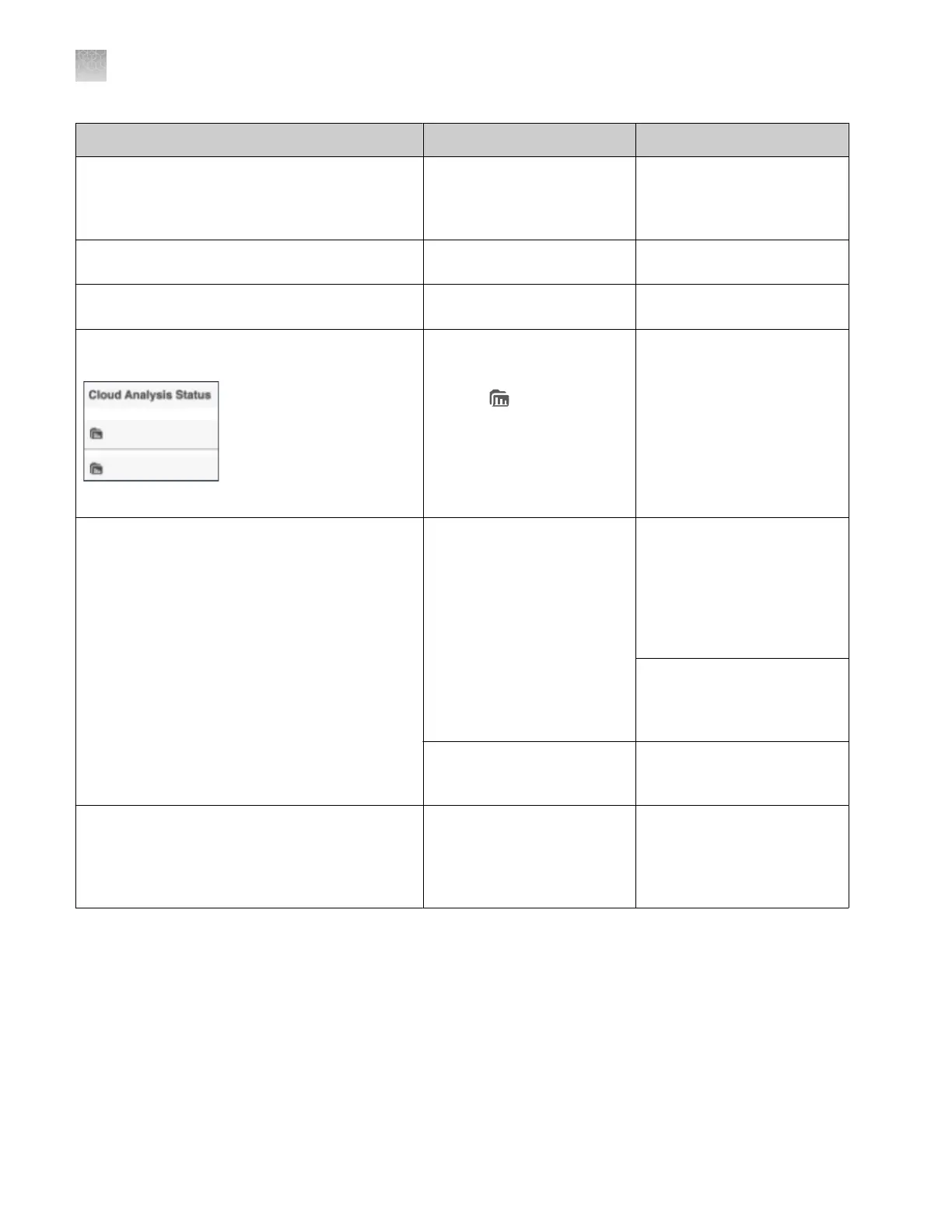
The Cloud Analysis Status field in Run History
tab does not update when analysis is complete
The Cloud Analysis Status
field indicates the status
of the plate file. The field
displays (data folder) if
cloud analysis is enabled in
the plate file.
The Cloud Analysis Status
field does not reflect the
status of the cloud analysis.
No action. Normal
occurrence.
The Export results report option on the Actions
menu is inactive
The results were not saved to
Thermo Fisher
™
Connect.
Review the results on the
instrument or in a secondary
analysis software application.
Results cannot be uploaded
to the Remote Monitoring
software Run History tab
after a plate is run.
When you link a plate file
for future runs, set the Save
location for to Connect
Platform.
The results files are not yet
uploaded to Thermo Fisher
™
Connect.
Wait until analysis has
completed.
Re-injection request or cancel request was not
sent to instrument
A dierent user is signed in to
the instrument.
Sign in to Thermo Fisher
™
Connect and the instrument
with the same cloud profile
that was used to start the
run.
Appendix A Troubleshooting
Remote Monitoring software troubleshooting
A
506
SeqStudio
™
Flex Series Genetic Analyzer with Instrument Software v1.0 User Guide













 To Next Page