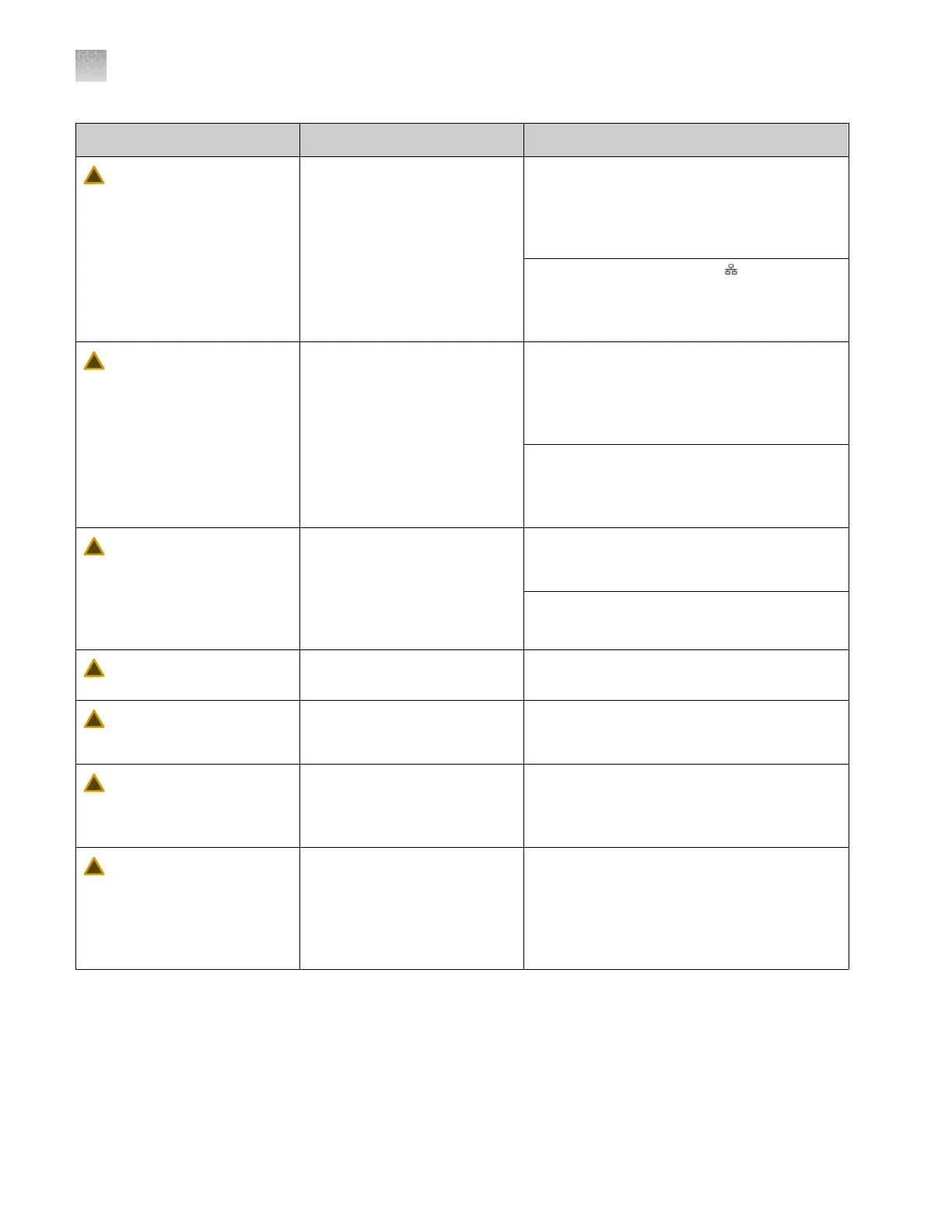
Observation Possible cause Recommended action
Network drive save
location is not available
The results could not be saved
to the network drive location
because the connection has
been interrupted, or the
destination folder has been
deleted or renamed.
Results are always saved to the instrument.
If needed, export the run history to the drive
save location. See “Export results from the
instrument—Results and data files, logs, and
reports” on page 171.
Check that the network icon is displayed in
the home screen. If the icon is not displayed,
the network connection is interrupted. Contact
your instrument administrator.
Network drive save
location is not writable
The results could not be saved
to the network drive location
because the location is not a
shared folder or the shared
folder was modified after you
started the run.
Results are always saved to the instrument.
If needed, export the run history to the drive
save location. See “Export results from the
instrument—Results and data files, logs, and
reports” on page 171.
For future runs, ensure that the network drive
location specifies a valid location and that the
location is shared. See “Create folders and
enable network folder sharing” on page 444.
Failed to save result to
network drive
Results for at least one sample
were not saved to the network
drive location that is specified
in the plate file. The network
connection was interrupted
before all results were saved.
Check run history to determine which results
were not saved. See “View results for a
completed run (Run history)” on page 170.
Check network connection.
Injection was canceled by
UserX
Another user cancelled a run
that you star
ted.
No action. For information only.
Injection was re-injected
by UserX
Another user re-injected an
injection in a run that you
started.
No action. For information only.
Injection or
der was
changed by UserX
Another user changed the
injection order in the Run
Queue screen for a run that
you started.
No action. For information only.
Not enough polymer t
o
complete all injections in
plate
The volume of polymer in the
pouch is not sucient for all
injections that are specified for
the plate. The run pauses.
Run the Replenish polymer maintenance
wizard to install new polymer. Tap Resume
run in the home screen or the Run Queue
screen to restart the run. For more information,
see “Replenish polymer or change polymer
type (wizard)” on page 370.
Appendix A Troubleshooting
Run troubleshooting
A
508
SeqStudio
™
Flex Series Genetic Analyzer with Instrument Software v1.0 User Guide













 To Next Page