Import a plate file
1.
In the home screen, tap Actions4Library4Plate files.
2.
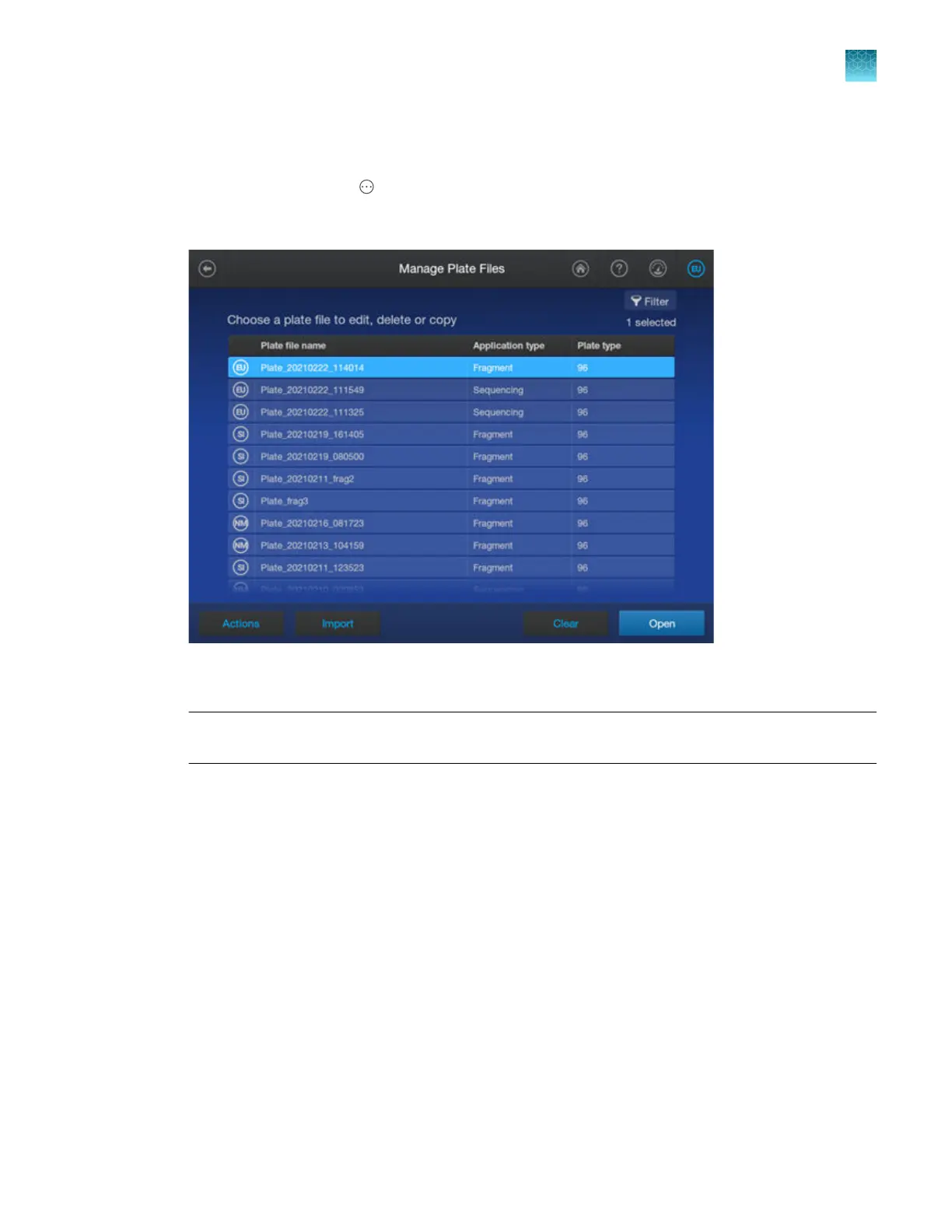
In the Manage Plate Files screen, tap Import.
3.
Navigat
e to the location where the plate file has been saved (network drive, or USB drive), then
select the plate file.
IMPORTANT! Perform a virus scan on a USB drive before inserting it into a port on the
instrument.
4.
When the plat
e file is imported into the library, select it, then tap Open.
5.
Proceed to “Enter plate properties” on page 88.
Chapter 4 Cr
eate a plate file on the instrument
Create, copy, or import a plate file
4
SeqStudio
™
Flex Series Genetic Analyzer with Instrument Software v1.0 User Guide
87













 To Next Page