(continued)
Screen element Description
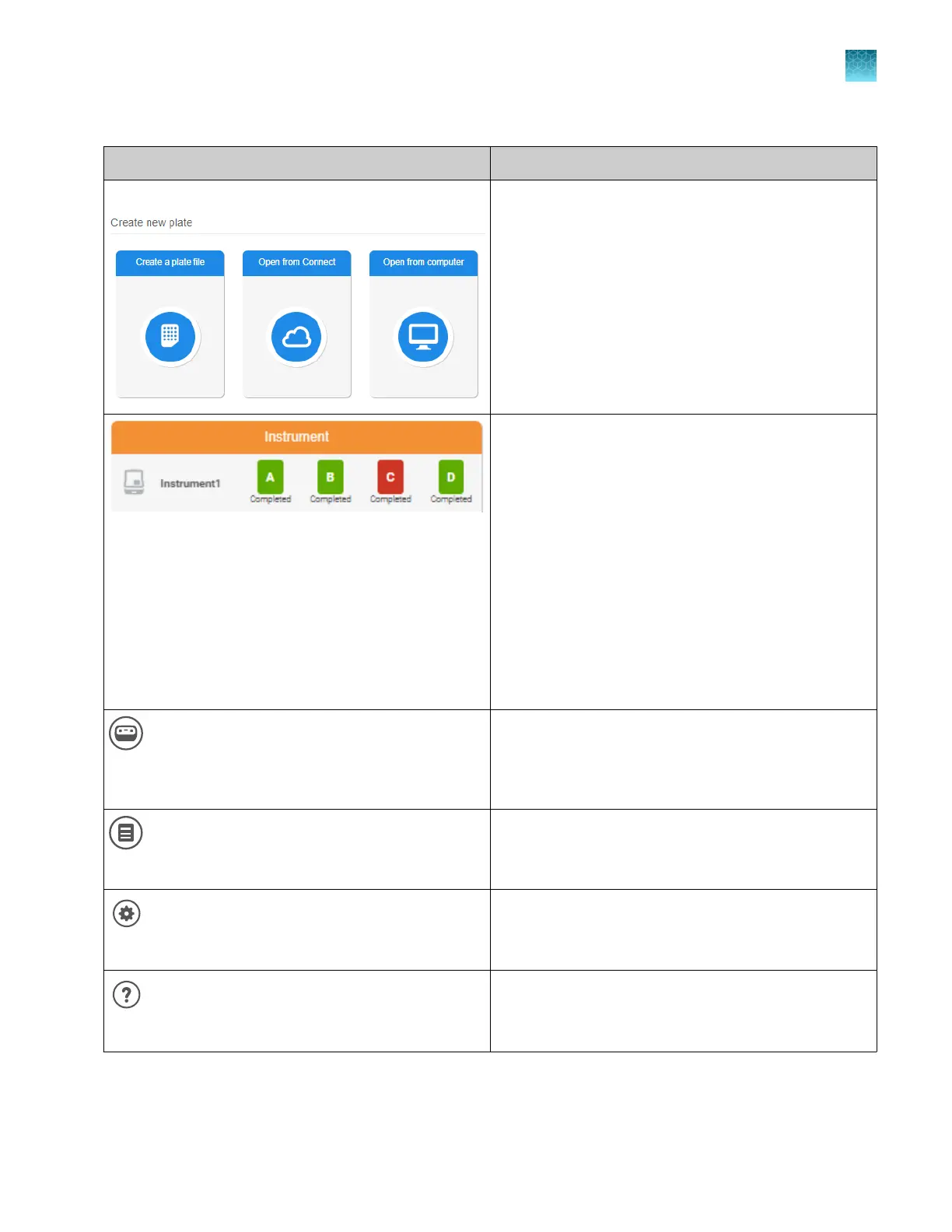
Create or open a plate file Allows you to do the following:
•
Create a new plate file.
•
Open a plate file (PSM file) that you created in the
Plate Manager software or on the instrument.
•
Open a plate file (CSV file) that you downloaded
from the Plate Manager software or created in a
spreadsheet or text editor application.
Lists the instruments that are linked to your
Thermofisher.com account or your local profile.
SeqStudio
™
Flex Series Genetic Analyzer and
SeqStudio
™
Genetic Analyzer instrument types can be
listed.
For more information, see:
•
“Connect Plate Manager software (cloud) to an
instrument” on page 114
•
“Plate position status and plate run status” on
page 39
You can click an instrument to display the SeqStudio
™
Flex Remote Monitoring main screen. For more
information, see Chapter 6, “Start and monitor a run”.
(Switch instrument)
Change instrument type between SeqStudio
™
Flex and
SeqStudio
™
.
The type of plate file you set up is determined by the
instrument type that is selected.
(Release not
es)
Displays release notes for the software.
(Settings)
Displays the selections for the default Save location for
plat
e files and accessing libraries.
Help
Opens the software help system.
Chapter 5 Create a plate file in the Plate Manager software
Get started with the Plate Manager software (cloud)
5
SeqStudio
™
Flex Series Genetic Analyzer with Instrument Software v1.0 User Guide
113













 To Next Page