•
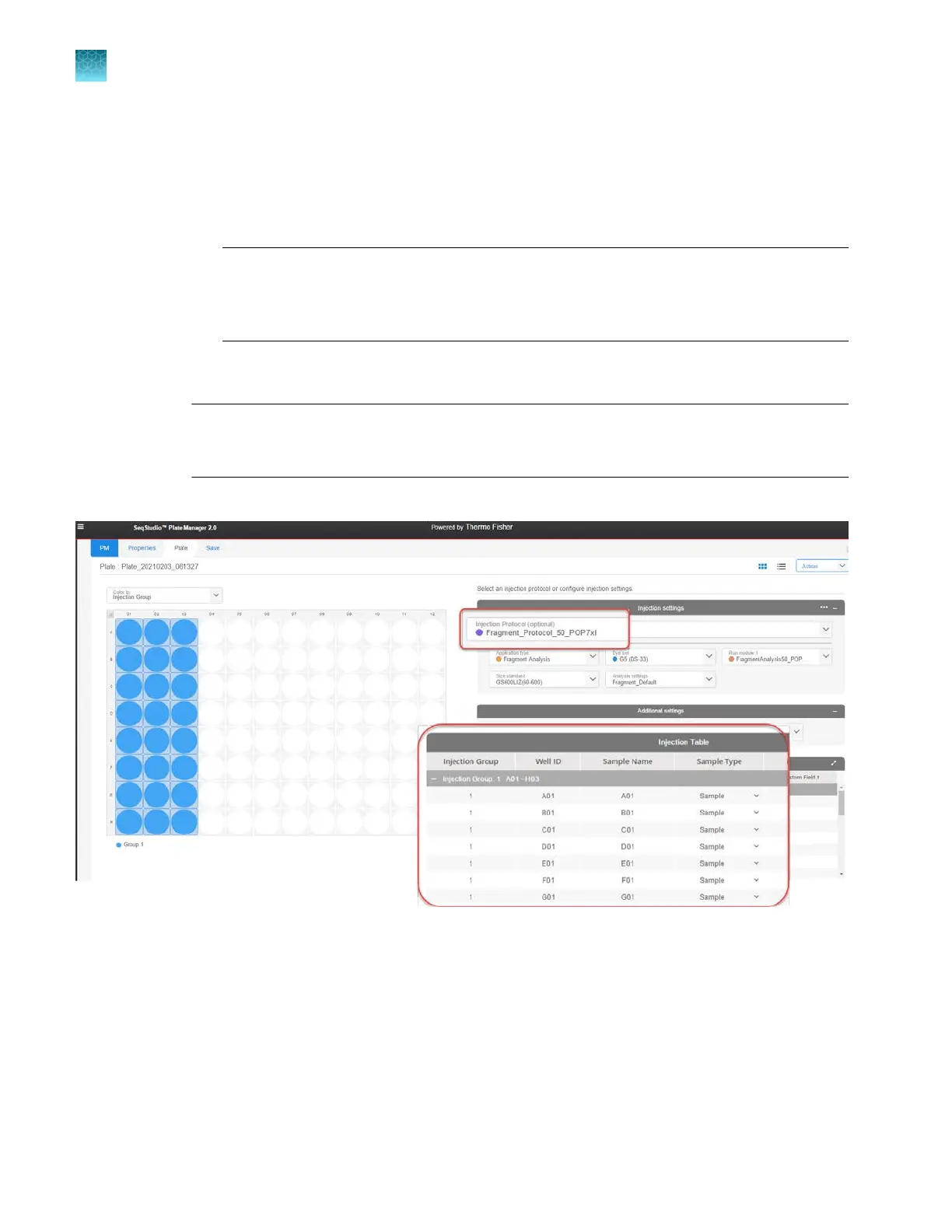
Select individual elements in the following fields. Selecting an individual element overrides an
injection protocol selection and clears the Injection protocol field.
–
Application type if you are creating a mixed sequencing and fragment analysis plate
–
Dye set
–
Run module
Note: Run module 1 is used for the first injection you specify. To specify replicate
injections, see “Specify replicate injections (Add run module function)” on page 128.
For more information, see “Run modules, read lengths, size ranges, and run times” on
page 526.
–
Analysis settings
–
Size standard (fragment analysis only)
Note: If you use the BigDye
™
Direct Cycle Sequencing Kit , select Z_BigDye Direct for the
dye set. For more information, see “Using BigDye
™
Direct Cycle Sequencing Kit chemistry” on
page 312.
The Injection Table is displayed for the selected injection.
Chapter 5 Create a plate file in the Plate Manager software
Set up a plate file
5
118
SeqStudio
™
Flex Series Genetic Analyzer with Instrument Software v1.0 User Guide













 To Next Page