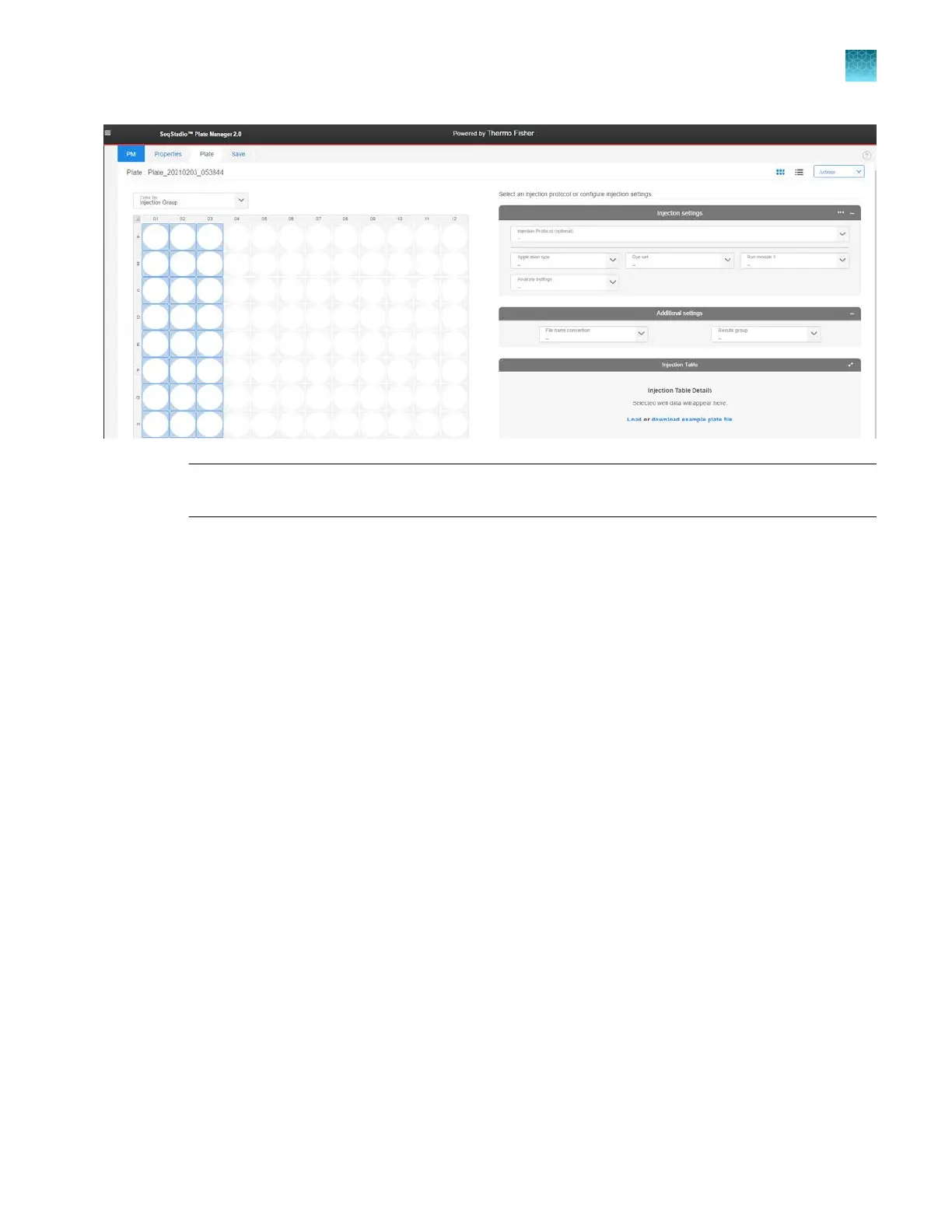
Note: All settings in the r
emaining steps will be assigned to all selected injection groups. If
dierent injection groups require dierent settings, repeat these steps for each injection group.
2.
Specify the settings for the run using either of the following options.
F
or information on creating your own protocols and settings, see “Manage libraries” on page 132.
•
In the Injection protocol field, select a protocol.
An injection protocol contains the individual elements listed below. When you select an
injection protocol, these elements specified in the injection protocol are automatically
selected.
Chapter 5 Cr
eate a plate file in the Plate Manager software
Set up a plate file
5
SeqStudio
™
Flex Series Genetic Analyzer with Instrument Software v1.0 User Guide
117













 To Next Page