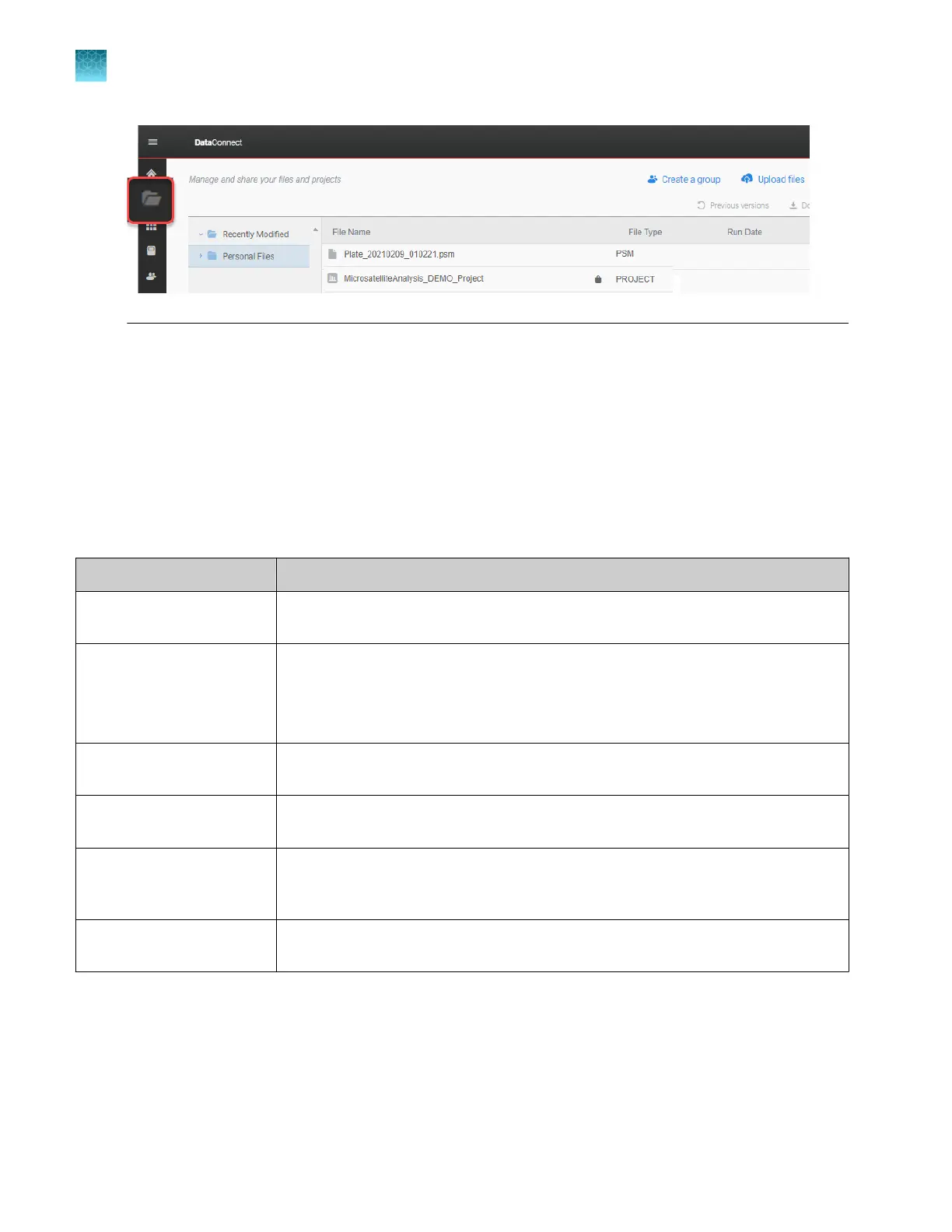
Manage libraries
Over
view of libraries
The following libraries are available in the software.
These libraries are also available on the instrument. For information on how the instrument imports
library entries from plate files that are created in the Plate Manager software, see “PSM and CSV plate
files for import into the instrument” on page 86.
For information on the settings in library items, see Chapter 11, “Manage library resources on the
instrument”.
Library Description
Plate files Not present in the Plate Manager software. See “Manage plate files in the Plat
e
Manager software” on page 131.
Injection protocols An injection protocol contains a run module, dye set, size standard (fragment
analysis only), and analysis settings.
An injection protocol is an optional item in a plate file. You can alternatively select the
individual items that are contained in an injection protocol.
Run modules A run module contains the parameters that control the instrument during data
collection.
Dye sets A dye set defines the number, dye color, and migration order of the dye peaks in the
sample.
Size standards (fragment
analysis only)
A size standard defines the sizes of known fragments. It is used to generate a
standard curve. The standard curve is used to determine the sizing of unknown
samples.
Analysis settings Analysis settings define basecalling (sequencing) and sizing (fragment analysis)
parameters.
Chapter 5 Create a plate file in the Plate Manager software
Additional functions in the Plate Manager software
5
132
SeqStudio
™
Flex Series Genetic Analyzer with Instrument Software v1.0 User Guide













 To Next Page