(continued)
Library Description
File name conventions A file name convention specifies the naming convention for sample data files.
If you do not specify a file name convention for a plate, the following default file
name conventions are used:
•
Sequencing—Well_Sample_TimeStamp
•
Fragment analysis—Well_Sample_SampleType_TimeStamp
Results groups A results group defines the folder name where sample data files are stored.
If you do not specify a results group, the default results group is used: StartRuntime.
Manage libraries
For information on the settings in library items, see Chapter 11, “Manage library resources on the
instrument”.
Note: Library items cannot be locked in the Plate Manager software. To lock a plate file, open the plate
file in the Plate files library, then edit it and lock it.
Note: This procedure describes accessing libraries through the settings screen. You can also access
libraries from the Plate tab by selecting items from the Actions menu at the top right of the screen.
1.
Click to display the home screen of the Plate Manager software.
2.
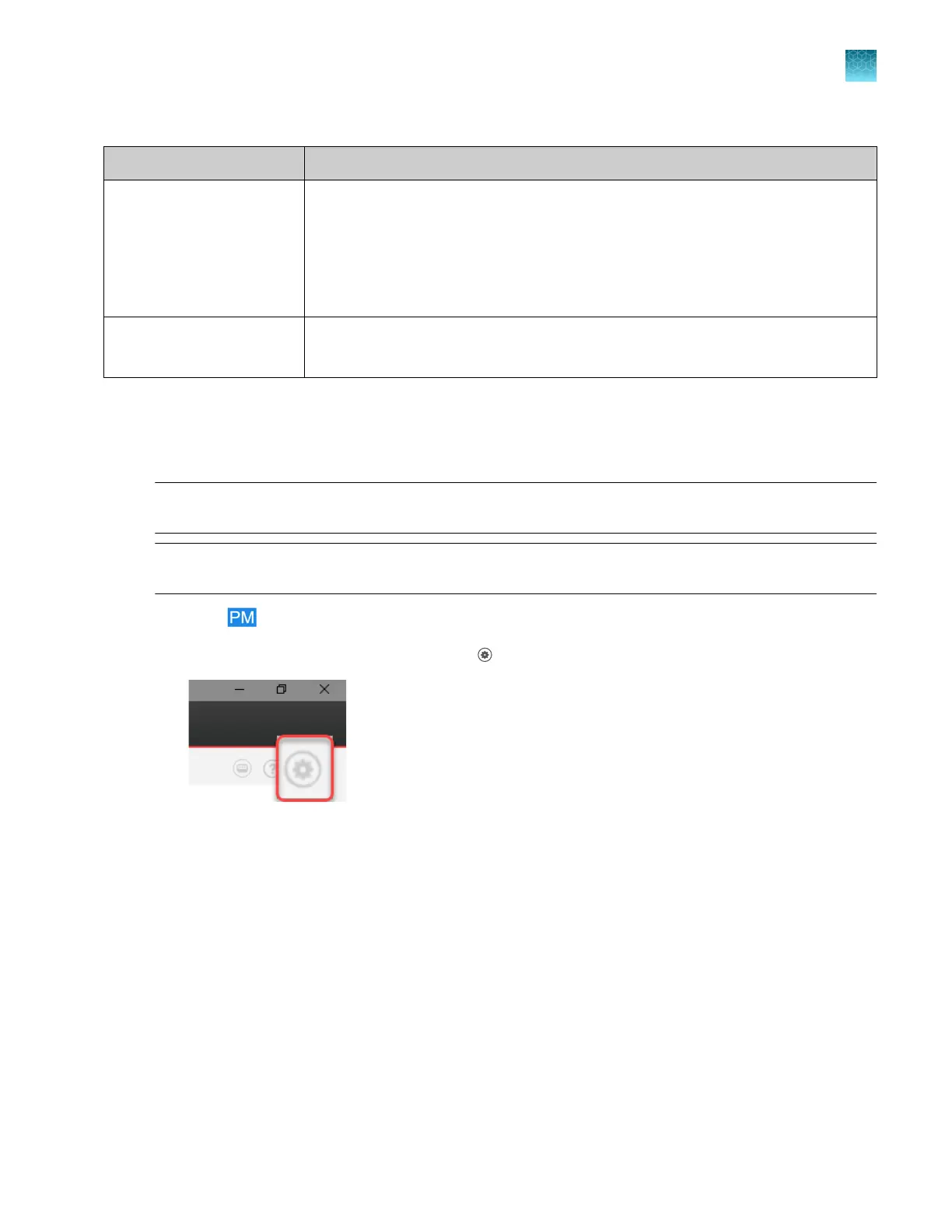
At the top right of the home screen, click (Settings).
Chapter 5 Create a plate file in the Plate Manager software
Additional functions in the Plate Manager software
5
SeqStudio
™
Flex Series Genetic Analyzer with Instrument Software v1.0 User Guide
133













 To Next Page