2.
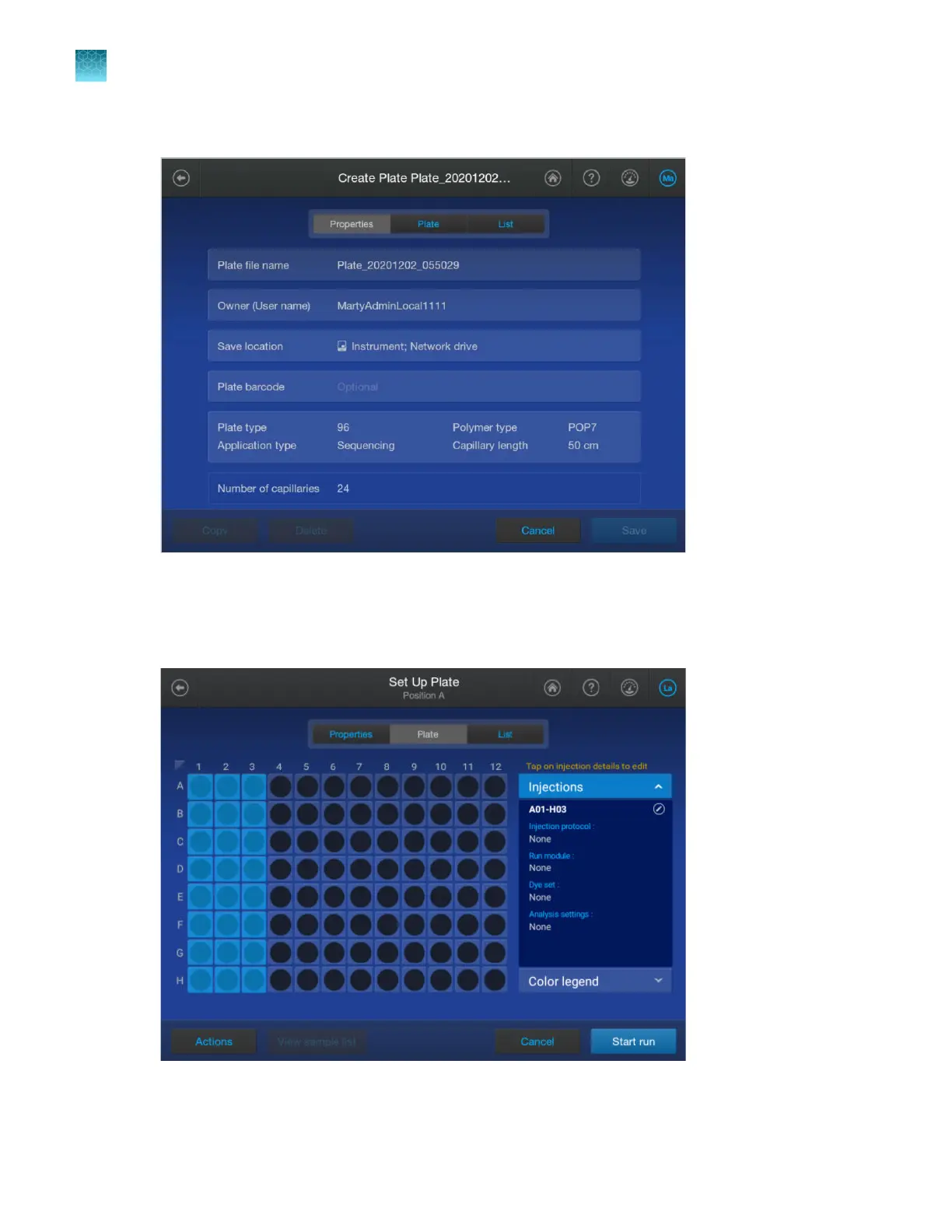
Tap Actions4Create new.
3.
T
ap any section on the screen, then change settings as needed. For a description of settings, see
“Plate file Properties tab” on page 265 and the remaining plate file screens on the following pages.
4.
Tap the Plate tab at the top of the screen.
Chapter 11 Manage library resources on the instrument
Plate files library
11
260
SeqStudio
™
Flex Series Genetic Analyzer with Instrument Software v1.0 User Guide













 To Next Page