Description Setting
Peak amplitudes Specify the threshold (RFU) for peak detection for each dye color. Peaks below the
threshold are not detected. Defaults are 175 RFU for all dyes.
For example, if you use the default value of 175, peaks with heights ≥175 are
detected. Peaks with heights <175 are still displayed in the electropherogram plots
but are not detected or labeled.
Note: Use the same peak amplitude thresholds in secondary analysis software.
Description Setting
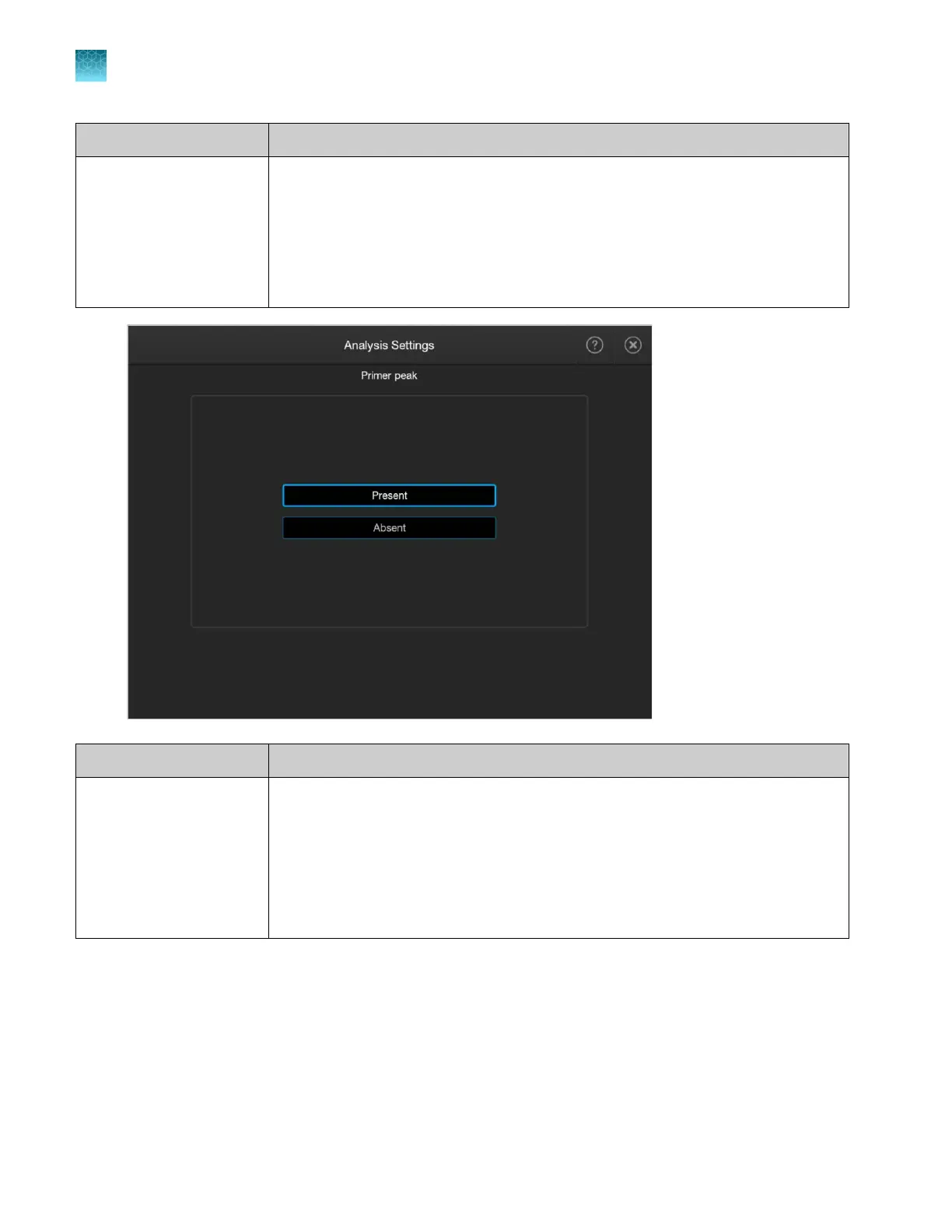
Primer peak Select P
resent (default) if the primer peaks in your application obscure peaks of
interest. This selection instructs the algorithm to ignore primer peaks. Primer peaks
are still displayed in the electropherogram plots.
Note: If this setting does not allow detection of the 20- and 40-mer peaks for
samples that use the GeneScan
™
600 LIZ
™
Size Standard v2.0, analyzing samples
with the GS600(60‑600)LIZ+Normalization size standard definition may allow detection
of the peaks.
Chapter 11 Manage library resources on the instrument
Analysis settings library
11
298
SeqStudio
™
Flex Series Genetic Analyzer with Instrument Software v1.0 User Guide













 To Next Page