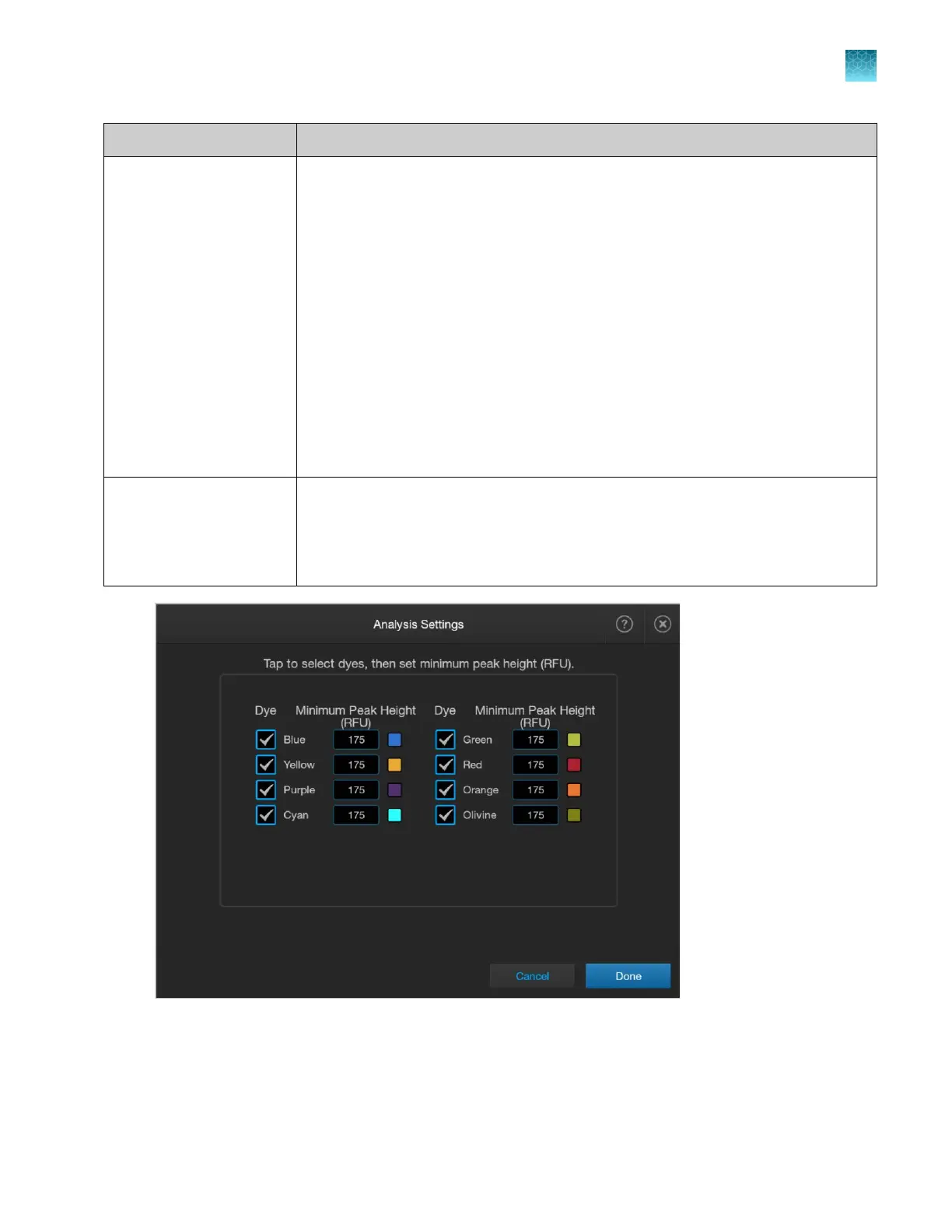
Description Setting
Analysis range The range (in data points) to analyze:
•
Full (default)—Analyze the entire scan region as collected by the genetic analysis
instrument, including the primer peak.
•
Partial—Analyze only data points within a specified range. Enter Starting from
point in data points after the primer peak and before the first required size
standard peak. Enter an end point after the last required size standard fragment.
Start and stop points may vary from instrument to instrument and platform to
platform. Display raw data to determine the appropriate analysis range.
Data points outside the specified analysis range are ignored.
Note: Ensure that the analysis range contains both of the following:
·
All size standard fragments that are included in the sizing range (described in the
next row in this table).
·
All observed size standard peaks that are identified in the Size Standard definition
specified for data collection.
Sizing range The size range (in base pairs) appropriate for the kit you are using:
•
F
ull—Analyze fragments of all sizes in the analysis range.
•
Partial —Analyze only fragments within a specified range. Enter a Starting from
size and an end size appropriate for the size standard used.
Chapter 11 Manage library resources on the instrument
Analysis settings library
11
SeqStudio
™
Flex Series Genetic Analyzer with Instrument Software v1.0 User Guide
297













 To Next Page