2.
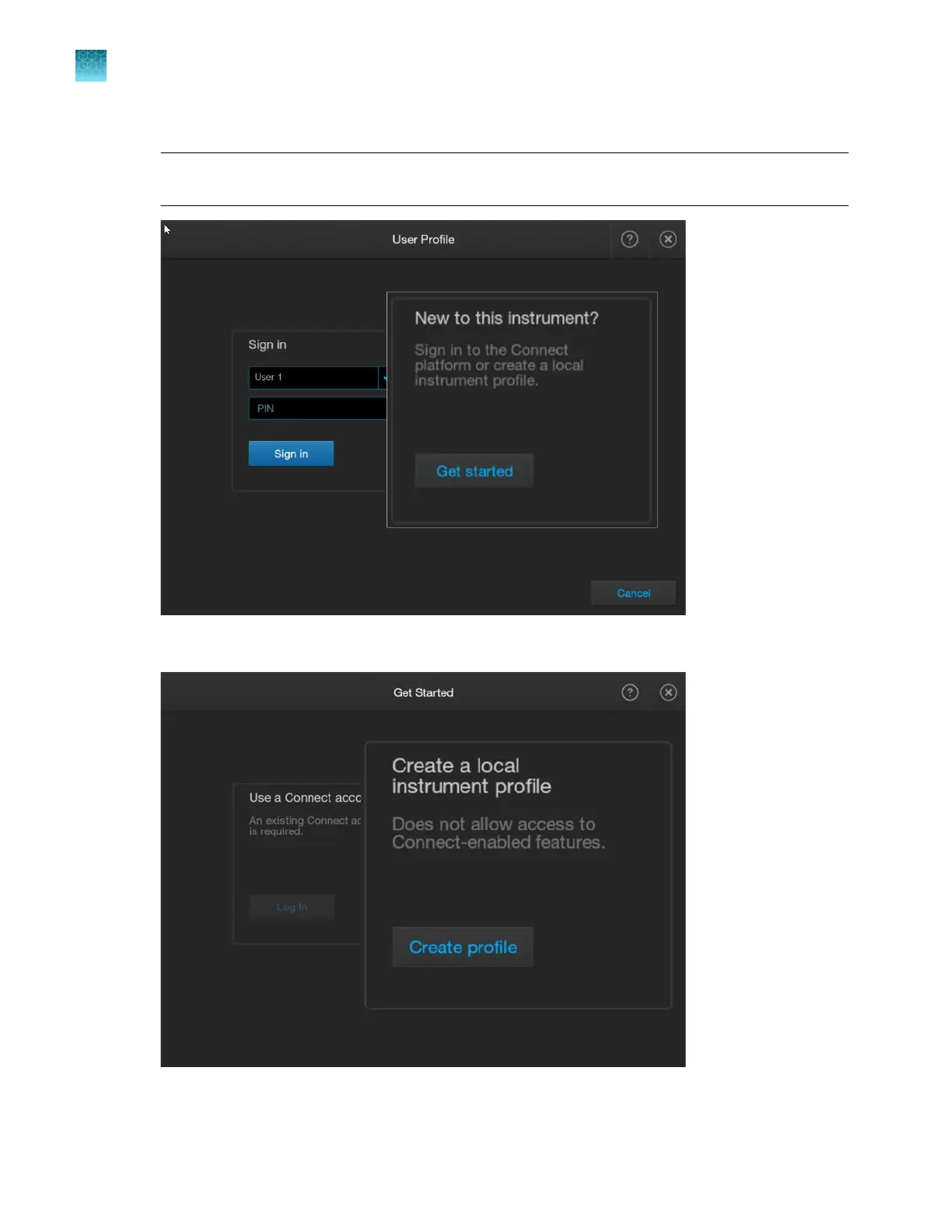
In the User Profile screen, tap Get Started.
Note: If SAE Sign in is displayed instead of Sign in, see “Sign in to the instrument with SAE
enabled” on page 244.
3.
T
ap Create profile.
Chapter 1 Product information
About the SeqStudio
™
Flex Series Instrument Software v1.0
1
30
SeqStudio
™
Flex Series Genetic Analyzer with Instrument Software v1.0 User Guide













 To Next Page