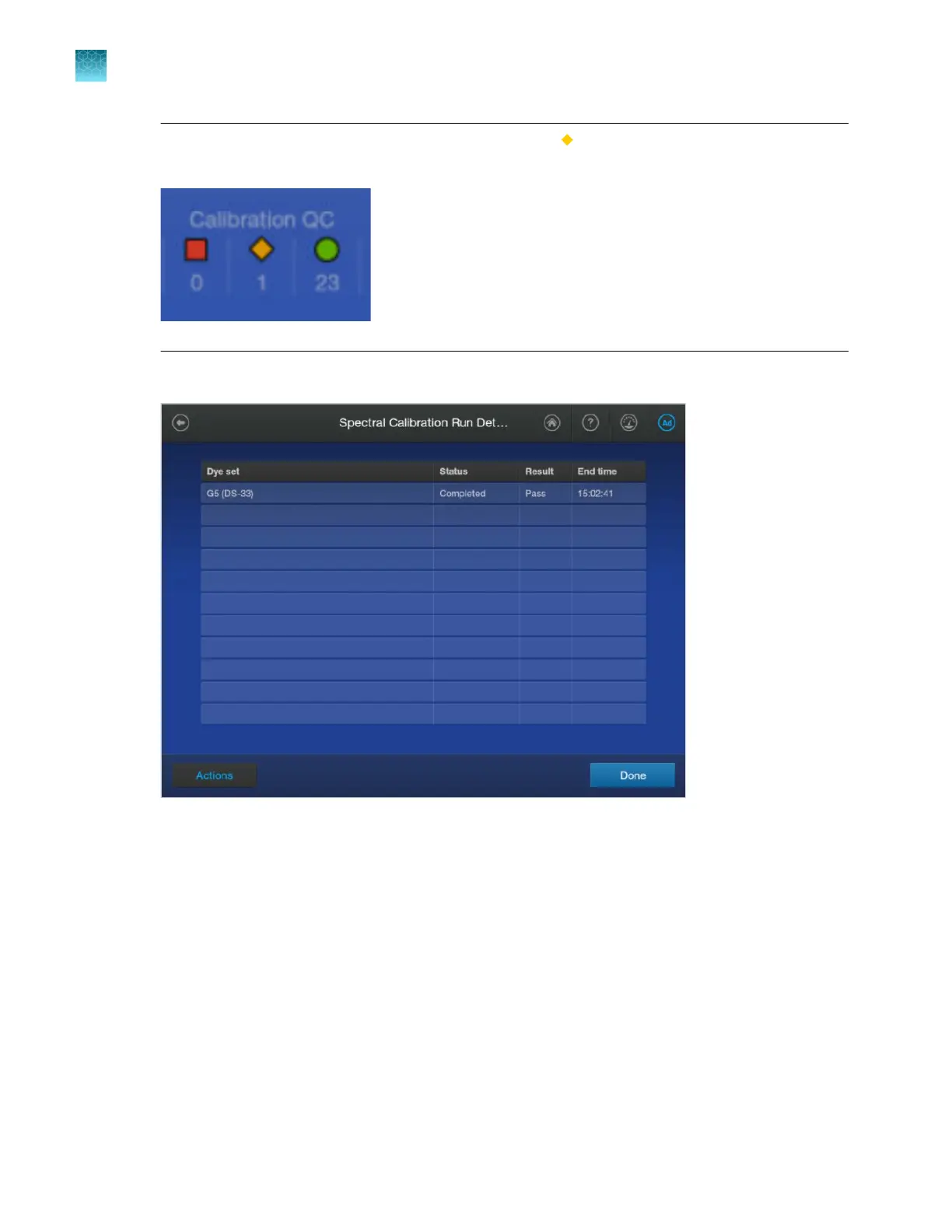
Note: If data for a capillary is borrowed, it is listed in the (caution) category.
Example of Calibration QC with a borrowed capillary:
2.
In the Run Details scr
een, tap the spectral calibration of interest.
The Spectr
al Calibration electropherogram screen is displayed.
The thumbnail pane is at the far left of the screen. Press-drag the pane to the right until the
calibration spectra are displayed.
Chapter 12 Run calibr
ations and install checks
Run a spectral calibration
12
318
SeqStudio
™
Flex Series Genetic Analyzer with Instrument Software v1.0 User Guide













 To Next Page